
How to Charge Your Laptop Battery in India Without Killing Its Lifespan
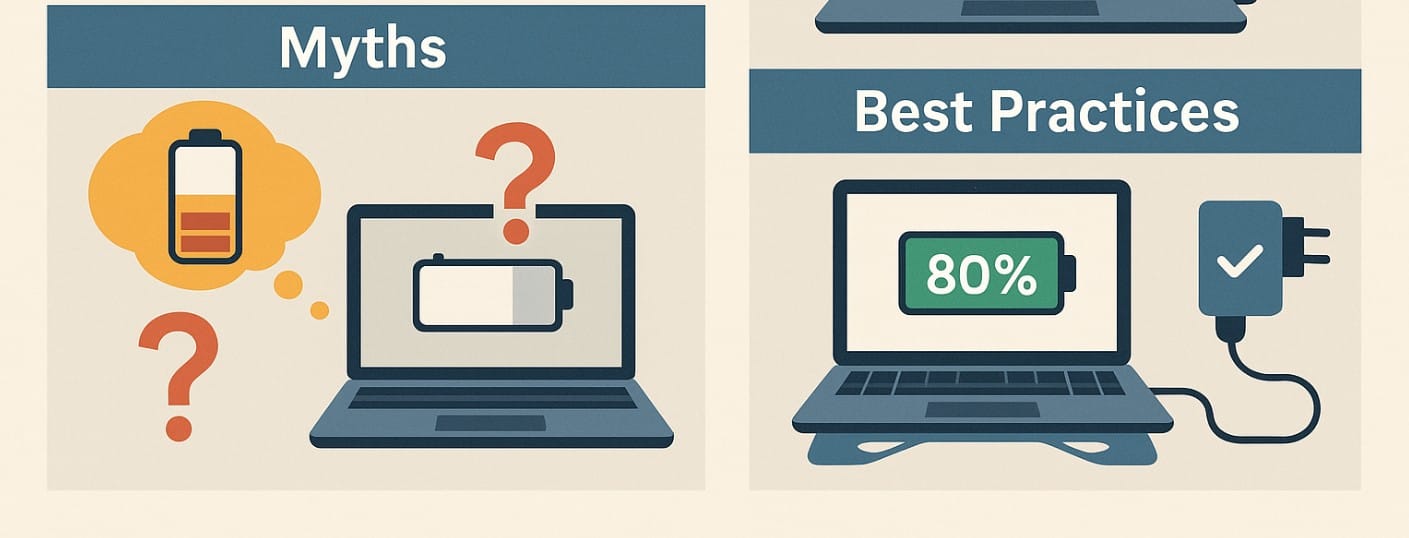
Charging your laptop already generates internal heat but in Indian homes where room temperatures often cross 35°C and cooling is poor, this heat buildup becomes worse. Add power cuts, unstable voltage, or budget inverters, and your laptop battery starts to wear out much faster.
Also, In offices, study rooms, and home setups, it’s common to keep the laptop connected to AC power at all times. But without enabling a charge cap, this leads to constant high-voltage trickle charging, which puts long-term stress on your battery.
1. Common Laptop Battery Charging Mistakes
Leaving the Laptop Plugged In Overnight or for Days at a Time
Most laptops don’t “overcharge” in the traditional sense, but staying plugged in at 100% all the time causes voltage pressure and heating. Over weeks and months, this weakens the battery’s ability to hold charge. Unless your laptop has a charging cap set, this habit shortens battery lifespan significantly.
Draining the Battery to 0% Before Recharging
This used to be recommended in the past but not anymore. Modern lithium-ion batteries suffer when discharged below 5%. Doing this often can trigger premature capacity loss or system-level battery shutdowns.
Using Incompatible or Low-Quality Chargers, Especially in Local Markets
In India, many users buy replacement chargers from grey markets or local shops. These are often missing voltage regulation, certified chips, or thermal protection. Long-term use damages both the battery and the charging port.
2. Charging Myths About Laptop Batteries
“You Must Always Charge to 100% and Fully Discharge Every Time”
This is outdated advice. Lithium-ion batteries prefer partial charging keeping them between 30% and 80% gives the best results. Full discharges cause unnecessary wear, and full charges should be avoided unless absolutely needed.
“Battery Calibration Should Be Done Monthly”
Modern operating systems don’t need frequent calibration. Most laptops track battery stats internally. Only run a full discharge-recharge cycle if your percentage readings become highly inaccurate once every 3-4 months at most.
“Unplugging at 100% is Enough to Avoid Damage”
Just unplugging doesn’t address the core issue heat and voltage. Smart battery health tools that cap charging to 80% are much more effective in controlling long-term wear.
3. Best Laptop Battery Charging Practices
Enable Charging Limit to 80% if You Use the Laptop Plugged In Regularly
Most major brands support this:
- Lenovo: Lenovo Vantage
- Dell: Dell Power Manager
- ASUS: Battery Health Charging
- HP: HP Support Assistant
Setting a charge cap of 80% prevents battery stress and heat buildup ideal for Indian users who keep laptops plugged in for long hours.
Avoid Charging Your Laptop on Soft Surfaces Like Beds or Cushions
Soft materials trap heat under your laptop, increasing battery and internal temperatures. Always place your laptop on a hard, flat surface, or better use a stand or cooling pad to allow airflow during charging.
Use Only Original or Brand-Certified Chargers Especially for USB-C Laptops
USB-C charging may seem universal, but power delivery (PD) wattage and voltage can vary. Using an underpowered or uncertified charger can slow charging, cause port heating, or permanently damage charging circuits. Buy only from brand-certified stores or well-rated online platforms.
4. Charging Tips for Power Cuts, Inverter Use, and Portable Backup in India
Use a Pure Sine Wave Inverter to Avoid Battery or Charging Port Damage
If you charge your laptop on backup power, make sure the inverter produces a pure sine wave. Cheap inverters or square wave types cause unstable voltage which can damage charging circuits or trip internal battery protection.
During Power Cuts, Avoid Rapid Plug-Unplug Cycles
If power is cutting in and out repeatedly, avoid leaving the laptop connected. Rapid voltage changes confuse the battery’s charging logic. Let the battery discharge slowly or shut the device down if backup is unstable.
Avoid Charging from Low-Quality Power Banks or Weak USB Ports
For laptops with USB-C charging, use only high-output (45W-65W) PD-certified power banks. Many power banks sold in Indian markets do not deliver consistent voltage. Always confirm compatibility before relying on one.
5. How to Know If Your Charging Habits Are Hurting Laptop Battery Health
Battery Report Shows High Cycle Count but Low Full Charge Capacity
If your cycle count is reasonable (under 300) but the battery health is already below 70%, it’s a strong indicator that charging habits not usage are causing premature wear.
Laptop Heats Up Frequently While Plugged In, Even When Idle
Excessive charging heat is often ignored. If your laptop gets hot during simple tasks like writing or browsing, your charging environment (cushion, closed drawer, hot room) might be damaging the battery.
Battery Health Drops Below 80% Within the First Year
Modern batteries are designed to hold 80-85% health even after 2-3 years. If you’re below that within 12 months, it usually points to overcharging, constant high-temperature use, or a poor-quality adapter.
6. Charging Your Laptop Battery the Right Way
You don’t need advanced software or technical skills. Just change a few daily habits:
- Set charging limits
- Use flat, ventilated surfaces
- Stick to brand-certified adapters
- Avoid draining or overcharging unnecessarily
In India’s challenging climate, small steps go a long way. With smart charging habits, you can double your laptop battery’s lifespan and avoid early replacements.

