
Gaming Laptop Specs That Change Between Online and Offline Stores in India
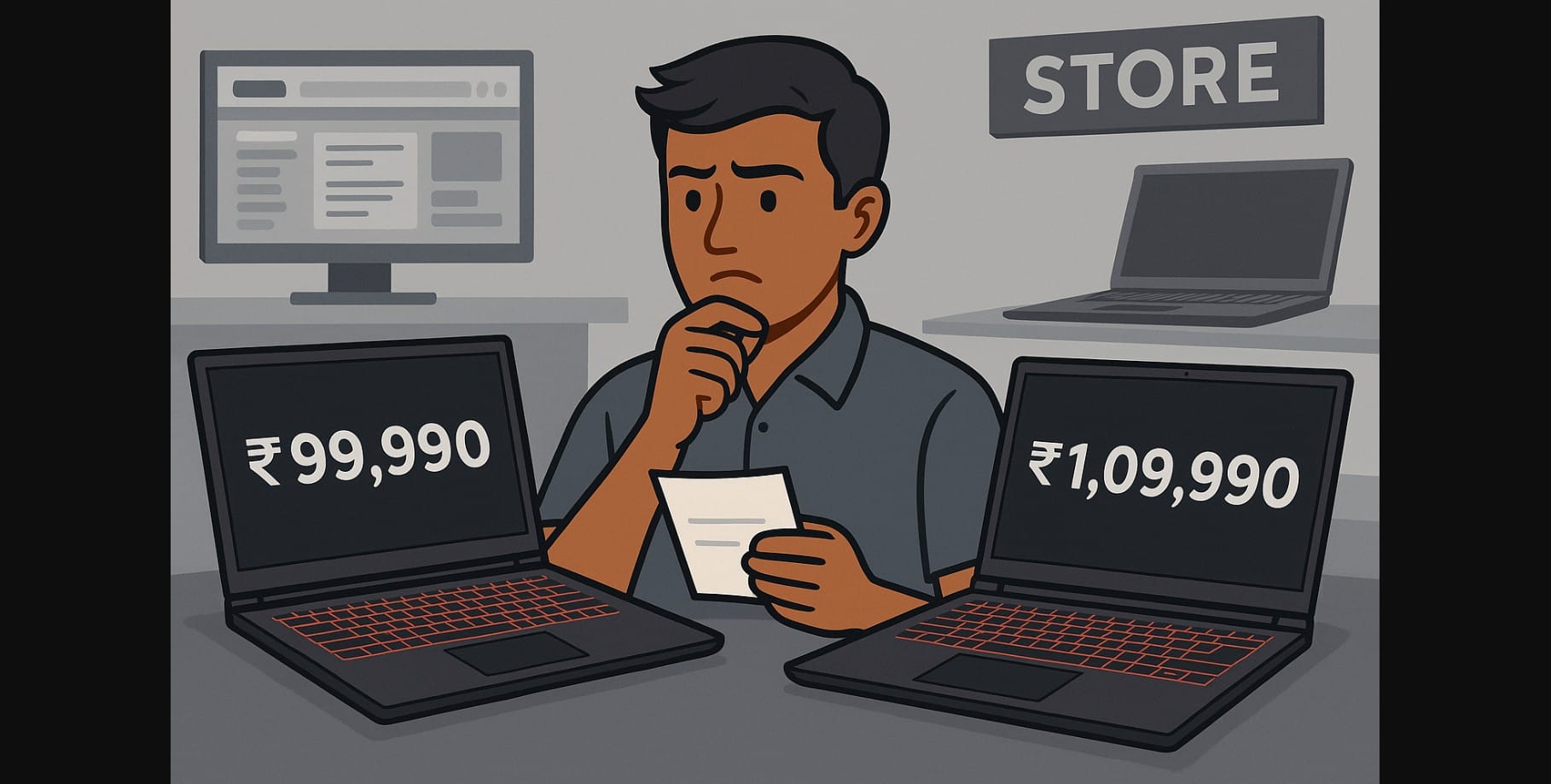
You walk into a store and find a gaming laptop that looks great, maybe it’s an HP Victus, an ASUS TUF, or a Lenovo LOQ. Then you go online and see a laptop with the same name, often at a different price or with different specifications. This is not a mistake, it’s a deliberate market strategy used by most brands in India.
The truth is, online and offline markets often get separate laptop variants. Even if the model name is the same, what’s inside GPU power, display quality, thermals, or even port selection can vary significantly.
This split between online and offline gaming laptop models is still real and still hidden. If you don’t know how to spot it, you could miss out on higher performance, better thermals, and even valid warranty support.
1. Why Gaming Laptop Brands Create Online-Exclusive & Offline-Exclusive Models
Laptop manufacturers like ASUS, MSI, HP, Acer, and Lenovo don’t sell the exact same SKU everywhere. Instead, they segment the market:
- Online models are usually priced aggressively with specific specs to win over comparison shoppers.
- Offline models are created for retail stores with better margins, local service focus, or bundled accessories.
This isn’t inherently bad, but it does make things more confusing for Indian buyers trying to compare options fairly.
2. Key Differences Between Online and Offline Gaming Laptops in India
TGP (Total Graphics Power) on the GPU
An RTX 4060 in an online laptop may run at 140W, while the same RTX 4060 in an offline model may run at 100W or even lower. That’s a real performance gap, especially for demanding games.
Display Quality
- Online laptops often come with higher refresh rates (144Hz/165Hz) but sometimes lower color accuracy.
- Offline laptops might have better color-accurate panels (sRGB 100%) but lower refresh rates (60Hz or 120Hz).
Cooling System
Some offline models feature dual-fan cooling with full-length heat pipes. Others (especially thin variants sold offline for style) may have limited ventilation and throttle quickly.
Build Quality & Materials
Offline variants often focus on looks and lightweight designs for store appeal. That could mean less metal, more plastic, or even smaller vents.
Included Accessories
Offline stores might bundle:
- Laptop bags
- External mouse
- Extended warranty
- Free cleaning kits or antivirus
Online models typically don’t include extras but offer lower base prices.
3. How to Decode a ₹10K Price Difference Between Two Identical Listings
If a store quote seems expensive, ask for the part number not just the name.
Let’s say:
- Online LOQ: 82XV00Q5IN – RTX 4060, 85W, DDR4, 250-nit panel
- Offline LOQ: 82XV00Y2IN – RTX 4060, 115W, DDR5, 300-nit panel + accessories
You’ll only know this by checking spec sheets or asking to see the actual system info in-store. Otherwise, that ₹8,000 you save may cost you in long-term performance or support.
4. How to Spot the Gaming Laptop Differences Before Buying
Always Ask for the Full SKU
Don’t go by name alone. Ask the seller for the full model number (e.g., FA507NV-LP123WS) and search it online to check specs.
Check GPU TGP Ratings
Search reviews or official pages for the GPU’s power limit (TGP). A lower TGP RTX 4060 performs worse than a higher TGP RTX 4050 in some cases.
Read the Fine Print on Displays
Don’t just look at the refresh rate. Check brightness (nits), color gamut (sRGB%), and response times if available.
Look at Cooling and Vent Placement
A simple look at the bottom and back of the laptop can tell you a lot. Fewer vents and smaller fans = higher temps = lower performance.
Compare Warranty & Service Options
Offline stores may offer on-the-spot support or local service center access. Online purchases might need shipping your laptop to a service center in another state.
5. Why Buying the “Same” Laptop in Nagpur vs Delhi Gives Different Results
Service quality isn’t equal across India. Brands prioritize certain SKUs and often treat online-only models as “basic tier”.
- Offline purchases often come with brand-linked support, like Legion Ultimate or Dell ProSupport
- Online warranties may be handled by third-party insurers, not the brand
- Some service centers even say: “That SKU isn’t covered here you’ll need to call seller”
In Tier 2 or Tier 3 cities, that makes a huge difference in how quickly your fan or screen gets replaced.
6. Online Gaming Laptop Deals is Still Better
Buy online if:
- You understand how to check SKU, wattage, and SSD specs
- You live in a metro with easy access to authorized repair centers
- You’re aiming for ₹65K-₹1.1L builds, where small downgrades are acceptable
- You’re OK without extras like cooling pads or verified warranty activation
Online gives you pricing power but you need to verify every component yourself.
7. When the Offline Premium is Good Choice
- You’re spending above ₹1.2 lakh and expect top-tier gaming performance
- You want better cooling and full-wattage RTX GPUs
- You’re buying a Legion, or Predator and want to protect your investment
- You want direct warranty registration, better claim approval, and accessories bundled
In-store inspection also lets you check for keyboard quality, screen uniformity, and vent layout none of which can be seen in a product photo.
8. The Real Choice: Online vs Offline
In India, the biggest mistake new buyers make is assuming two laptops with the same name are the same inside. They’re not.
You can still buy online but only if you dig deep and cross-check every detail.
You can still buy offline but only if the store gives you the actual part number and specs.
Stop shopping by laptop model name, and start shopping by real config.

