
Graphics Card Features That Quietly Improve FPS – What to Enable or Ignore
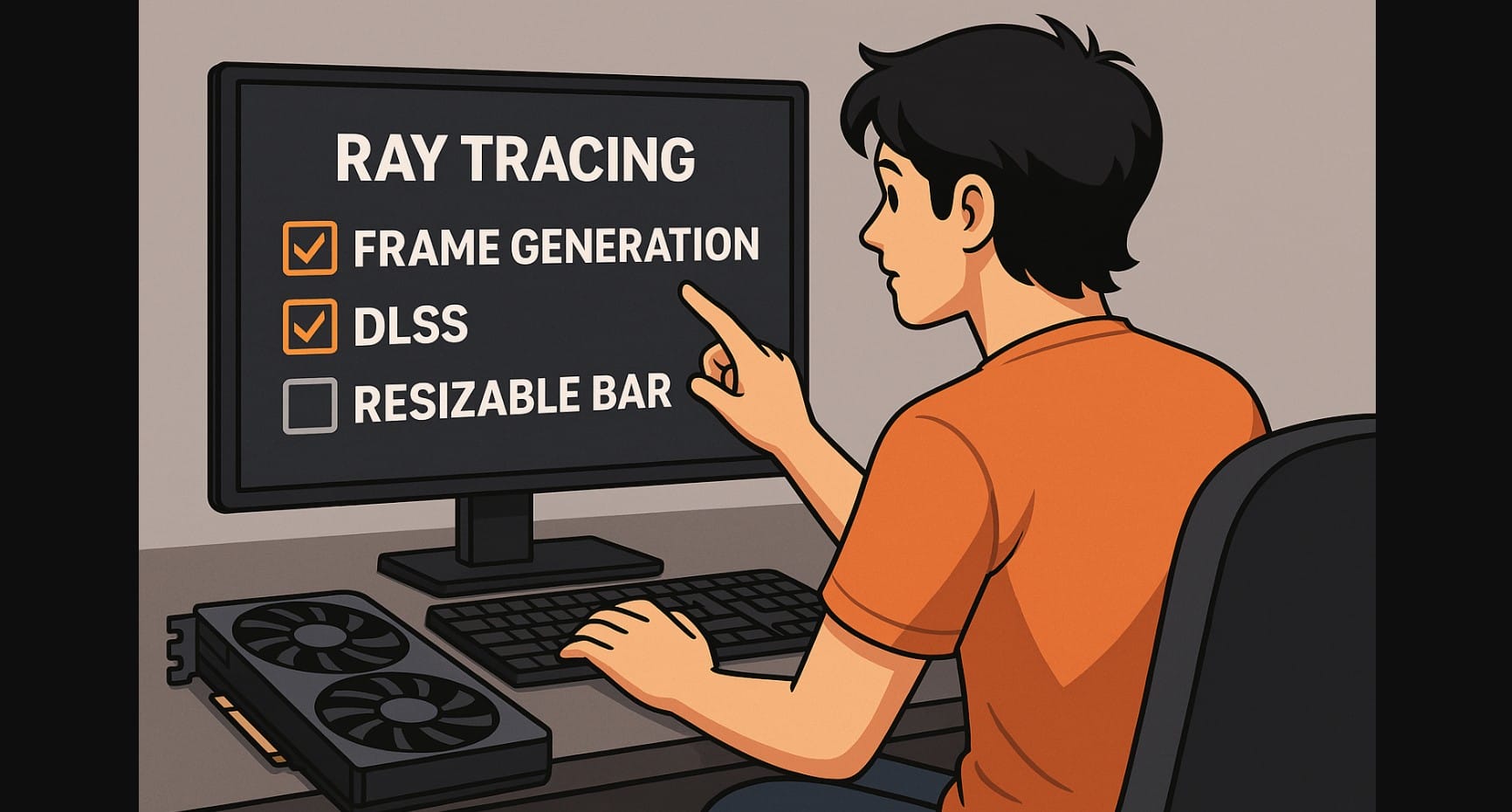
Modern graphics cards, even those in the ₹30,000-₹70,000 range, are now packed with terms like Ray Tracing, DLSS, FSR, Resizable BAR, Reflex, and AV1 encoding. These features sound impressive, and often appear in marketing everywhere, but what do they actually do for you?
This guide strips away the buzzwords and tells you which of these are real game-changers, especially for mid-range users focused on 1080p/1440p gaming, content creation, or competitive play.
1. Graphics Card Ray Tracing: Looks Stunning, But Still Heavy
Ray tracing simulates real-world light behavior, reflections, global illumination, shadows. It’s visually impressive in games like Cyberpunk 2077, Control, or Alan Wake II.
But Here’s the Reality
- On mid-range GPUs like RTX 4060 or RX 7600 XT, enabling ray tracing crushes performance, especially without DLSS or FSR.
- It works best at 1440p+ resolutions on high-end cards like RTX 4070 Ti or RX 7900 XT.
- In competitive or fast-paced games, most Indian gamers turn it off to preserve high FPS.
Game-changer for visuals, but not practical on most Indian gaming setups.
2. GPU Frame Generation: More FPS Than Your GPU Can Normally Handle
- AI inserts entirely new frames between real ones, increasing FPS without increasing render load.
- Found in DLSS 4 (NVIDIA) and coming to FSR 4.1+ (AMD).
What It Does
- In Flight Simulator or Doom: The Dark Ages, Frame Gen boosts RTX 4070 Super from ~80 FPS to 140+.
- Adds smoothness in cinematic or CPU-bound games, ideal for 144Hz/165Hz monitors.
- With NVIDIA Reflex, latency is kept low enough to feel natural.
Where It Doesn’t Work
- Not great for esports, extra frames are not real input frames, so reaction timing suffers.
- Needs DLSS 3/4 hardware, not available on RTX 30 series or older AMD cards.
Huge advantage in single-player and open-world games. Less useful in fast shooters.
3. Resizable BAR: Small Setting, Free FPS Boost
- Allows CPU to access GPU’s full memory in one go, rather than in chunks.
- Supported on most PCIe 4.0+ motherboards and GPUs (2021 and newer).
How It Helps
- Improves performance 5-15% in select games like Forza Horizon 5, Hitman 3, and Assassin’s Creed.
- Especially useful in open-world or CPU-limited titles.
What You Need
- Enabled in BIOS
- Works best with Ryzen 5000+, Intel 10th Gen+, and modern GPUs (RTX 30/40, RX 6000+)
Real benefit, especially since it’s free, just turn it on.
4. DLSS and FSR: Upscaling That’s No Longer Optional
Upscaling used to be a workaround. In 2025, it’s how modern games are meant to be played.
DLSS 4 (NVIDIA RTX 40/50)
- Combines AI upscaling + frame generation
- Crisp visuals and high FPS with very little input delay (when paired with Reflex)
- Game support is widespread: Cyberpunk, Alan Wake, Hogwarts Legacy, etc.
FSR 4 (AMD + Compatible GPUs)
- Adds AI-assisted quality improvements
- Doesn’t yet support frame gen (planned for FSR 4.1+)
- Works across all brands, including NVIDIA and Intel
Both are essential in 2025. DLSS wins on quality and smoothness. FSR wins on flexibility.
5. NVIDIA Reflex & AMD Anti-Lag+: Low Latency Isn’t Optional for Gamers
If you’re playing Valorant, CS2, Fortnite, or any twitch-sensitive title, your system’s response time matters more than resolution.
NVIDIA Reflex
- Reduces input lag by syncing game engine, render queue, and display pipeline.
- Works with DLSS, G-SYNC, and frame generation.
- Built into many popular games and engines.
AMD Anti-Lag+
- Dynamic resolution and latency adjustment.
- Works on newer Radeon cards with driver-level control.
- Slightly less consistent than Reflex but still helpful.
Mandatory for competitive gamers, especially on high-refresh monitors.
6. AV1 Encoding: For Creators and Streamers, This Is a Real Upgrade
AV1 is a next-gen video format that provides better image quality at lower bitrate than H.264 or HEVC.
Supported On
- RTX 40/50 series
- RX 7000/9000 series
- Intel Arc A-series
It Matters
- Lets you stream or record clean 1080p video even with slow upload speeds (4-10 Mbps).
- Works with OBS, YouTube, Discord, and Twitch.
Big win for Indian creators and streamers, especially in areas with average broadband.
7. PCIe Generations: Should You Care About Gen 4 vs 3?
PCIe 4.0 vs 3.0
- Most new GPUs use PCIe 4.0 or 4.0 x8 (e.g. RTX 4060).
- If installed in an old PCIe 3.0 motherboard, some performance may be lost, but usually less than 5-7%.
Not a deal-breaker for mid-range cards. Gen 4 is preferred, but not essential.
8. VRR, HDR, and the Smaller Features That Add Value
- VRR (Variable Refresh Rate): Reduces tearing and judder on supported monitors (G-SYNC/FreeSync)
- HDR: Adds dynamic brightness and color range (only useful on proper HDR panels)
- Radeon Boost: AMD tech that lowers resolution dynamically when motion is fast, helps low-end cards
Good to have, but don’t buy a card just for these. They’re side benefits.
9. Quick Recap: What Mattersin GPU, and What You Can Skip
| Feature | Game-Changer? | Why It Matters in 2025 |
|---|---|---|
| Ray Tracing | Sometimes | Beautiful, but heavy on mid-range GPUs |
| Frame Generation | Yes | Major FPS boost in compatible titles |
| Resizable BAR | Yes | Easy, free boost in open-world games |
| DLSS / FSR 4 | Absolutely | Crucial for smooth 1440p/4K gaming |
| Reflex / Anti-Lag | Yes | Makes fast games feel snappy and responsive |
| AV1 Encoding | For Creators | Cleaner streaming on slow networks |
| PCIe 4.0 vs 3.0 | Minor | Marginal loss, not worth replacing motherboard |
| HDR / VRR / Extras | Optional | Bonus, not a must-have for most gamers |
If you’re building or upgrading a mid-range PC, features like DLSS/FSR, Reflex, and AV1 can genuinely improve your experience.
Others, like ray tracing or HDR, still depend heavily on your monitor and GPU tier, nice, but not essential.

