
Choose the Right Graphics Card Without Overspending
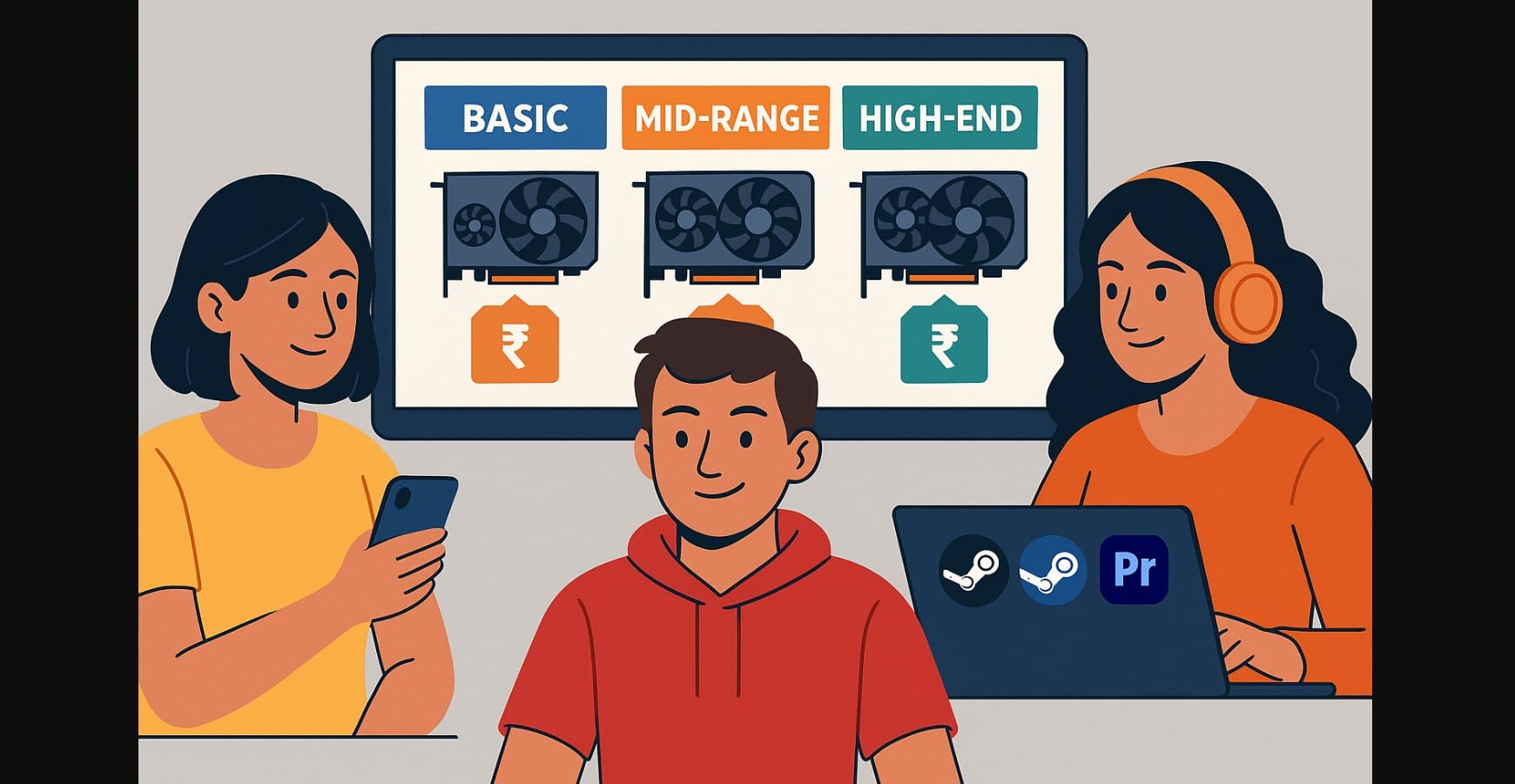
You Don’t Always Need the Most Expensive GPU – In India, it’s easy to feel like every new computer build needs a high-end GPU with ray tracing, frame generation, and AI acceleration. But the truth is, most users, even gamers, don’t need that kind of power.
This guide will help you figure out how much graphics card is actually enough for how you use your PC. Whether you play at 1080p, edit 4K videos, or train AI models, there’s a clear line between smart buying and overspending.
1. Just Browsing, Streaming, or Light Work? You Don’t Need a Dedicated GPU
When You Don’t Need One at All
- Watching YouTube, Netflix, Hotstar
- Office work: Excel, Zoom, Chrome, Google Docs
- Basic photo editing and occasional video calls
Integrated graphics from modern Intel or AMD CPUs are good enough. You don’t need to spend anything on a separate GPU.
When a GPU Might Still Help
- You want smoother multi-monitor performance
- You use lightweight AI tools (e.g., Canva AI, voice filters)
- You do occasional video rendering in low resolution
Smart picks (₹12K-₹15K):
- NVIDIA GTX 1650
- AMD RX 6400
- Intel Arc A380
2. 1080p Gaming: Smooth Frame Rates Without Breaking the Bank
What to Expect at This Resolution
- Popular in India due to monitor pricing and system balance
- Most mid-tier GPUs today handle 100+ FPS on high settings
- No need for ray tracing or DLSS unless you want smoother visuals
Best value GPUs (₹20K-₹28K):
- AMD RX 7600+ , Great FPS per rupee
- NVIDIA RTX 4060+, Good features, Reflex, NVENC
Avoid spending ₹50K+ unless you’re gaming competitively on 240Hz monitors or planning a future 1440p upgrade.
3. 1440p Gaming: The Sweet Spot for Most Enthusiasts
- More monitor choices in the Indian market: 144Hz, IPS, 27″
- Games look sharper than 1080p without the GPU cost of 4K
- DLSS 4 or FSR 4 helps maintain 100+ FPS in modern games
Best GPU picks (₹45K-₹65K):
- NVIDIA RTX 4070+
- AMD RX 7800+
These GPUs also handle light content creation and streaming well.
4. 4K Gaming GPU: Only for High-End Setups with High-End Screens
Who Should Consider It
- You already own a 4K 120Hz or OLED gaming monitor
- You play AAA games at ultra settings
- You care about ray tracing and future graphics updates
Minimum recommended GPUs (₹70K+):
- NVIDIA RTX 5090
- AMD RX 7900 XTX / RX 9000 Series
But if you’re still on a 1080p or 1440p monitor, skip 4K-focused GPUs. They’re a waste in your setup.
5. Streaming, Editing, and Creator Work, You Need the Right Features
- Real-time previews in Adobe or Resolve
- Fast exports using NVENC or GPU acceleration
- OBS live streaming with AV1 support for low bandwidth
Best picks for creators (₹40K-₹75K):
- NVIDIA RTX 4060 / RTX 4070 / RTX 4080, Best for CUDA, plugin support, NVENC
- AMD RX 7800 XT / RX 9070 Great for DaVinci Resolve or non-CUDA tasks
NVIDIA is preferred if you use Adobe or OBS regularly. AMD is fine for offline editing and general productivity.
6. AI Workloads, When GPU Power Saves Hours
Use Cases
- Local Stable Diffusion image generation
- Whisper for audio transcription
- LLaMA or Code LLMs on your PC
- ComfyUI, Auto1111, or other custom AI pipelines
Minimum smart GPU options (₹60K-₹1.5L):
- NVIDIA RTX 4070 Super / 4080 / 5090
- Requires CUDA and Tensor cores, AMD cards aren’t suitable unless the tool supports ROCm (rare in India).
7. Graphics Card Price-to-Use Summary Table
| User Type | GPU Needed | Price Estimate |
|---|---|---|
| Browsing, video calls, office | Integrated graphics | ₹0 |
| Light video/photo tasks | GTX 1650 / RX 6500 XT | ₹12K-₹15K |
| 1080p Gaming (High Settings) | RX 7600 / RTX 4060 | ₹22K-₹28K |
| 1440p Gaming (Ultra Settings) | RTX 4070 / RX 7800 XT | ₹45K-₹65K |
| 4K Gaming (Max Settings + RT) | RTX 5090 | ₹2L+ |
| Streaming + Content Creation | RTX 4060 Ti / RTX 4070 | ₹42K-₹60K |
| AI Workloads (SD, LLMs, ComfyUI) | RTX 4070 Super and above | ₹65K+ |
The smarter Graphics Cards choice is about balance:
- Don’t spend ₹80K+ on a card if you don’t have a high-end monitor.
- Don’t go for 16GB VRAM if you’re only editing 1080p YouTube shorts.
- Don’t chase 4K benchmarks if you’re sticking to 1440p at 100Hz.
Your screen, CPU, software stack, and workload define your GPU needs, not just the FPS chart. Buy just enough power for what you’ll actually use.

