
Mobile Internet Not Working? Here’s What to Do in India
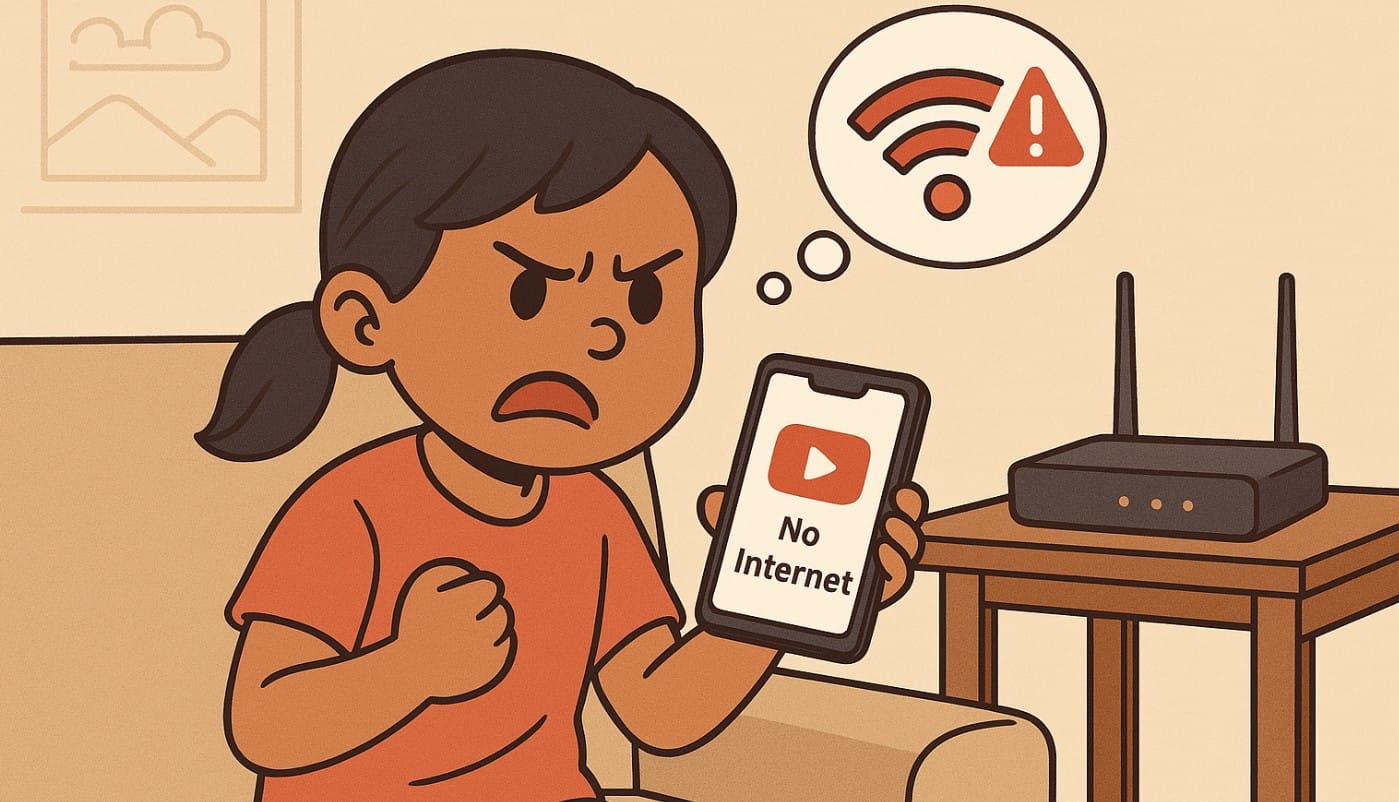
You’re scrolling Instagram or trying to make a UPI payment and suddenly, your mobile internet just stops. No error message, no warning. Everything was fine a minute ago.
This is still one of the most common issues faced by mobile users in India. Whether you’re using Jio, Airtel, Vi, or BSNL, mobile data can stop working due to a variety of small but frustrating reasons.
This guide helps you fix the problem step-by-step, no technical jargon just clear instructions to get your data working again.
1. Why Mobile Internet Sometimes Just Stops Working
Even with full signal and a valid recharge, your mobile data might suddenly stop. Common reasons include:
- You hit your daily data limit (FUP)
- Your plan expired or didn’t activate properly
- Your phone’s APN settings were changed
- Your network is facing a temporary outage
- You switched phones or SIM slots recently
- The phone is stuck between 4G and 5G signal layers
2. First, Check If It’s a Phone Signal or Data Issue
Here’s how to confirm:
- Do you have full signal but no internet?
- Can you make calls or send SMS, but WhatsApp or YouTube isn’t loading?
- Are all apps stuck or just one?
If even simple websites like Google.com don’t load, treat it as a full data issue and move to the next section.
3. Step-by-Step Checklist to Fix Mobile Data Issues
Turn Airplane Mode On and Off
Sometimes the phone just needs to refresh its connection. Turn on Airplane Mode for 10 seconds, then turn it off.
Restart Your Phone
A simple reboot often clears network lags, especially if you just changed locations or SIMs.
Check Mobile Data Toggle
Make sure mobile data is turned on. Also check that the correct SIM is selected for data if you’re using a dual SIM phone.
Check Your Plan Validity
Open your provider’s app and see:
- Is your plan still active?
- Have you run out of data for the day or month?
- On many daily-limit plans, your speed drops to unusable levels after the cap (FUP limit)
Check Your FUP Limit
If you’re on a 1GB/day or 2GB/day plan, you may have crossed the daily limit.
Your data doesn’t stop it just slows down drastically (64 kbps or less), making it feel like it’s not working at all.
Check your provider app:
- Jio: MyJio
- Airtel: Thanks app
- Vi: Vi app
- BSNL: Mobile app or USSD
4. Check SIM and APN Settings
Incorrect settings = no internet.
Go to Settings > Mobile Network > SIM Settings > Access Point Name (APN)
Make sure the APN matches your provider:
| Operator | APN |
|---|---|
| Jio | jionet |
| Airtel | airtelgprs.com |
| Vi | www |
| BSNL | bsnlnet |
If your APN is blank or incorrect, internet will stop even if your plan is active.
5. Try Switching Network Modes
Sometimes the issue is with your network layer:
- Go to Settings > SIM > Preferred Network Type
- Change from 5G to 4G, or 4G to 3G
- Wait 15 seconds, then switch back
This can fix cases where 5G is active but unstable in your area.
6. Advanced Fixes if It’s Still Not Working
Reset Network Settings
Go to Settings > System > Reset > Reset Network Settings
This won’t delete your apps, but it will:
- Reset Wi-Fi passwords
- Reset APN and SIM settings
- Fix hidden bugs that block data access
Reinsert Your SIM or Try in Another Phone
Remove and reinsert the SIM sometimes it’s a bad contact.
Try the SIM in another phone to rule out device-level issues.
Turn Off VPN or Data Saver
If you’re using a VPN app or have Data Saver enabled, they might block certain apps or throttle usage.
7. When It’s a Network Outage (Not Your Fault)
- Check with a neighbor or friend using the same network
- Look up your provider on Twitter/X.com or DownDetector.in
- Common reasons include:
- Tower maintenance
- Regional fiber cuts
- Sudden traffic spikes or load balancing
If it’s a provider-side problem, wait your phone’s fine.
7. When to Call Customer Support
Call only after trying the steps above. Prepare:
- Your number and location
- What’s not working (calls? data?)
- What you already tried
Customer care numbers:
- Jio: 198
- Airtel: 121
- Vi: 199
- BSNL: 1503
Or use your provider’s app to raise a service request it’s often faster.
8. Mobile Phone Internet Fixes Are Usually Simple
In most cases, mobile data issues happen because of:
- A crossed daily limit
- Expired plan
- Wrong SIM or APN settings
- A stuck network mode
Try these steps first before panicking or blaming your phone.

