
New to Smartphones? Simple Setup & Use Guide for India
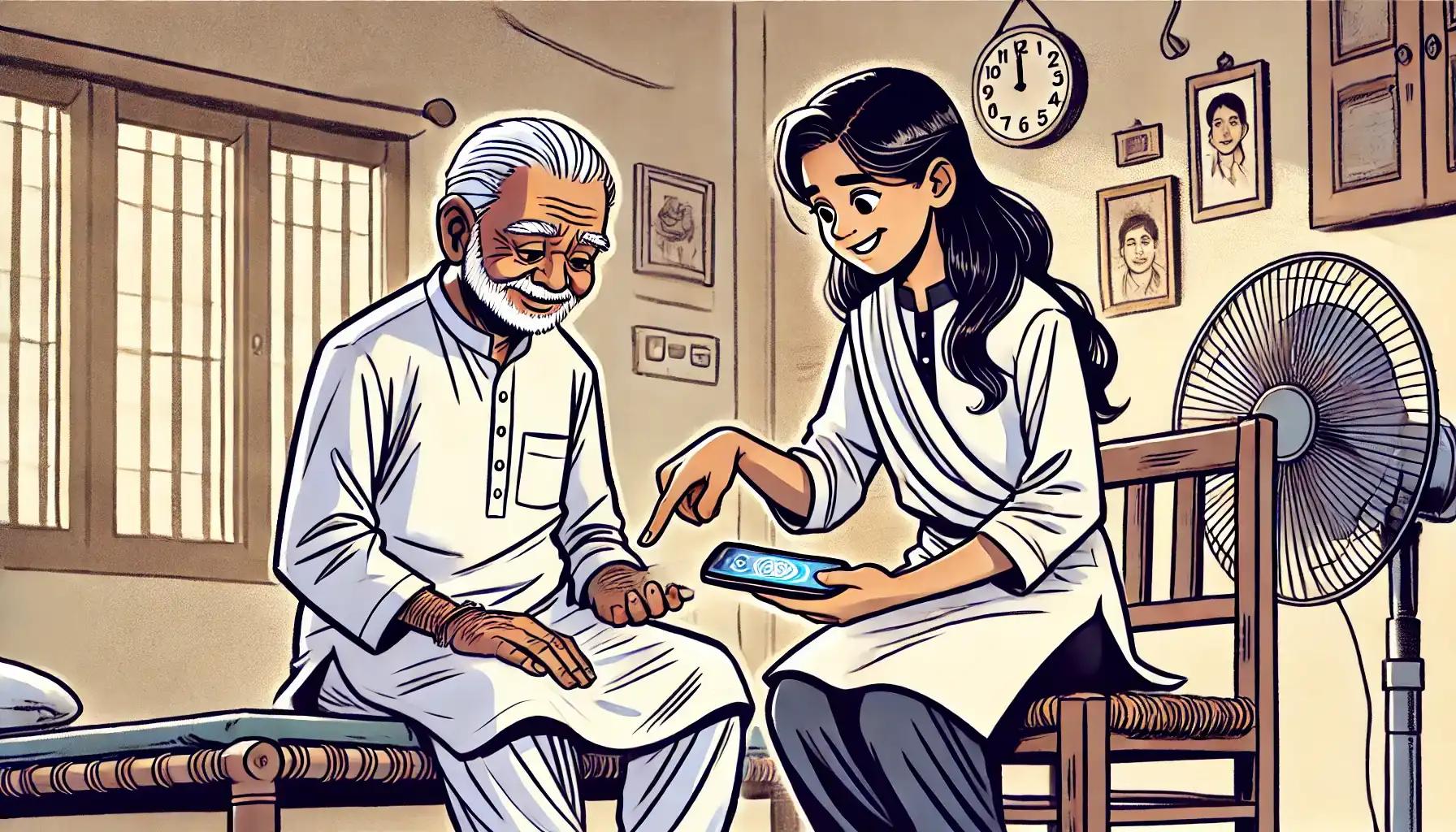
“I don’t understand phones — I just want to learn how to use mine.“
If that sounds like you (or your parents or grandparents), you’re not alone – and you’re not behind.
In India, millions of people are using smartphones for the first time. Some are switching from simple phones, others are picking up digital habits after retirement, and many are just tired of feeling left out.
This post is not about features or technical terms. It’s about confidence.
You’ll learn how to:
- Set up your phone safely
- Use only what you need
- Avoid mistakes that confuse most new users
- And feel comfortable with your phone – not afraid of it
Whether you’re using it for WhatsApp, video calls, or UPI, this is your guide to getting started the easy way.
1. First Things First: Don’t Rush. Set It Up Simply.
Right after turning on your phone, just focus on a few easy steps:
| Task | Why It Matters |
|---|---|
| Choose your language | Hindi, Tamil, Bengali, English — whatever’s easiest for you |
| Connect to Wi-Fi or mobile data | Needed for WhatsApp, UPI, and app updates |
| Set a lock (PIN or fingerprint) | Keeps your phone and payments safe |
| Increase the font size | Easier to read, especially for elders |
| Add daily apps to the home screen | WhatsApp, YouTube, Camera — keep them right in front |
Skip everything else for now – updates, cloud storage, or fancy features can wait.
2. Apps You Actually Need (Nothing More)
You don’t need 50 apps. You only need a few and only from the Play Store.
| App | Why It Helps |
|---|---|
| Phone / Contacts | To make and receive calls |
| Messaging, photos, video calls with family | |
| UPI App (PhonePe, Paytm, BHIM, etc.) | Safe and fast digital payments |
| YouTube | For music, news, bhajans, stories, and recipes |
| Camera + Gallery | To take and view your photos and videos |
Avoid:
- “Phone Booster” or “Cleaner” apps
- Any app that constantly shows ads
- Anything installed by mistake — uninstall it from Settings
3. Make Your Phone Easier – One Setting at a Time
These small adjustments make a big difference for non-technical users:
| Tip | What It Does |
|---|---|
| Use Simple Mode or Easy Launcher | Bigger icons, fewer distractions |
| Turn off gestures | Makes navigation more predictable |
| Use bold text or high-contrast themes | Easier for reading |
| Turn up volume + vibration | So you don’t miss calls or alerts |
| Pin only 4–5 apps to home screen | No confusion when opening the phone |
If you’re setting this up for someone else (like a parent), do it once – it’ll change their entire experience.
4. Mistakes New Users Often Make (And How to Avoid Them)
No judgment – just prevention.
| Mistake | Why It Causes Trouble |
|---|---|
| Clicking ads or pop-ups | May install junk apps or slow down the phone |
| Tapping “Allow Everything” | Some apps don’t need camera/mic/location |
| Not restarting the phone weekly | Can cause freezing or slow response |
| Keeping mobile data on all day | May use up your data and drain battery |
| Using unsafe links or forwarded messages | Can lead to scams or fake apps |
5. Safety First: What You Should Never Do on Your Phone
To stay safe online and offline, remember these basics:
- Never share your UPI PIN, OTP, or password with anyone
- Don’t click links from unknown senders (especially in WhatsApp groups)
- Avoid downloading anything from websites – always use Play Store only
- If someone tells you to “install an app to get money,” don’t do it
- Turn off your phone’s Bluetooth and location when not needed
Your phone is smart, but it’s also personal – treat it like your wallet.
6. Habits That Make You a Confident Phone User
| Good Habit | What It Does |
|---|---|
| Check your battery and data daily | Keeps you aware and in control |
| Delete old photos and videos weekly | Saves storage and keeps phone fast |
| Restart the phone once every 7 days | Prevents lag and errors |
| Use fingerprint or face unlock | Makes your phone safe and easy |
| Ask for help when unsure | Everyone needs help at first — even experts did once |
These habits aren’t technical they’re practical.
Your First Week With a Smartphone – Quick Summary
| Day | What to Focus On |
|---|---|
| Day 1 | Set language, lock screen, and font size |
| Day 2 | Install WhatsApp and UPI, test calls |
| Day 3 | Customize home screen with 4–5 apps |
| Day 4 | Try taking and sending a photo |
| Day 5 | Play music or video on YouTube |
| Day 6 | Learn to check data balance and battery |
| Day 7 | Clean up junk apps or icons you don’t use |
No rush. Go at your pace. Even one new thing a day is a win.
Final Thought: You Don’t Need to Understand Tech — You Just Need to Start
Nobody is born knowing how to use a smartphone — not even the people who seem like experts. Everyone learns by trying. Your phone isn’t smarter than you. It’s just a tool — like a cycle, a pressure cooker, or a bank passbook. Once you get used to it, it becomes second nature.
If you’re nervous, that’s okay. Ask questions. Try one thing at a time. It’s not about speed — it’s about feeling in control. So take it slow. Start with WhatsApp. Watch one YouTube video. Make one UPI payment. Each time you do, you’ll feel a little more confident.
You don’t have to understand technology. You just have to use it your way. And that’s more than enough.

