
Phone Performance Drops While Gaming? Understand Thermal Throttling in India
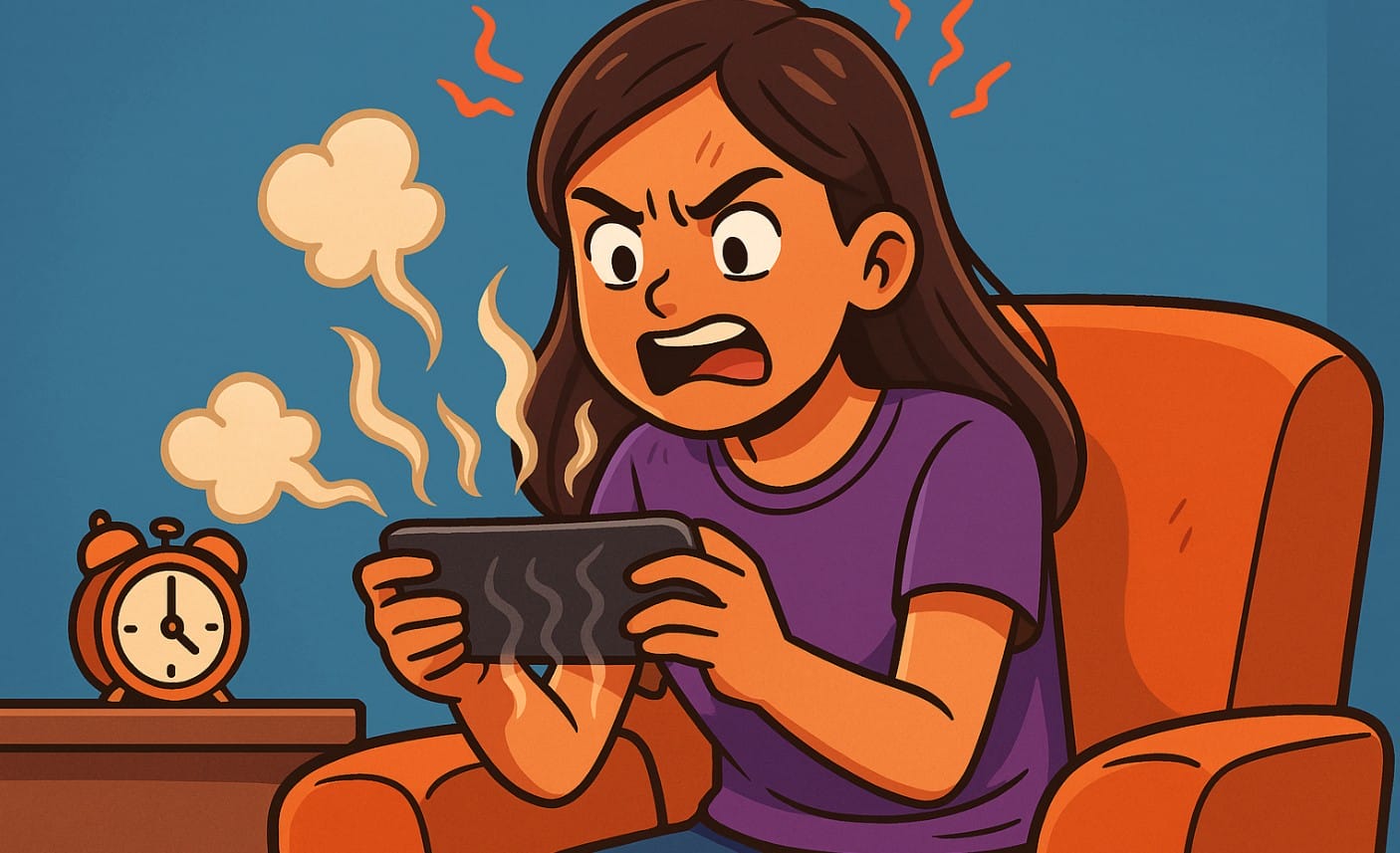
If you’ve ever felt your game start to stutter or lag after 15-20 minutes of playing, even on a decent phone, you’re not alone. This happens to a lot of Indian mobile gamers especially during long gaming sessions or when playing outdoors or in warm rooms.
What’s causing it? It’s not a glitch or bad luck. It’s something built into your phone called thermal throttling and it’s meant to protect your device from damage caused by heat.
In this post, you’ll learn what thermal throttling is, why it’s more common in Indian conditions, how to spot it, and what you can actually do to reduce its effect during gaming.
1. What Is Thermal Throttling in a Phone?
Thermal throttling is a safety feature built into your phone’s processor (CPU and GPU). When the temperature of your device crosses a certain limit, the phone automatically reduces its performance to cool things down and avoid overheating.
This keeps your phone safe but comes with a cost your game may:
- Lag or drop frames
- Feel less responsive
- Load slower
- Reduce brightness temporarily
It’s not a bug it’s your phone protecting itself from permanent heat damage.
2. Why Thermal Throttling Happens More Often in India
Thermal throttling isn’t unique to India, but it’s more likely to affect Indian users for a few clear reasons:
- Hot weather and humid climate: Many Indian cities regularly reach 35°C+, and even indoor temperatures can stay warm without AC.
- Gaming while charging: Common habit in India due to long battery drain times this increases heat rapidly.
- Poor airflow during play: Holding your phone on a pillow, sofa, or under a blanket traps heat.
- Budget phones with weak cooling: These phones often cut corners on heat dissipation layers to save cost.
In short, Indian conditions raise the phone’s baseline temperature, leaving less room for safe gaming heat buildup.
3. Signs That Your Mobile Phone Is Throttling
You won’t get a warning, but you’ll notice signs during gameplay:
- Sudden frame drops after 10-20 minutes
- Touch becomes less responsive or delayed
- The back of the phone (near the camera) feels unusually hot
- Games load slower, or textures take longer to appear
- Battery drains rapidly, even in power-saving mode
If you experience this pattern often smooth at first, then downhill it’s likely thermal throttling at work.
4. What Makes It Worse
Several hardware and software issues can make throttling more aggressive:
- Weak cooling systems: Budget phones may lack graphite layers, copper heat pipes, or vapor chambers.
- No dedicated airflow: Most phones are sealed tightly with plastic or glass backs no room to release heat.
- Battery safety software: Some brands throttle aggressively to protect the battery, even at safe temperatures.
- Cases that trap heat: Thick rubber or plastic cases can block airflow and insulate heat.
5. How to Reduce or Avoid Thermal Throttling
You can’t fully stop it but you can slow it down and manage it better:
- Avoid gaming while charging. This is the fastest way to overheat your phone.
- Play in cool, open areas. Fans or ventilated spaces help more than you think.
- Remove your phone case during long sessions especially padded or rubber ones.
- Lower graphics or frame rate settings in your game. Slightly reduced visuals can prevent serious lag later.
- Use gaming accessories like cooling fans or ventilated triggers. Some accessories are designed to draw heat away from your phone.
Even a 10% drop in heat buildup can help maintain smoother performance longer.
6. Should You Worry About Thermal Throttling?
Not necessarily. A little heat is normal especially during action-heavy games.
- If you’re a casual gamer, you may never feel the effects of throttling unless you game for more than 30 minutes at a time.
- But if you’re a competitive gamer, streamer, or someone who plays with high graphics settings for long sessions, you need to actively manage heat to maintain consistent performance.
Think of thermal throttling like a safety net useful, but annoying if it kicks in too soon.
Summary: Thermal Throttling in Mobile Gaming (India)
| Aspect | Details Specific to India |
|---|---|
| What It Is | Phone slows down automatically when overheated |
| Common Causes | Warm weather, long sessions, gaming while charging |
| Main Signs | Frame drops, lag, heat near camera, faster battery drain |
| Worsened By | Thick phone cases, poor airflow, weak cooling system |
| How to Reduce It | Don’t charge while gaming, remove case, play in cool areas |
| Who Should Care | Competitive or long-session gamers in India |
| Is It Harmful? | No, it’s protective, but it affects gameplay |
Thermal throttling is how your phone protects itself from damage, not a sign that it’s broken. In India, where heat and long gaming sessions are common, this becomes more noticeable especially on phones without strong cooling hardware.
Instead of blaming your phone immediately, look at how you play: where, for how long, and with what settings. A few small changes like avoiding charging while gaming, playing in cool rooms, and removing your case can go a long way.
And if you’re serious about gaming, your next phone should have proper heat management features, not just high specs on paper.

