
Should You Buy a New, Refurbished, or Second-Hand Laptop in India? Find Out Here
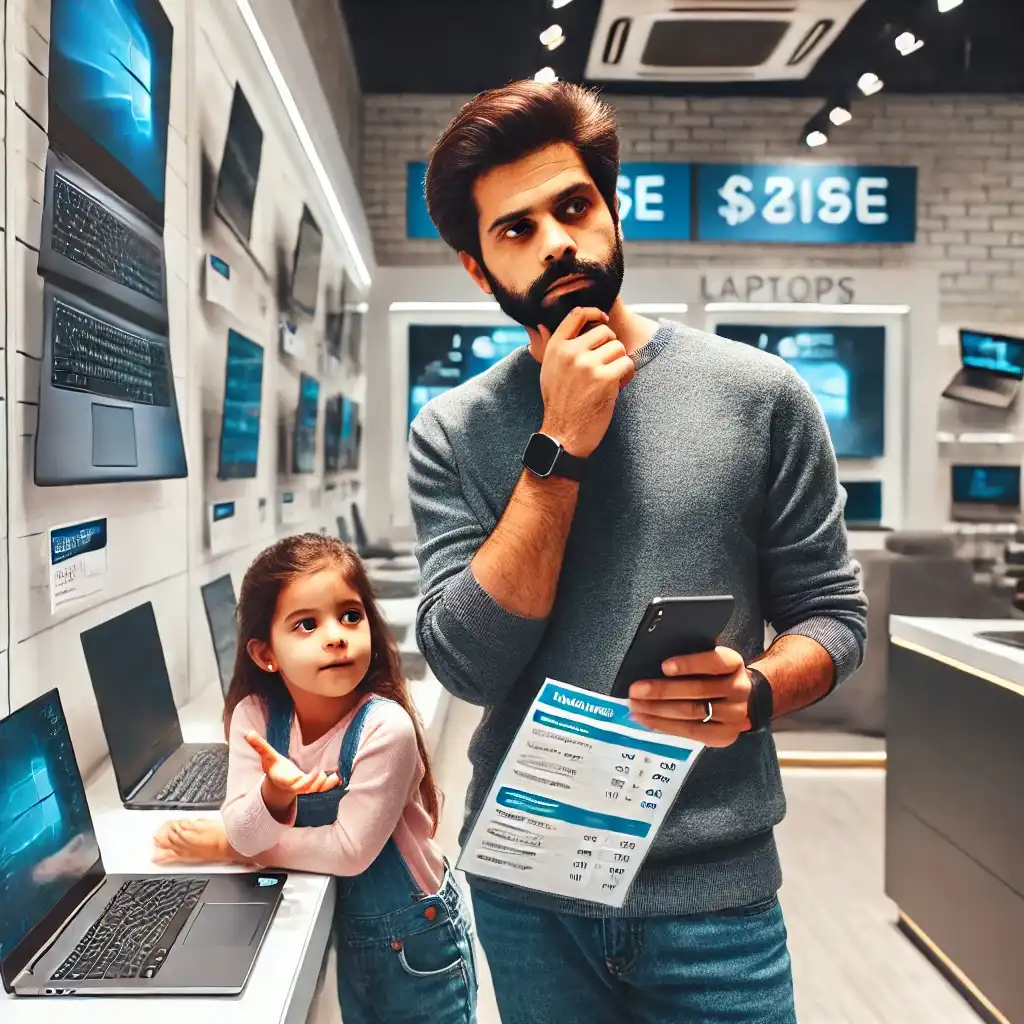
Laptops are an essential tool for students, professionals, and home users in India, but not everyone can afford a brand-new model. With prices rising and premium features getting more expensive, many buyers look at refurbished or second-hand laptops as a cost-effective alternative. But are they really a smart buy, or do they come with hidden risks?
In India, the refurbished and second-hand laptop market has grown rapidly, with platforms like Amazon Renewed, Flipkart Refurbished, OLX, and Cashify offering budget-friendly deals. While these laptops promise savings, they don’t always come with the same reliability as new ones. So, should you buy a new, refurbished, or second-hand laptop? Which option saves you the most money without compromising on quality?
This guide will help you understand the differences, avoid scams, and make the safest decision when buying a laptop in India in 2025.
1. New vs. Refurbished vs. Second-Hand Laptops: Main Differences
| Factor | New Laptop | Refurbished Laptop | Second-Hand Laptop |
|---|---|---|---|
| Condition | Brand-new, never used | Used but professionally restored | Used, sold directly by previous owner |
| Warranty | 1-3 years manufacturer warranty | 6 months to 1-year warranty (if certified refurbished) | No official warranty (unless seller provides one) |
| Price | Most expensive | 10-50% cheaper than new | 50-70% cheaper than new |
| Reliability | 100% reliable, factory-sealed | Tested & verified (if bought from a trusted seller) | High risk of hidden issues |
| Upgradability | Full warranty support for upgrades | Possible, but warranty may be voided | Depends on previous usage & model condition |
| Best for | Long-term users, professionals, students needing reliability | Budget-conscious buyers, those looking for premium models at lower costs | Buyers with a tight budget who just need a working laptop |
2. Which Laptop Type Should You Buy?
2.1 When to Buy a New Laptop
- If you need full warranty coverage & long-term reliability.
- If you use heavy applications like gaming, video editing, engineering software.
- If you prefer the latest technology without any compromises.
- If you plan to resell later—new laptops have higher resale value.
2.2 When to Buy a Refurbished Laptop
- If you want a budget-friendly, reliable laptop with some warranty.
- If you’re looking for a premium model (MacBook, Dell XPS, ThinkPad) at a lower price.
- If you’re okay with a previously used device that’s professionally tested.
2.3 When to Buy a Second-Hand Laptop
- If you need a very cheap laptop for basic tasks.
- If you’re buying from a trusted seller and can physically check it.
- If you’re comfortable with potential risks like battery wear, expired warranty, or hidden defects.
3. Where to Buy New, Refurbished, & Second-Hand Laptops in India?
3.1 Best Places to Buy a New Laptop in India (2025)
- Amazon & Flipkart – Best for festive sales, bank offers, & exchange deals.
- Tata Cliq, Croma, Reliance Digital – Best for in-store testing and instant warranty.
- Brand Stores (Dell, HP, Lenovo, Apple, ASUS, Acer, MSI) – Ideal for official warranty & student/corporate discounts.
Tip: Use exchange offers & bank EMI discounts to reduce the cost of a new laptop.
3.2 Best Places to Buy a Refurbished Laptop in India (2025)
- Amazon Renewed – Certified refurbished laptops with 6 months – 1 year warranty.
- Flipkart Refurbished Store – Budget-friendly models with return policy.
- Electronics Bazaar – Good for gaming & business laptops.
- 2GUD by Flipkart – Occasionally lists certified refurbished laptops.
Tip: Buy only from certified sellers with a warranty & return policy.
3.3 Best Places to Buy a Second-Hand Laptop in India (2025)
- OLX & Quikr – Best for local second-hand deals.
- Facebook Marketplace – Can find cheaper deals, but verify seller reputation.
- Local Laptop Markets (Nehru Place – Delhi, Lamington Road – Mumbai, SP Road – Bangalore) – Best for negotiation & low-cost purchases.
Tip: Always check the laptop physically before buying a second-hand device.
4. How to Safely Check a Refurbished or Second-Hand Laptop Before Buying?
Essential Checks:
- Battery Health – Use
powercfg /batteryreport(Windows) to check battery life. - Screen Condition – Look for dead pixels, scratches, or flickering issues.
- Keyboard & Trackpad – Test all keys, trackpad clicks, and gestures.
- Ports & Connectivity – Plug in USB devices, HDMI, and test Wi-Fi & Bluetooth.
- Speakers & Webcam – Play audio & check webcam clarity.
- Processor & RAM Performance – Open Task Manager (
Ctrl+Shift+Esc) to check CPU & RAM usage. - Storage Health – Use CrystalDiskInfo (Windows) or Disk Utility (Mac) to check SSD/HDD condition.
- Check Serial Number & Warranty – Verify it on the manufacturer’s website.
Tip: Avoid any laptop that overheats, lags, or has display issues.
5. Should You Buy a Refurbished or Used MacBook in India?
MacBooks are expensive, but buying refurbished or used can save you a lot of money if done right.
Best MacBooks to Buy:
- MacBook Air M1, M2 – Good for students & office users.
- MacBook Pro M1, M2 – Best for video editing & creative work.
Avoid:
- Intel MacBooks (pre-2020) – Outdated & not future-proof.
- MacBooks with battery health below 80% – Replacements are costly.
Tip: Buy only from certified sellers (Amazon Renewed, Apple Refurbished Store) for warranty support.
6. Recommended Laptop Models for Each Category
6.1 New Laptops (2025)
- Budget: HP 15s, Lenovo IdeaPad 3, ASUS VivoBook 15.
- Gaming: Acer Nitro 5, ASUS ROG Strix G15, MSI Katana.
- Premium: MacBook Air M3, Dell XPS 13, HP Spectre x360.
6.2 Best Refurbished Laptops to Buy
- MacBooks: MacBook Air M1/M2, MacBook Pro M1/M2 (Avoid Intel models).
- Business Laptops: Dell Latitude, Lenovo ThinkPad (Refurbished ones last long).
- Gaming Laptops: ASUS TUF Gaming A15, HP Victus (Check battery & GPU health).
6.3 Recommended Second-Hand Laptop
- Cheap & reliable: Dell Inspiron 14, Lenovo ThinkPad T470/T480.
- For students: HP Pavilion x360 (2-in-1), ASUS Chromebook Flip.
- For work-from-home: Dell Vostro, Lenovo IdeaPad Slim 5.
Tip: Avoid second-hand laptops that are older than 4-5 years due to outdated hardware.
7. Verdict: Which One is the Best Choice for You?
| Best for… | New Laptop | Refurbished Laptop | Second-Hand Laptop |
|---|---|---|---|
| Students on a Budget | Too expensive | Best option | Cheapest option |
| Gaming & Performance | Best choice | Good if certified refurbished | High risk of GPU issues |
| Office & Work | Best for long-term use | Good for budget-conscious buyers | Risky unless from a trusted seller |
| MacBook Buyers | If budget allows | Best for saving money | High risk if from an unknown seller |
| Casual Browsing & Study | Best for future-proofing | Cheaper with warranty | Good if in excellent condition |
So, what’s the best choice—New, Refurbished, or Second-Hand?
- Buy a New Laptop if: You need long-term reliability, full warranty, and future-proof performance.
- Buy a Refurbished Laptop if: You want a premium model at a lower price, with a warranty, and tested reliability.
- Buy a Second-Hand Laptop if: You’re on an extremely tight budget but can thoroughly inspect the device before purchasing.
While new laptops guarantee performance and after-sales support, certified refurbished laptops offer a balance between savings and reliability, making them the best option for budget-conscious buyers in India. Second-hand laptops can be the cheapest, but they come with the highest risks.

