
Graphics Cards Are Getting Bigger – Can Your Computer Case Handle It?
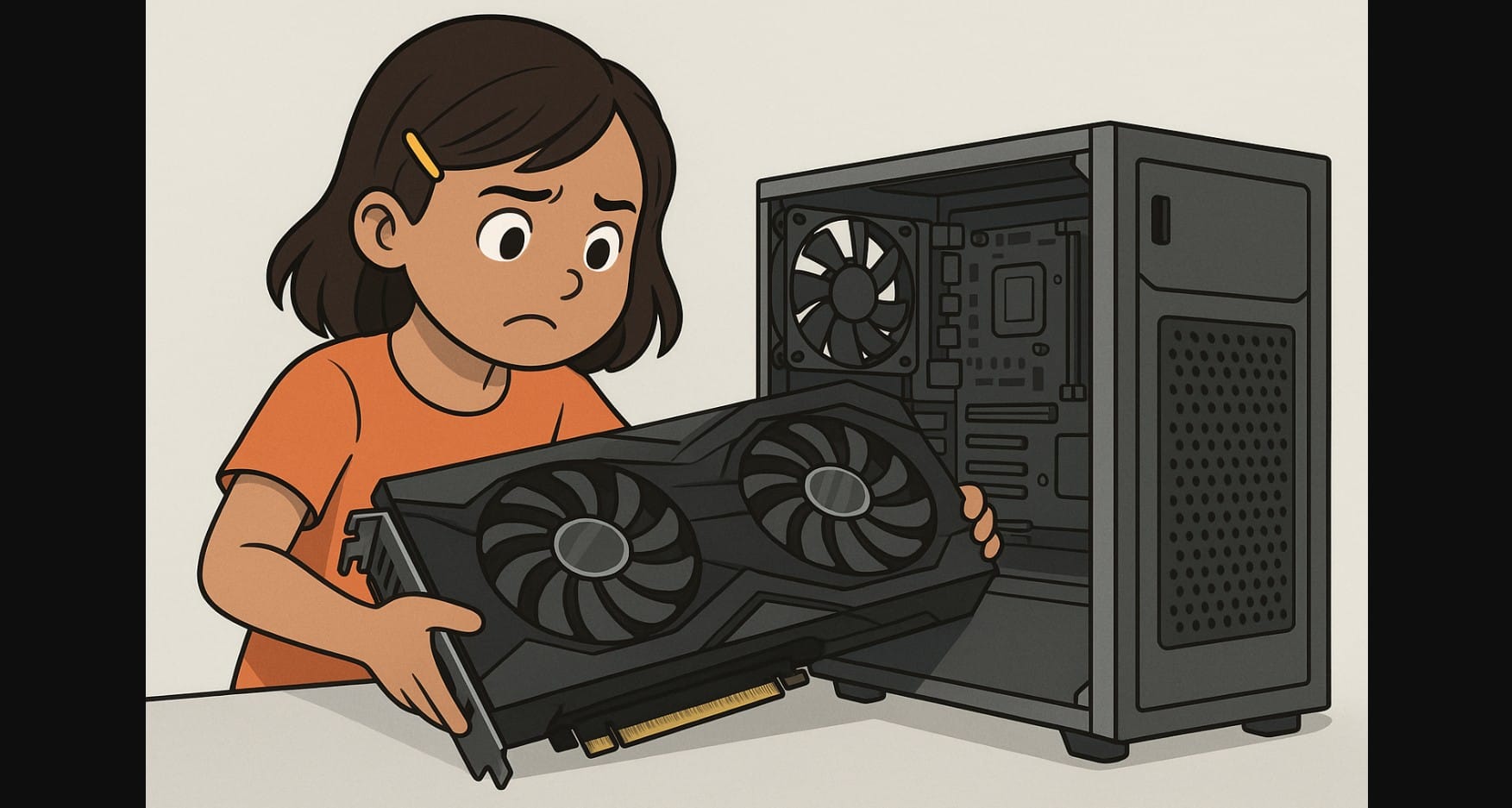
Graphics cards have grown beyond performance. Many now come with large heatsinks, triple-fan coolers, and wider PCBs that stretch well beyond what older or compact cases can handle. Even mid-range models like the RTX 5070 or RX 9070 XT often don’t fit into pre-built or micro-ATX cabinets, still popular in India.
Before placing your next GPU order, it’s essential to understand how physical clearance works, and why it can turn your upgrade into a frustrating return if you don’t measure first.
1. Not Just Length – These Are the 3 Dimensions That Can Block Your Build
You need to check more than just whether the GPU “looks big.” Three physical aspects determine compatibility:
A. Graphic Card Length (Front to Back Clearance)
This is the distance from the PCIe bracket to the end of the card. If the card is too long, it may hit your front case fans, drive cage, or radiator mounts.
- Dual-fan mid-range cards: ~220-270mm
- Triple-fan high-end cards: 300-340mm
- RTX 4090 class: up to 360mm
B. Slot Thickness (Vertical Occupancy)
Most modern cards are 2.5 to 3 slots thick. They can block nearby PCIe slots used for Wi-Fi cards or SSD expansion. This also limits airflow between GPU fans.
C. Cooler Width and Height (Side Panel Clearance)
Extra-wide heatsinks and backplates may touch or press against the case’s glass panel, especially in compact ATX or micro-ATX cases. If the panel bends, it can stress the GPU or reduce ventilation.
2. Why Graphics Card Fit Is Causing So Many Problems?
Here are the common mistakes leading to fit issues:
- Assuming any ATX cabinet supports all GPUs
- Ignoring PSU cable clearance, especially for 12VHPWR or 12V-2×6 connectors
- Using older cabinets (designed for GTX 1050 or GT 710) with today’s large GPUs
- Overlooking PCIe slot blockage caused by thick GPU coolers
- Forgetting to measure from the PCIe slot to front intake fans or cages
3. How to Check If Your GPU Will Fit – Before You Place the Order
You can avoid compatibility issues by checking three simple things:
Measure your cabinet’s internal GPU clearance
– From rear PCIe slot to front fan or drive cage
– From motherboard to side panel glass
– Height from PCIe slot downward if you have other expansion cards
Look up exact GPU dimensions
– Use the brand’s product page, not just retailer listings
– Focus on length (mm), thickness (slots), and height
Account for power cable space
– Cards with 12VHPWR or 12V-2×6 connectors require 35-40mm behind the card
– In tight cases, cables may hit the glass or cause bends that loosen connectors
4. What PC Cabinet Sizes Work Best for Each Type of GPU
| Cabinet Type | Max GPU Length | Max GPU Thickness | Supports Which GPUs |
|---|---|---|---|
| Mini-ITX | 180-250mm | 2-slot | Only compact or low-power cards |
| Micro-ATX | 240-280mm | 2.5-slot | Most dual-fan cards |
| Mid-Tower | 300-350mm | 2.5-3-slot | Fits nearly all GPUs with airflow space |
| Full-Tower | 350mm+ | 3-slot+ | Best for oversized GPUs |
Always remove the HDD cage if needed and double-check for internal fan mounts that reduce clearance.
5. Why a Graphics Card That “Technically Fits” Can Still Be a Bad Match
Even if you manage to squeeze the GPU in:
- Airflow may be blocked, increasing temperatures across the system
- Side panel contact can create vibration or cooling issues
- Cable clearance may be compromised, leading to poor connections
- GPU sag can stress the PCIe slot over time if there’s no room for a support bracket
- Adjacent PCIe slots may become unusable due to cooler thickness
6. Already Bought the GPU but Running Out of Cabinet Space?
You can try these workarounds before replacing your cabinet:
- Remove front HDD cages or fans that block space
- Use low-profile or angled PCIe power connectors
- Install a GPU support bracket to reduce sag
- Use vertical GPU mounts (if the case supports them)
- In tight builds, consider upgrading to a cabinet with 320mm+ GPU clearance
7. GPU Compatibility Checklist to Use Before Finalizing Your Build
- Confirm your cabinet’s GPU clearance in mm
- Match GPU length and slot thickness with what your case supports
- Allow at least 35mm extra behind the card for cables
- Make sure GPU height won’t press into the side panel
- Check for PCIe slot blockage if you’re using add-on cards
- Confirm airflow isn’t restricted by other internal components
8. Quick Recap: GPU and Computer Case Fit Combinations
| GPU Category | Card Length | Recommended Cabinet |
|---|---|---|
| Dual-fan Mid-Range | 220-270mm | Micro-ATX or Mid-Tower |
| Triple-fan High-End | 300-320mm | Mid-Tower with 300mm+ space |
| RTX 4080 / 4090 Class | 340-360mm | Full-Tower with wide airflow design |
Be extra cautious with any card over 310mm, many cabinets rated “ATX” still cap out below 320mm due to fan or cage obstructions.
9. Don’t Let Cabinet Size Ruin a Great GPU Upgrade
A graphics card that doesn’t fit can be frustrating and may cause broken cables, unstable mounts, overheating, or returns. Before upgrading, measure your PC case to ensure it matches the dimensions of your graphics card.
A graphics card needs to be fast, fit well, and run cool in your system. Take five minutes to measure now to avoid trouble later.

