
How to Use Mobile Internet Smartly for Study, Work & Everyday Tasks
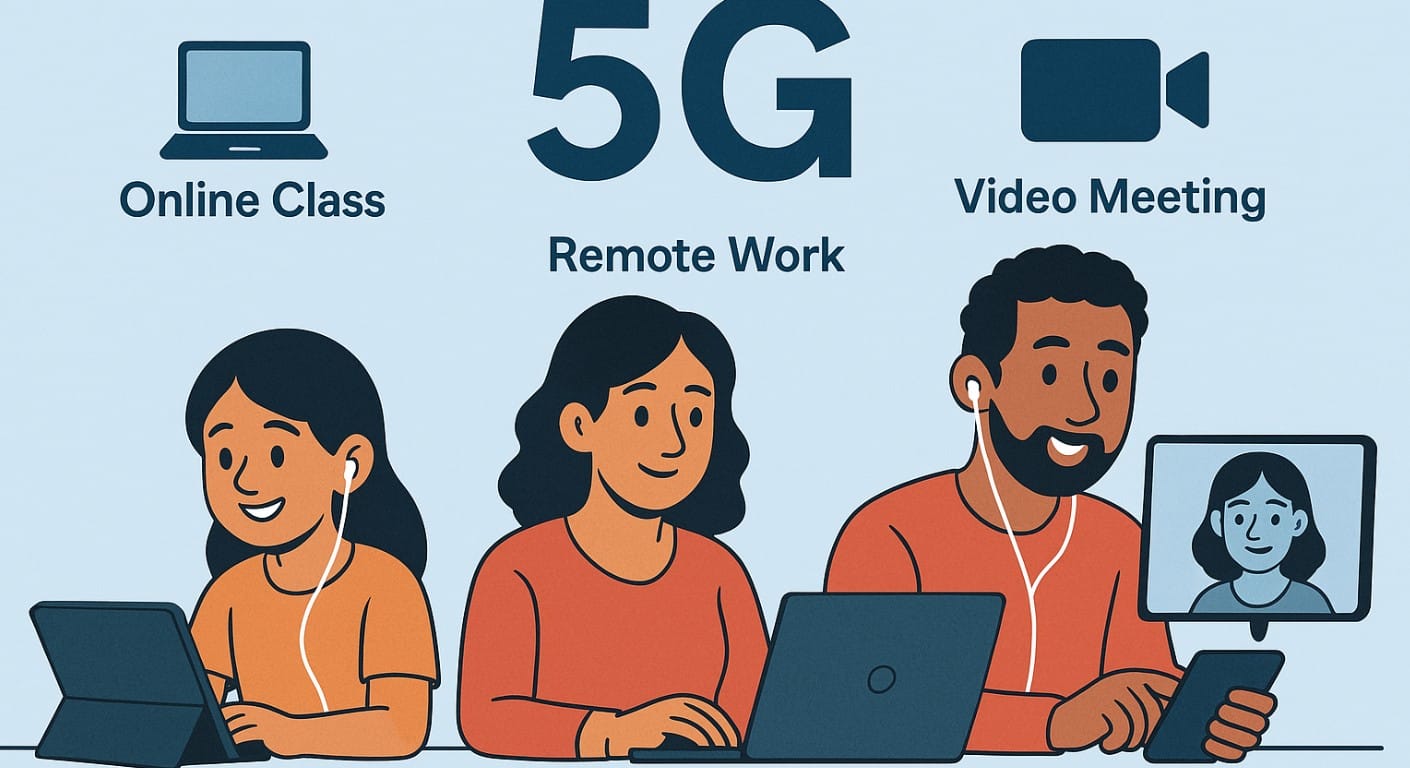
Mobile phone data isn’t just a backup for Wi-Fi for many Indians, it’s the primary way to connect, work, study, and stay productive. Whether you’re attending online classes, working remotely, or submitting assignments and job applications, mobile internet can handle it all but only if you use it wisely.
In this post, you’ll learn how to stretch your data, avoid common mistakes, and use mobile internet smartly across real-life tasks in India.
1. Why Mobile Data Still Matters for Real Work in India
Despite growing access to broadband, many Indian users especially in smaller towns or while travelling still depend heavily on mobile internet. Whether you’re a student attending classes, a professional on video calls, or someone doing light work like filling forms or checking emails, mobile data can support all of this if:
- You choose the right apps
- You manage bandwidth wisely
- You avoid draining your battery or plan unnecessarily
2. Using Mobile Internet for Online Classes (Students)
Students in India often rely on mobile data for coaching classes, college lectures, and extra lessons. Here’s how to manage it well:
- Attend live classes in audio-only mode when video isn’t essential
- Download lectures at night (if your plan offers night data or free data hours)
- Use Google Classroom, YouTube Edu, or your school’s LMS in 480p resolution
- Ask for PDF notes or slides instead of long live sessions
- Turn off background data usage during class to avoid accidental app syncs
3. Using Mobile Internet for Remote Work (Professionals)
Remote work and freelancing are common in 2025 and many professionals still use mobile data, especially while travelling or in rural areas.
- Use USB tethering instead of mobile hotspot when connecting a laptop it’s faster and battery-friendly
- Turn off video during meetings unless absolutely necessary
- Use lightweight apps like Google Docs, Outlook Lite, or Notion
- Set cloud services (Drive, Dropbox) to sync only on Wi-Fi
- Upload large files during off-peak hours or on Wi-Fi
4. Smart Tips for Video Calls on Limited Phone Data
Video meetings can burn through your daily plan in no time. To keep it smooth and light:
- Keep your camera off unless it’s a client-facing call
- Join in 360p or 480p resolution when screen sharing
- Use Zoom’s low-bandwidth mode or Google Meet’s data saver
- Mute yourself when not speaking it reduces background sync
- Avoid multitasking or downloading files during meetings
5. Phone Internet for Work Submissions, Exams, or Interviews
Whether you’re applying for a job, giving an online test, or submitting assignments:
- Compress files before sending (PDFs, Word, ZIP)
- Use browser-based portals rather than downloading heavy apps
- Turn off auto-updates and background sync before you start
- Keep a backup SIM or hotspot ready during live interviews or assessments
- Test your signal strength in advance using a speed test app
6. Sharing Mobile Phone Data with Laptops or Tablets
If you don’t have broadband, your phone can act as a bridge. Just use it carefully.
- Use USB tethering to connect to a laptop faster and less battery drain
- If using Wi-Fi hotspot:
- Set a strong password
- Limit connected devices
- Turn off after use
- Monitor your data usage from your phone settings or your telecom app
Avoid using hotspot for long hours it heats up your phone and drains the battery.
7. How to Reduce Mobile Data Usage Across All Devices
These tips apply whether you’re studying, working, or casually browsing:
| Tip | Why It Helps |
|---|---|
| Turn on Data Saver in your phone | Stops apps from syncing in the background |
| Disable auto-updates | Prevents large downloads mid-task |
| Download videos for offline use | Especially useful for study material |
| Use lighter versions of apps | Facebook Lite, Gmail Go, etc. |
| Use Chrome Lite or Opera Mini for browsing | Loads pages faster with less data |
These simple habits help your data last longer without compromising productivity.
8. Ideal Data Recharge Plans for Mobile Work & Study
| Usage Type | Suggested Plan |
|---|---|
| Basic browsing, notes, forms | 1GB/day |
| Regular video calls or uploads | 1.5-2GB/day |
| Frequent file transfers | 3GB/day |
| Night downloads | Vi unlimited night data packs |
| Casual use for backup phone | ₹155 validity pack with hotspot from main SIM |
Note: Always check your local availability and network quality before choosing.
9. Mobile Internet for Travel, Field Work & Outside Access
Not everyone works or studies from home field workers, journalists, and even teachers often rely on mobile internet outdoors.
- Use apps with offline support (Docs, Evernote, Notion, etc.)
- Keep one SIM in hotspot mode while others connect for quick updates
- Use dual SIM phones for coverage backup
- UPI, task tracking, and banking apps work even on fallback speeds
- Always turn off sync-heavy apps like Google Photos while in the field
10. Make Mobile Phone Data Work for You
You don’t need fast Wi-Fi to get things done just smart usage. Whether you’re in college, freelancing from a village, or travelling on work, mobile internet can handle everything from meetings to assignments, if you:
- Control background usage
- Choose data-light apps
- Share your connection efficiently
- Monitor your recharge plan and usage

