
Smartwatch Security – Screen Lock, Call Logs & Health Data Protection
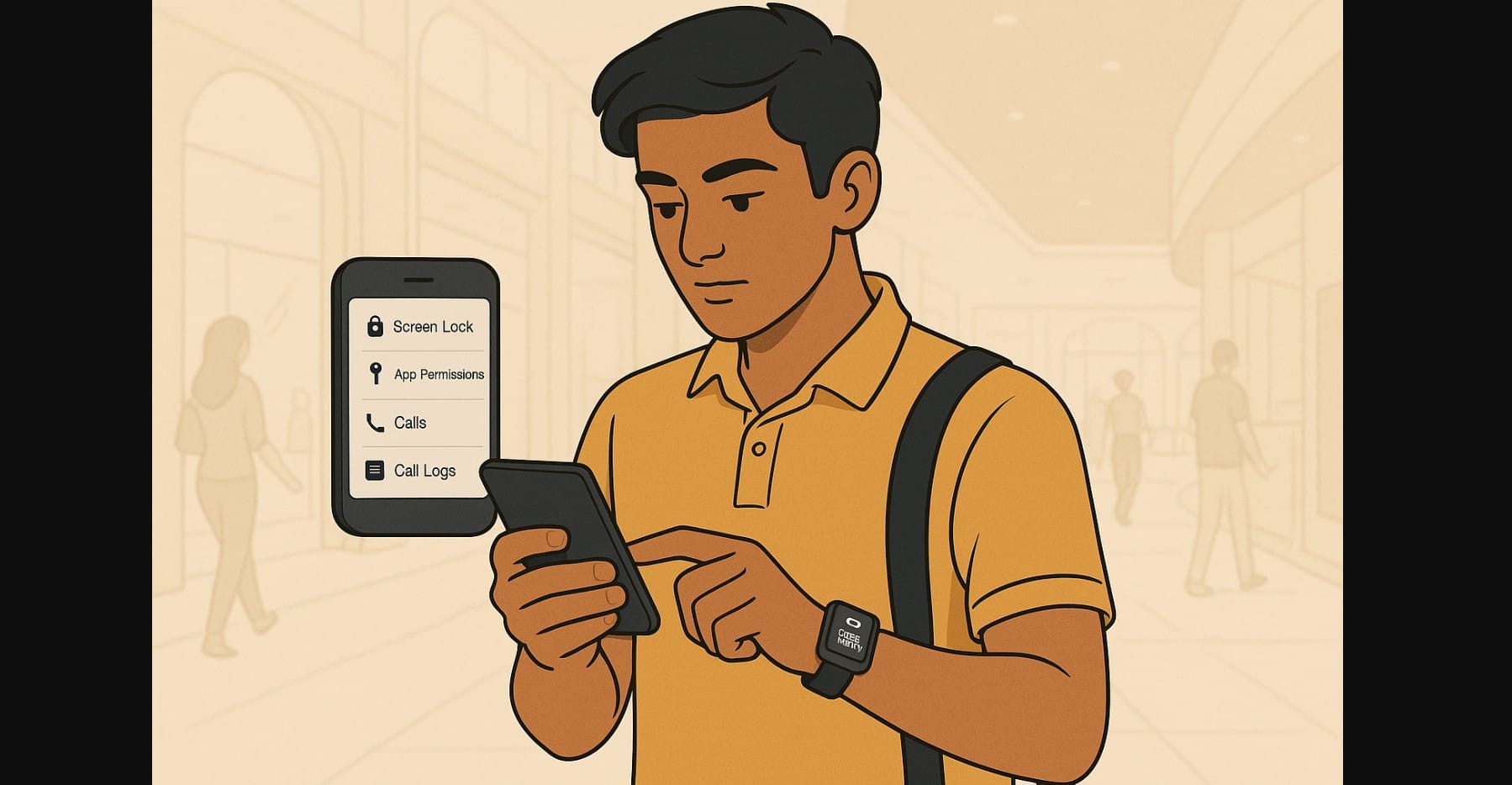
Smartwatches are no longer just for telling time or counting steps. In India, they now mirror messages, store call logs, track health data, and even allow Bluetooth calling. But very few users stop to think about what happens if the watch is lost, stolen, or sold or how much private data is left unprotected.
This post walks you through practical, device-level steps to improve smartwatch privacy and data security, whether you’re using a budget model under ₹3,000 or a full-featured premium wearable.
1. Why Smartwatch Security Needs Attention
Most smartwatches in India:
- Sync contacts for calling features
- Show WhatsApp, email, and SMS previews on the screen
- Track and store health logs like steps, heart rate, sleep, SpO₂
- Pair quickly with phones using saved Bluetooth profiles
- Auto-connect when in range often without a prompt
These features are convenient, but they also mean anyone who picks up your watch can see sensitive info with no effort especially if you’re not using security settings wisely.
2. Locking the Screen – What Your Watch May or May Not Offer
Entry-Level Watches (Under ₹3,000)
- Most do not support PIN or password locks
- The screen wakes with a button press or wrist lift
- Anyone nearby can check messages or calls
Mid-Range Watches (₹3,000-₹10,000)
- Some include 4-digit PIN screen lock
- A few offer “lock when removed” features
- Screen can auto-lock after 10-30 seconds if enabled
Premium Watches (Wear OS / WatchOS)
- Always offer full PIN security
- Require unlock after removing from wrist or restarting
- You can also set auto-lock durations, restrict access to wallet and apps
Tip: If your smartwatch offers a lock option, set it up immediately. Even a simple 4-digit code prevents others from reading your messages or health logs.
3. Contacts, Call Logs, and Bluetooth Pairing Risks
Smartwatches with Bluetooth calling:
- Store recent call logs
- Sync contact lists (up to 20-100 names)
- Store audio input (mic use) history in some cases
- Auto-connect to the last paired device if Bluetooth is on
These details are often visible without unlocking the watch even after it’s reset.
Tips for all tiers:
- Avoid syncing the full contact list if not necessary
- Delete call logs from the watch every few days
- Unpair the watch from your phone’s Bluetooth list if you lose or stop using it
- Don’t leave Bluetooth calling enabled if your watch is unattended
4. Where Health Data Actually Lives It’s Not Just in the Watch
Most watches send data (steps, heart rate, sleep, etc.) to a companion app. Many Indian users don’t realize that:
- These apps store data without password protection
- Health history may still show even after uninstalling and reinstalling
- Some apps don’t let you fully log out or clear data
- Others offer only partial “clear history” functions that don’t wipe your account
Tips:
- Use social login (Google or Apple ID) rather than mobile number only
- If your app supports export or backup, use it monthly
- Avoid syncing with third-party health apps if you don’t use them
- If switching watches, clear data before reinstalling the app
5. Notification Privacy – What People Can See Just by Raising Your Wrist
By default, most smartwatches display:
- Full WhatsApp or SMS previews
- Missed call names
- OTPs and emails
- Calendar events
Even without unlocking your phone, someone near your watch may:
- Read private conversations
- Glance at incoming OTPs or transactions
- See calendar or location details
Tips (works on almost all smartwatches):
- Disable preview messages on lock screen
- Switch to “icon-only” mode for notifications
- Turn off sensitive app alerts like banking, password manager, or wallet
6. Don’t Just Reset Properly Unlink Your Smartwatch First
Selling or gifting your smartwatch? Reset alone may not be enough.
Here’s why:
- Many budget watches reconnect to the same app account, even after a factory reset
- Premium watches stay linked to cloud accounts blocking new users
- Unlinked Bluetooth profiles sometimes auto-reconnect if you’ve forgotten to remove them
Checklist before handing over a watch:
- Unpair the watch inside the companion app
- Logout of the app if possible
- Remove the watch from your phone’s Bluetooth list
- Log out of Google Fit, Apple Health, or Samsung Health sync
- Factory reset only after completing the above
- If it’s a premium device, also remove it from iCloud/Find My Device
7. More Ways to Keep Your Data Safe on the Wrist
Regardless of price:
- Avoid installing third-party watch faces that ask for unknown permissions
- Don’t install APKs or modded apps promising extra features
- Use vibration-only alerts in public spaces (like metro, office, or school)
- Turn off microphone and voice assistant access when not needed
- Avoid leaving the charger dock plugged in public spaces some watches sync when docked
8. Smartwatch Convenience Shouldn’t Come at the Cost of Privacy
As smartwatches in India become more powerful, they also store and show more personal data than ever before. Even low-cost models now mirror private chats, show OTPs, and connect to contacts for calling.
To protect your data, whether you spend ₹1,000 or ₹50,000, adopt simple habits like using screen locks, cleaning up apps, and managing notifications. These steps may seem unimportant until your data is compromised.

