
How to Audit and Secure Your Smart Home – Prevent Unauthorized Access
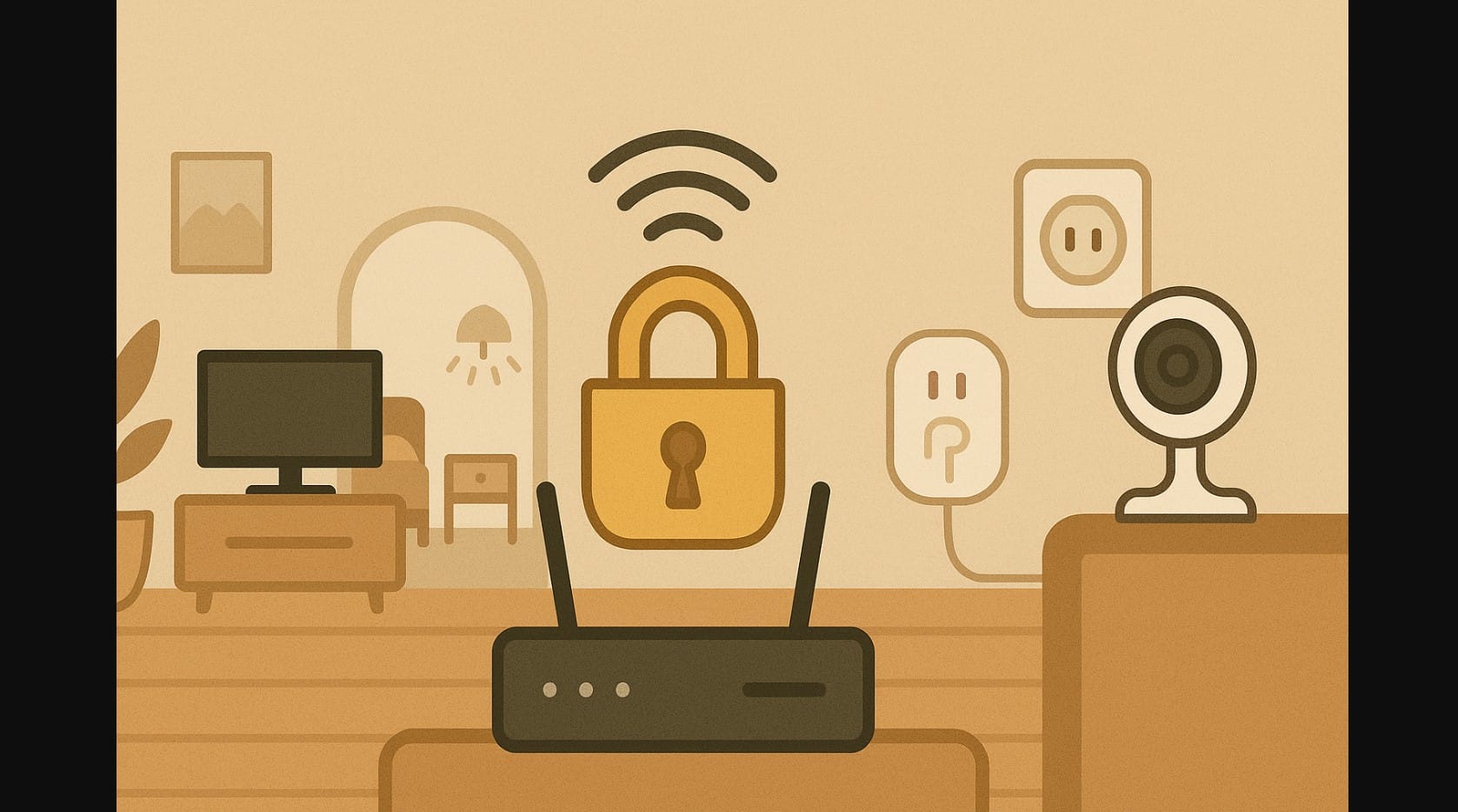
Adding smart bulbs, plugs, cameras, or voice assistants can make life easier but if you’re not careful, they can also make your home more vulnerable. Most homes now have at least one smart device, but very few have taken steps to secure them properly.
Your Wi-Fi is the gateway. And if you don’t secure it, you’re not just leaving your devices exposed you’re opening your door to unknown risks.
Here’s how to lock things down and keep your smart home safe in India without making it complicated.
1. Smart Devices Are Connected, But That Also Makes Them Exposed
Every smart gadget from the cheapest ₹900 plug to a fancy ₹10,000 camera connects to your home Wi-Fi. That means:
- If your Wi-Fi is weak or unprotected, so are your devices
- Anyone nearby or online could scan your network
- Default passwords and old firmware create easy backdoors
And here’s what can happen if things go wrong:
- Geyser turns on at 3 AM without your command
- Your camera stream gets accessed from another location
- A stranger uses your bandwidth to download illegal content
- Voice assistants respond to commands they shouldn’t have heard
Smart doesn’t mean secure you have to set that part up yourself.
2. Start by Locking Down the Heart of It All: Your Wi-Fi Router
Your router is your smart home’s main gate. If that’s not secure, no device is.
Five Critical Things to Do Right Now
| What to Do | Why It Matters |
|---|---|
| Change router admin password | Default passwords are known and searchable online |
| Create a strong Wi-Fi password | Avoid easy words like “password123” or your flat number |
| Rename your SSID | Avoid personal info (e.g., “GuptaHomeWiFi”) |
| Turn off WPS/Wi-Fi sharing | Prevent easy pairing via buttons or guest modes |
| Keep firmware updated | Many bugs and exploits are fixed through router updates |
Use your ISP’s app (like JioFiber, Airtel Xstream) or log in via 192.168.1.1 on your browser.
3. Don’t Skip Safety Steps When Setting Up Smart Devices
Many people rush the setup and never return to check again. That’s risky. Follow these five practices:
Step 1. Always Change Default Login Credentials
Some smart plugs and cameras come with preset usernames like “admin/admin” these should be changed immediately.
Step 2. Use the Official Brand App Only
Avoid random APKs or “smart control” apps that don’t come from the Play Store or App Store.
Step 3. Check for Firmware Updates
Most smart devices receive silent updates but you can also trigger them manually via the app settings.
Step 4. Turn Off Features You Don’t Use
If you don’t need remote access or voice commands for a certain device, disable them from the app.
Step 5. Avoid Setting Up Devices on Guest Wi-Fi or Mobile Hotspots
Use your main secure home network to prevent open access issues.
4. Want Even More Network Protection? Separate Your Smart Devices
If your router supports guest networks or dual-band Wi-Fi (2.4 GHz and 5 GHz), here’s a great idea:
- Connect all smart devices to one network (e.g., “MySmartHome”)
- Keep phones, laptops, banking devices on another (e.g., “MainHome”)
- This way, even if a plug gets compromised, it can’t reach your main devices
5. Using Smart Cameras and Voice Assistants? Secure Them Smartly
For Smart Cameras
- Avoid placing them in bedrooms or bathrooms
- Turn off remote viewing unless necessary
- Check access logs (available in apps like TP-Link Tapo or Mi Home)
- Set up alerts if someone views the stream from a new device
For Voice Assistants (Alexa, Google)
- Enable voice profiles for different users
- Disable purchase-by-voice or protect with a PIN
- Turn off the mic when not in use (especially in sensitive rooms)
- Check activity logs for unexpected commands
6. Watch for These Security Warning Signs
Your smart home might already be under risk if:
- Devices turn on or off at odd hours
- Camera angle has changed or feed shows activity when none expected
- Internet slows down without explanation
- Your Wi-Fi shows unknown connected devices
- Your assistant says “Okay” when no command was given
If you see any of these change your passwords and check device access immediately.
7. You Don’t Need Expensive Tools
Securing your smart home in India doesn’t require buying a firewall or new router. Start with:
- Strong passwords
- App updates
- Safe placement of cameras
- Knowing what features are active
A few small actions can prevent big problems.
8. Smart Home, Safe Home
Adding smart devices brings control, convenience, and comfort. But without basic protection, those same devices can become silent entry points.
Treat your smart home like your physical home:
- Lock the main gate (router)
- Don’t share your keys (passwords)
- Don’t leave windows open (unused features)
Do that, and your home stays smart and secure.

