
Understand What Makes a Graphics Card Fast, Clock Speed, VRAM & More
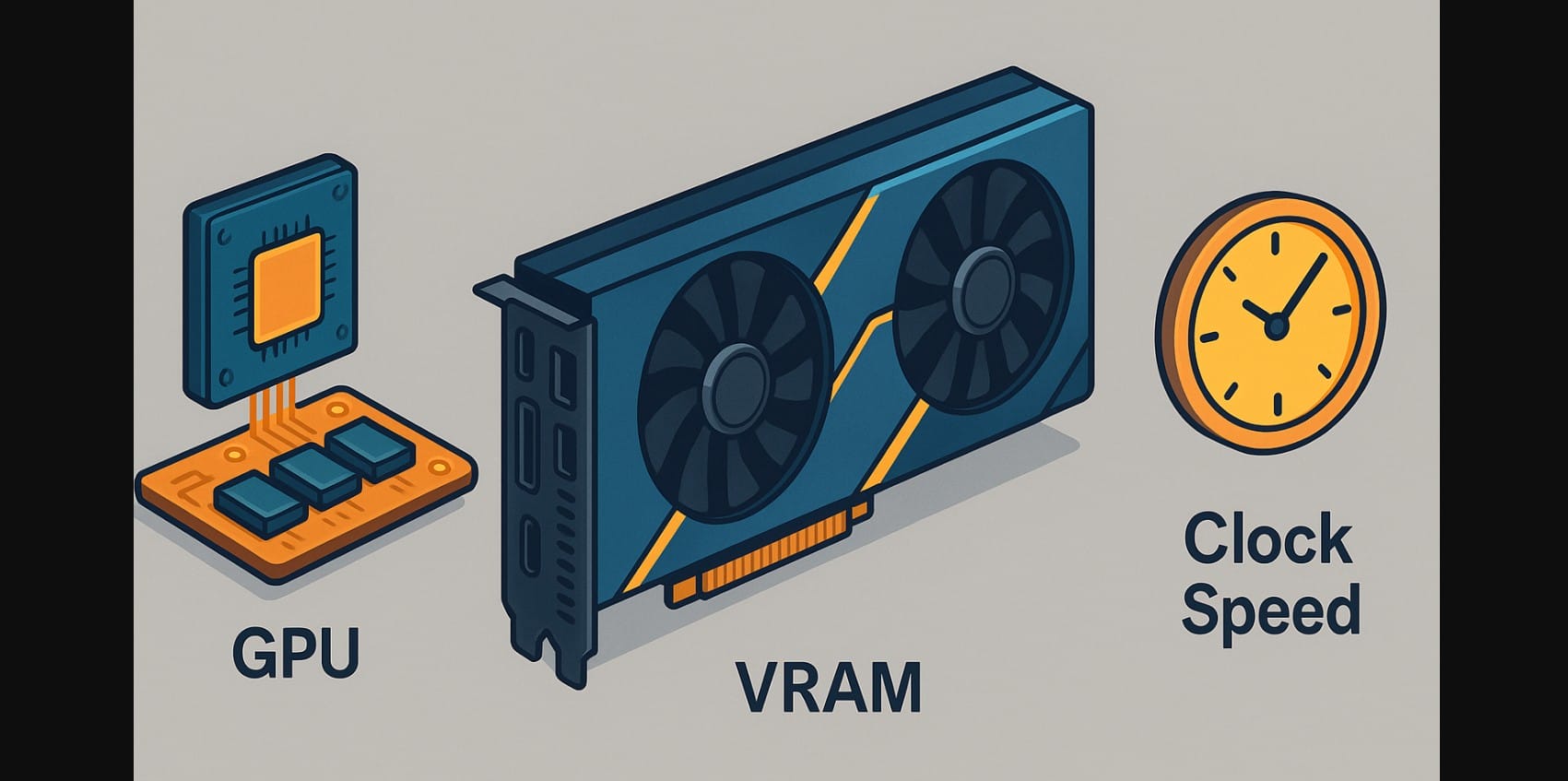
When you’re comparing graphics cards, the specs list can feel overwhelming, VRAM, clock speed, CUDA cores, memory type. Most users or gamers just want a simple answer: Which one is faster?
But here’s the truth: GPU speed isn’t defined by a single number. It’s a combination of several things working together, and understanding just the key parts helps you make smarter choices, especially when spending ₹20,000 to ₹1,50,000 on a graphics card in India.
Let’s break it all down.
1. The GPU Chip – The Real Engine Behind Everything
At the core of every graphics card is the GPU chip (or “die”). This is the processor that handles everything, from game rendering and video editing to AI image generation.
What the GPU Processor Really Does
It runs thousands of tiny operations every second, across multiple specialized cores:
- NVIDIA uses CUDA cores
- AMD uses Compute Units or Stream Processors
More cores generally mean more simultaneous processing, but…
Core Count Alone Doesn’t Define Speed
A newer GPU architecture can outperform an older one even with fewer cores.
For example, a 2025 RTX 5070 might outperform a 2020 RTX 3090, because the cores are faster, better optimized, and include advanced features like ray tracing and AI frame generation.
So don’t get caught comparing old vs new by raw core numbers. Always check the generation and architecture.
2. Graphics Card Dedicated VRAM – Not Just Size, but Type and Speed Matter
What VRAM Does
VRAM (Video RAM) is the memory on your graphics card. It stores:
- Textures from games
- Real-time frames and video
- Preview renders and AI data
The more VRAM you have, the more your GPU can handle at once without freezing or crashing.
GDDR7, GDDR6, GDDR6X, and HBM3, What’s the Difference?
- GDDR7: Latest standard for high-end graphics card (Example RTX 5090)
- GDDR6: The current standard on mid-range cards, suitable for 1080p-1440p gaming and video work.
- GDDR6X: Faster version, usually found in NVIDIA’s upper-tier GPUs, ideal for 4K gaming and high-speed rendering.
- HBM3: High-bandwidth memory used in specialized AI or compute GPUs (not common in mainstream gaming).
How Much VRAM Is “Enough”?
- 8GB-10GB: Great for 1080p gaming, casual editing.
- 12GB-16GB: Ideal for 1440p, content creation, and moderate AI workloads.
- 16GB+: Needed for 4K editing, large AI models, or workstation use.
3. Graphics Card Clock Speeds – More Than Just MHz or GHz
Clock speed tells you how fast each core operates.
Core Clock vs Boost Clock
- Core Clock: The GPU’s base operating speed (e.g., 1800 MHz)
- Boost Clock: The maximum speed it can hit during heavy tasks (e.g., 2500 MHz)
Modern GPUs dynamically adjust clock speed based on temperature and workload.
But Higher Clock Speed Doesn’t Always Mean Faster
A GPU with more cores at slightly lower clock speed may still outperform a high-clock chip with fewer cores.
It’s like comparing cars: one might have higher RPM but lower horsepower. Performance = balance of speed and power.
4. The Role of Cooling, Power, and BIOS Settings for Improving GPU Speed
Even if you have a fast GPU, it won’t perform well if it overheats or lacks power.
Cooling Makes a Huge Difference
- Better cooling = longer sustained performance
- In India’s hot climate, poor cooling leads to thermal throttling, where your GPU slows down to avoid overheating
That’s why triple-fan GPUs and cards with good heat sinks often outperform similar models under real load.
Power Delivery and BIOS Settings
- Some cards are factory-overclocked with a custom BIOS for better performance
- High-end cards often have higher power targets, allowing them to push clock speeds for longer
- But they need compatible power supplies (especially for 12VHPWR or dual 8-pin connectors)
5. How to Judge Graphics Card Speed the Right Way
Don’t get distracted by one flashy number like “16GB VRAM” or “2.5 GHz clock.”
Look at the Full Performance Formula:
- Chip generation and architecture
- Core count and type
- VRAM size and memory type
- Cooling system and power delivery
- Real-world benchmarks (especially for your use case)
Use-Case Examples: What Matters for Whom?
| Use Case | Focus On |
|---|---|
| 1080p Gaming | Clock speed + core count |
| 4K Gaming | VRAM + cooling + power limits |
| Video Editing | VRAM + memory bandwidth |
| AI and ML Workloads | VRAM + architecture support |
| General Office / Home Use | Any entry-level GPU or iGPU |
6. Graphics Card Speed Isn’t Just One Number
A fast GPU is built on balanced architecture, not just raw GHz or GB. You need the right combination of chip design, VRAM bandwidth, and sustained boost clocks to get real-world speed.
Next time you compare two GPUs:
- Don’t just look at clock speed or memory size.
- Ask what tasks it’s built for, and how it holds up in sustained workloads.
- And always check benchmarks for the software or games you’ll actually use.
Because in the end, fast is what works best for you, not just what looks big on specification sheet.

