
How to Use Xbox Remote Play in India and Game Without a TV
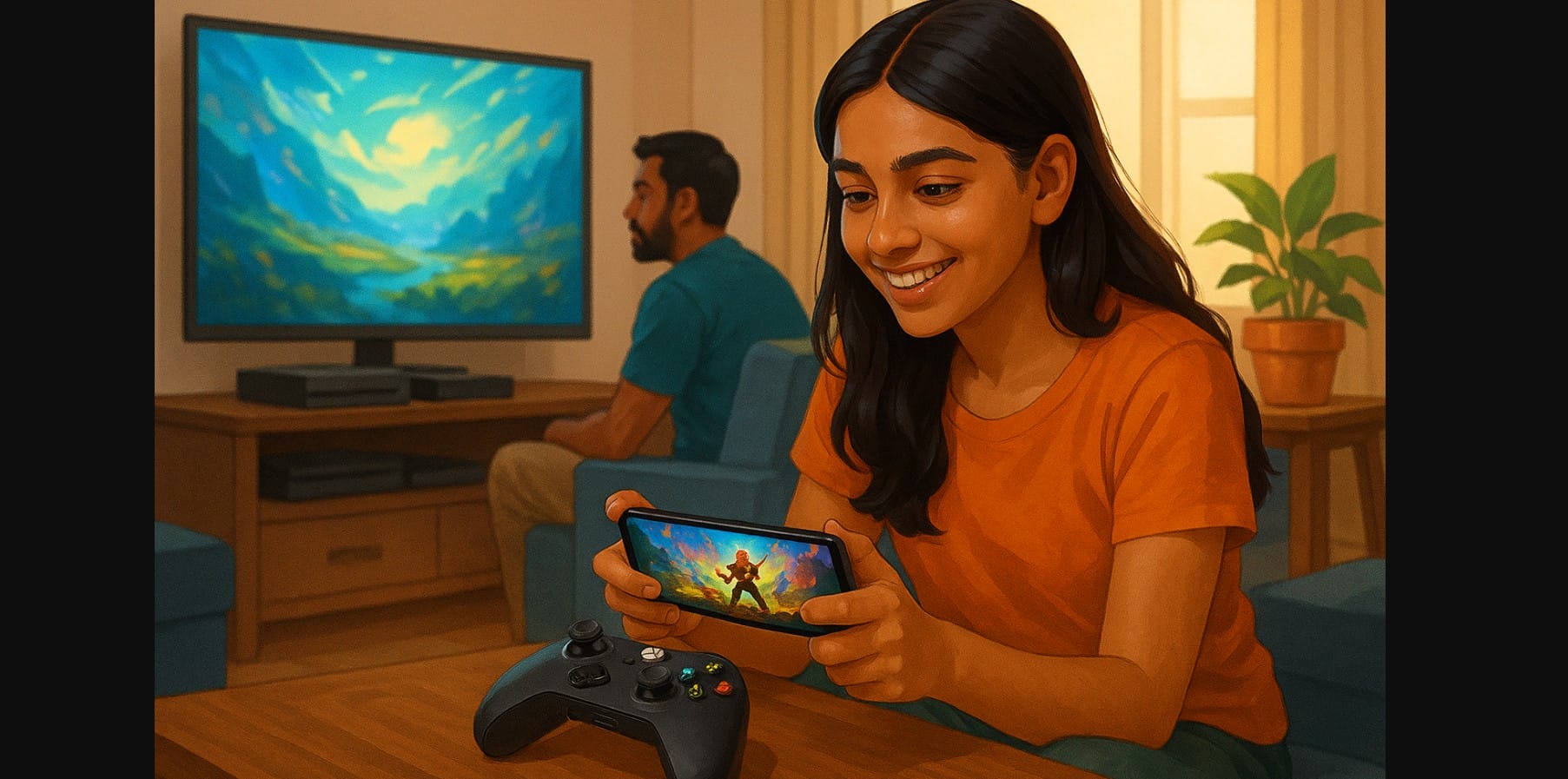
If you have an Xbox Series X, Series S, or even an older Xbox One, you already have access to one of the most useful features Microsoft offers Remote Play. It lets you stream your console’s screen to your mobile, tablet, or PC, letting you game away from the TV.
In households where the TV is often shared, this is a powerful tool that’s underused simply because most people don’t know it’s there.
1. Why Shared Screens Make Remote Play a Game-Changer in India
You’re in the mood to play, but your parents are watching a serial, or someone else is on YouTube. Instead of giving up, stream your Xbox to your phone or laptop and continue playing from your bed, the balcony, or another room.
This is especially helpful in:
- Homes with one TV and multiple users
- Hostel rooms or small flats where you don’t have a monitor
- Night-time gaming without waking anyone up
2. All the Devices You Can Stream to Without Buying Anything Extra
Xbox Remote Play lets you use:
- Android phones or tablets
- iPhones and iPads
- Windows laptops and PCs
All you need is the free Xbox app and your existing Xbox console no subscription, dongle, or extra payment required.
3. One-Time Xbox Setup That Unlocks Streaming from Any Room
You only need to enable this once:
- On your Xbox, go to Settings > Devices & Connections > Remote Features
- Check Enable remote features
- Set Power mode to Instant-on
- Make sure your Xbox is connected to the internet (Wi-Fi or LAN)
Once this is set up, you’re ready to stream.
4. How to Play Xbox Games on Your Phone Without Touch Controls
On Android and iPhone:
- Install the Xbox app
- Sign in with your Xbox account
- Tap the console icon > Remote play on this device
- Pair your controller via Bluetooth or USB
- Your Xbox will boot up remotely, and the game screen will appear
If you forget your controller, some games support touch controls, but they’re best avoided for precision gameplay.
5. Turn Your Laptop into a Second Xbox Screen in Minutes
To use Remote Play on a PC:
- Download the Xbox app for Windows 10/11
- Connect to the same Wi-Fi as your Xbox
- Sign in and go to My Library > Consoles > Play Remotely
- You can use a wired or Bluetooth controller for input
This is ideal if your Xbox is in the living room and you want to play from your bedroom.
6. What Kinds of Games Xbox Stream Smoothly and What to Skip
Works best with:
- Single-player Game Pass titles
- Platformers, racing games, turn-based strategy
- Games installed on your console
Avoid:
- Competitive online shooters (like Call of Duty or Fortnite)
- Slower broadband setups
- Older phones with poor Bluetooth support
7. For Smooth Game Streaming on Wi-Fi and Mobile Data
- Use a 5GHz Wi-Fi connection instead of 2.4GHz
- If possible, connect your Xbox to the router via LAN cable
- Avoid background downloads on other devices
- Close unused apps on your phone or tablet
- Keep your mobile device plugged in while playing
8. Fixing Lag, Connection Drops, and Pairing Problems Fast
| Problem | What Might Be Wrong | Quick Fix |
|---|---|---|
| Can’t connect to console | Xbox not in Instant-on mode | Change Power Mode in console settings |
| Lag or blurry screen | Weak Wi-Fi or too many devices online | Move closer to router or switch to LAN |
| Controller won’t respond | Not paired properly | Reconnect over Bluetooth or USB |
| Game not starting remotely | Game not loaded on console | Restart Xbox app or power cycle console |
9. Why Xbox Remote Play Is Perfect for Homes with One TV
In homes where the TV is the most contested device in the house, Remote Play lets you:
- Play anytime without waiting for the TV to be free
- Use your console in other rooms without moving it
- Keep gaming during family time, power cuts (on inverter + Wi-Fi), or night-time
Remote Play isn’t a luxury it’s a hidden benefit you already own. No extra payments, no extra devices. Just enable the setting and use your phone, tablet, or laptop as a second screen.
It’s a great way to maximize your Xbox use in India, especially if space, screens, or sharing limits your console time.

