
The Left-Handed Mouse Struggle in India – And How to Fix It
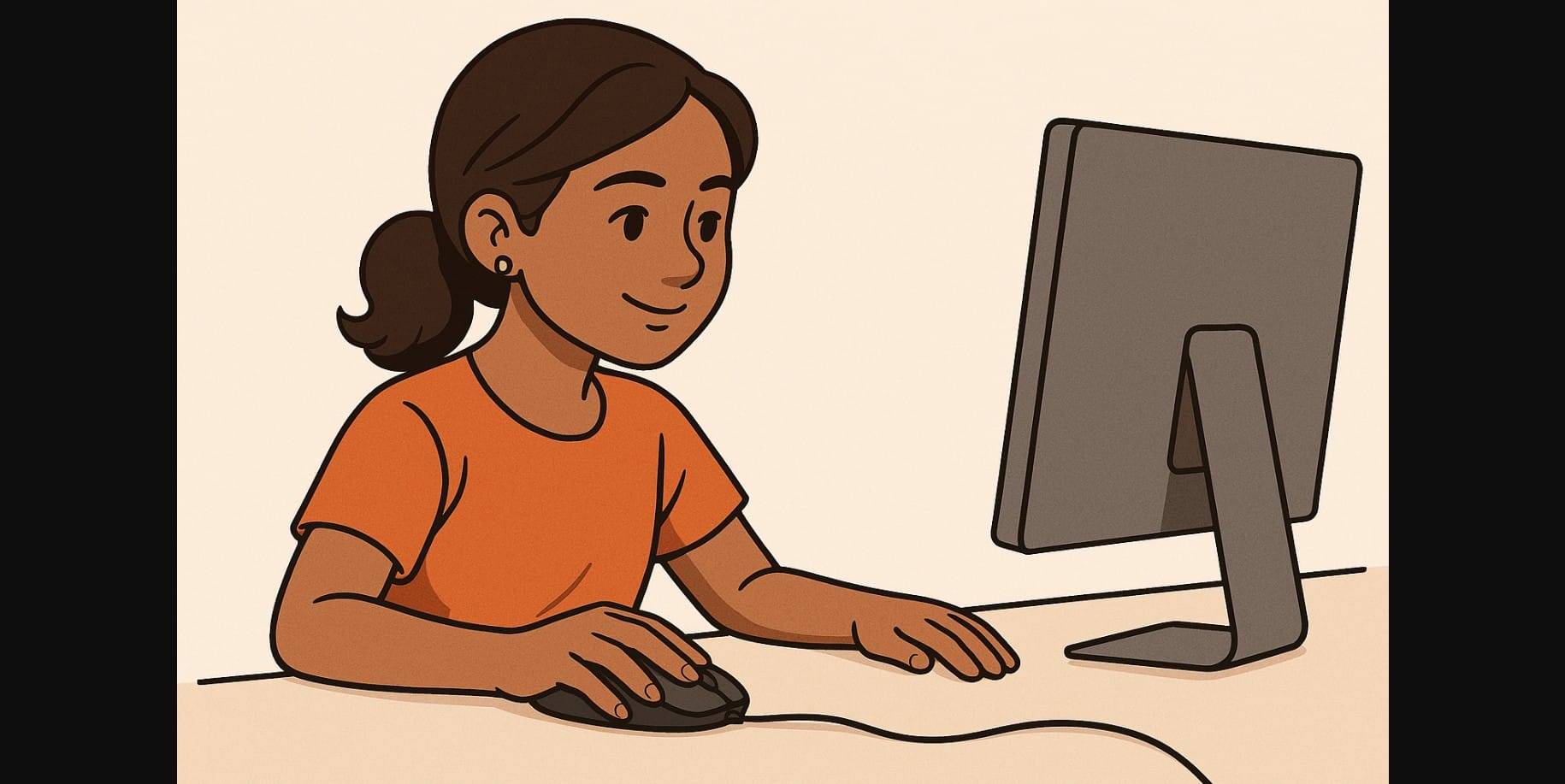
If you’re left-handed in India, you’ve likely felt the struggle of using tech made for right-handers and the mouse is no exception. Most mouse on the market are shaped, angled, and buttoned for right-hand use.
But that doesn’t mean you’re stuck adapting forever. Whether you’re a student, gamer, designer, or office worker, there are practical ways to find or adapt a mouse that actually fits your left-handed workflow.
This post explores realistic left-handed mouse options for Indian users, workarounds, and things to look for before buying.
1. Why Most Mouse Don’t Work Well for Lefties
- Ergonomic mouse are usually sculpted for right-hand comfort
- Side buttons are placed on the left side for right-thumb use
- Many mouse have angled shapes or thumb grooves that make them awkward for left-hand grip
- Left-handed versions are rare and hard to find in Indian offline stores
2. Types of Mouse That Work Well for Left-Handed Users
Ambidextrous Mouse
These have a symmetrical design same shape on both sides so you can use them with either hand.
Benefits:
- Works for both left- and right-handers
- Often used in esports for fast response
- Available from major brands in India
Look for:
- Centered scroll wheel
- Equal button placement on both sides (optional)
Left-Handed-Specific Mouse
These are designed with curves and side buttons on the right side, for your left thumb.
Pros:
- True ergonomic comfort for long use
- Side buttons where your left thumb naturally rests
Cons:
- Limited availability in India
- Mostly available via global import
Vertical Ambidextrous Mouse
While most vertical mouse are right-handed, some brands offer neutral or mirrored shapes that can work in either hand.
Good for:
- Reducing wrist twist and hand fatigue
- Long-hour design or editing use
3. How to Adapt a Standard Mouse for Left-Hand Use
Even if you can’t find a left-handed model, you can still use a regular mouse with some tweaks:
Change Button Functions
You can swap primary and secondary buttons in most operating systems:
Windows:
Settings – Devices – Mouse – “Select your primary button” – Choose “Right”
macOS:
System Settings – Mouse – Swap click options
Use Remapping Software
Some mouse let you customize button functions:
- Logitech Options+
- Razer Synapse
- X-Mouse Button Control (free for Windows)
These allow you to:
- Remap side buttons to other functions
- Disable right-thumb-only features
- Create per-app shortcuts for your dominant hand
4. What to Look for in a Lefty-Friendly Mouse
| Feature | Why It Matters |
|---|---|
| Symmetrical shape | Works in either hand without awkward angles |
| Customizable buttons | Lets you remap side clicks or scroll functions |
| Compact to medium size | Easier to control with less strain |
| No aggressive curves | Avoids discomfort during long use |
| Online availability | More models to choose from than local shops |
5. Where to Buy Left Hand Mouse in India
- Amazon India – Filter by “ambidextrous” or “left-handed mouse”
- Logitech India website – Some symmetrical mouse available
- Razer or SteelSeries – Known for esports-grade ambidextrous designs
- Import options (Amazon Global, AliExpress) – For true left-handed ergonomic models
6. Don’t Settle for the Wrong Fit
Being left-handed in India shouldn’t mean being left out of comfort and control. While the market is still catching up, ambidextrous and adaptable options are widely available online and easy to configure for smooth left-hand use.
With a bit of setup and the right model, your mouse can finally feel like it was made for you because your work, your gameplay, and your comfort deserve nothing less.

