
Making Sound Inclusive: Accessible Audio Devices and Tools in India
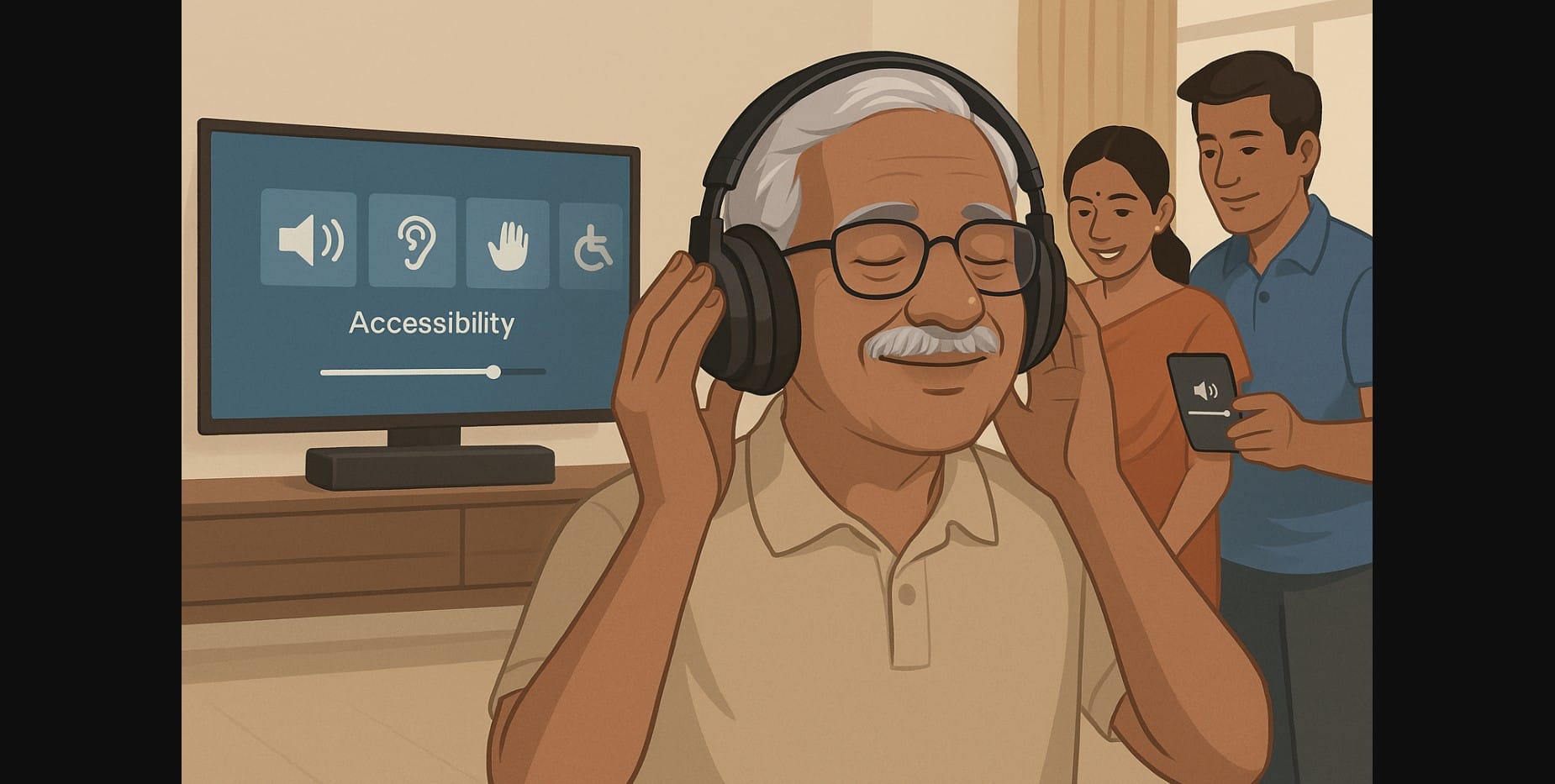
Everyone Deserves to Hear Clearly No Matter the Device – Phones, laptops, TVs, and apps are more accessible than ever but only if you can actually hear what’s going on. For millions of Indians, audio clarity isn’t just about quality, it’s about access.
Whether it’s an elderly parent trying to catch a video call, a student in online class with partial hearing, or someone trying to reduce strain during long work calls, the right audio setup can turn a frustrating task into an empowering one.
1. Common Challenges That Block Audio Access
Audio barriers in India come from more than just hearing loss. Common real-life issues include:
- Low-quality mobile speakers on budget phones
- Unclear voice on crowded video calls due to poor mic placement
- Noisy surroundings ceiling fans, street traffic, and shared rooms
- TV dialogue drowned by background music
- Muffled speech on Bluetooth devices
- Ear strain from hours of earbud use
Accessibility isn’t just for people with disabilities it’s for anyone who struggles to hear clearly, consistently.
2. For Seniors Who Say “Volume’s Still Not Enough”
If your parent or grandparent keeps asking you to repeat things or turns the TV too loud, standard volume may not be enough. Here’s what works better:
- TV headphones with speech enhancement, like RF-based over-ear sets
- Wireless neckbands with large volume buttons and voice tuning
- Bluetooth speakers with midrange boost not just bass
- Smartphone audio tuning (Android or iOS accessibility settings) for personalized sound
Some newer smart TVs also allow separate headphone audio while the speaker is muted helpful when others don’t want high volume.
3. Earphones and Headphones That Reduce Strain, Not Just Boost Sound
If you listen to podcasts, attend classes, or take long calls, audio fatigue is real. Look for:
- Over-ear headphones with padded, breathable cushions
- Earphones with custom tips that seal properly without pressure
- Devices with flat tuning or adjustable EQ
- Mono mode options helpful for one-sided hearing or shared usage
- Headsets with side-tone mic feedback, so you don’t speak too loudly
These features reduce mental strain and physical discomfort during long sessions.
4. Mobile Phone Settings That Quietly Make a Big Difference
Many phones already have tools built in most users just don’t know it. Explore:
- Android Sound Amplifier: Boosts quiet sounds and reduces noise
- iOS Headphone Accommodations: Adjusts audio for speech clarity or balanced tone
- Mono Audio mode: For users with hearing differences in one ear
- Custom volume leveling: Maintains even loudness across apps
- Accessibility shortcuts: Quick toggle for hearing enhancements
These don’t require extra apps just a few taps in your settings menu.
5. Smart Speakers That Assist, Not Just Entertain
Voice assistants like Alexa or Google Home can act as real helpers:
- Let you control music or radio by voice, useful for visually impaired or mobility-limited users
- Announce reminders, timers, or messages aloud clearly
- Play audiobooks, devotional content, or family WhatsApp calls over loud, clear speakers
- Respond well to Indian accents when trained properly
- Can be linked to other devices to broadcast messages or make hands-free calls
In multi-generational homes, a well-placed smart speaker can become the bridge between generations.
6. Affordable Devices That Offer Accessibility Without the Label
Accessibility doesn’t always come in expensive packaging. You can find:
- Neckbands under ₹1500 with clear mic and 10mm drivers
- Wired earphones with inline volume and mic control
- Bluetooth speakers under ₹2000 with voice-friendly tuning
- Headsets under ₹2500 with proper boom mics and soft padding
- Old phone repurposed as a speaker or media player for seniors
The trick is to choose devices that match the user’s needs not the trend.
7. Before You Buy for Someone Else, Ask These
If you’re helping a senior, child, or anyone with accessibility needs:
- Will they be using it alone or with someone else’s help?
- Do they prefer physical buttons or touchscreen controls?
- Are they using it for watching, talking, or listening only?
- Can they easily understand battery and pairing prompts?
- Will they be comfortable wearing something over/in the ear?
The best audio device is one they can use confidently without feeling dependent or confused.
8. Accessibility Isn’t a Feature It’s a Right
Hearing clearly shouldn’t be a luxury or a workaround. From students in crowded homes to seniors learning YouTube, audio that works for the person is just as important as a good connection or a working screen.
When you choose good gear like quality headphones or amplifiers and adjust settings like volume and equalization, you’re not just helping someone hear. You’re also empowering them to engage with their education, connect with loved ones, and explore the vast online world.
In a time when communication is more crucial than ever, ensuring that everyone has access to clear audio can bridge gaps and foster understanding, making the digital landscape more inclusive for all.

