
How to Get Better Sound Output from Your Phone Speaker
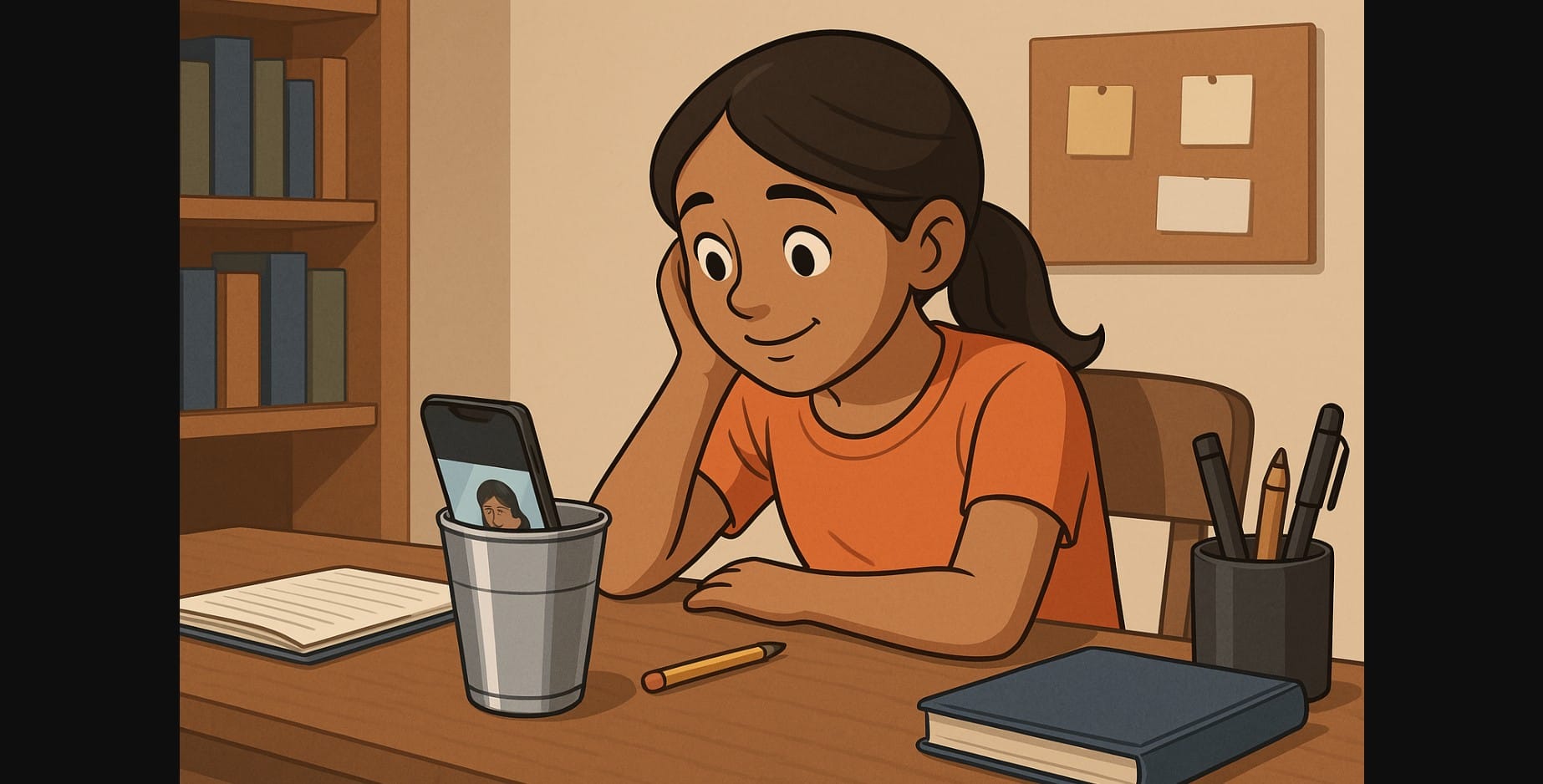
In India, many people still use their phone’s speaker for most daily audio whether it’s watching JioCinema, teaching on a Zoom call, listening to bhajans, or catching cricket commentary while working.
And while phone brands pack better cameras and processors each year, the speaker often remains a tiny slit on the bottom. But you don’t always need new gear. If you know how to work with what you have, your phone speaker can sound clearer, louder, and better without spending anything.
1. Figure Out Where the Sound Comes From
Most users block the speaker without realizing it. Some phones have bottom-firing speakers, others use the earpiece as a second speaker for stereo.
Here’s how to test:
- Play a song or video
- Cover one side of the phone at a time
- Notice which side stops or weakens that’s where your speaker lives
If you’re watching content in landscape mode, keep the speaker side turned upward or toward your ear.
2. Dust Kills Sound And You May Not Even See It
India’s dust, pocket lint, and humid air easily clog speaker grills. Over time, your audio sounds weaker, even though you haven’t changed anything.
Here’s what helps:
- Use a dry, soft toothbrush to clean the grill gently
- Use a camera air puffer to blow away debris
- Don’t use water, cotton buds, or sharp objects they may ruin the mesh
- If it’s really bad, visit a local repair shop for a safe clean-up
Do this once a month especially if you carry your phone in jeans or ride a bike daily.
3. Don’t Trust Volume Booster Phone Apps Try Built-In Settings Instead
Most volume booster apps promise “200% louder sound” and they might deliver, but at the cost of speaker damage and distortion. Your phone already has safer tools.
Here’s where to look:
- Settings > Sound & Vibration > Sound Enhancer (names vary by brand)
- Check for features like:
- Clear sound, Mono audio, Ultra volume mode
- Equalizer presets (pop, vocal, movie, etc.)
- Some phones like Realme or MIUI offer “Volume Boost” in the accessibility menu
- In VLC Player, you can boost sound up to 200% safely inside the app
4. Use Your Surroundings to Boost Phone Sound No Gadgets Needed
You can make your speaker sound louder just by how and where you place your phone:
| Simple Trick | How It Helps |
|---|---|
| Place it in a steel glass (speaker side down) | Reflects and amplifies sound upward like a natural cone |
| Tilt the speaker toward a corner wall | Focuses the sound forward into the room |
| Use a wooden table or box surface | Adds natural bass and richness to vocals or music |
| Cup your hand behind the speaker | Works like a sound scoop great for outdoor use |
These tricks are especially useful in hostels, classrooms, or kitchen setups.
5. Only One Side Sounds Loud? Fix the Channel Balance
If your phone supports stereo sound, vocals might come from one speaker and instruments from the other. On budget phones or in noisy environments, you may lose clarity from one side.
Here’s how to fix it:
- Go to Settings > Accessibility > Audio Balance
- Shift the slider toward the speaker you use or the louder side
- This works especially well when lying down and watching videos with the phone tilted
6. Apps Can Lower Phone Volume Without Telling You Reset Them
Sometimes it’s not your speaker it’s the app limiting sound. This happens often in:
- YouTube when switching to mobile data
- Hotstar when in power-saving mode
- Prime Video during background playback
What to do:
- Turn off Battery Saver Mode
- Switch streaming quality to medium or high
- If sound still dips mid-way, close and reopen the app
7. Avoid These Habits That Ruin Phone Speaker Sound Over Time
| Bad Habit | What It Does |
|---|---|
| Blocking the grill with your case | Muffles sound and traps heat |
| Playing full volume for hours daily | Causes coil fatigue and distortion over time |
| Using unofficial booster apps | Pushes sound past safe levels, damaging internal parts |
| Cleaning with pins or alcohol | Tears the mesh or shorts the diaphragm |
If your speaker starts crackling or cutting out randomly it’s likely one of these habits catching up.
8. When to Add Audio Accessories (And When Not To)
If you’ve tried everything and still need more volume:
- Look for acoustic phone stands no electronics, just better sound shaping
- Clip-on passive amplifiers good for desks or kitchens
- USB-C mini speakers not very loud, but helpful for very quiet phones
- Or just get a small Bluetooth speaker or neckband if you use it often
But remember: for basic content like reels, calls, and short videos your phone speaker is enough with a few adjustments.
9. Make the Most of Your Phone Speaker
Even a ₹10,000 phone can sound impressive when used right. Try
- Cleaning the speaker
- Using the right placement
- Tuning in settings instead of using shady apps
The result? Louder news, clearer dialogue, and better sound all without buying anything new.

