
How to Choose the Right Monitor for Work, Gaming, and Study in India
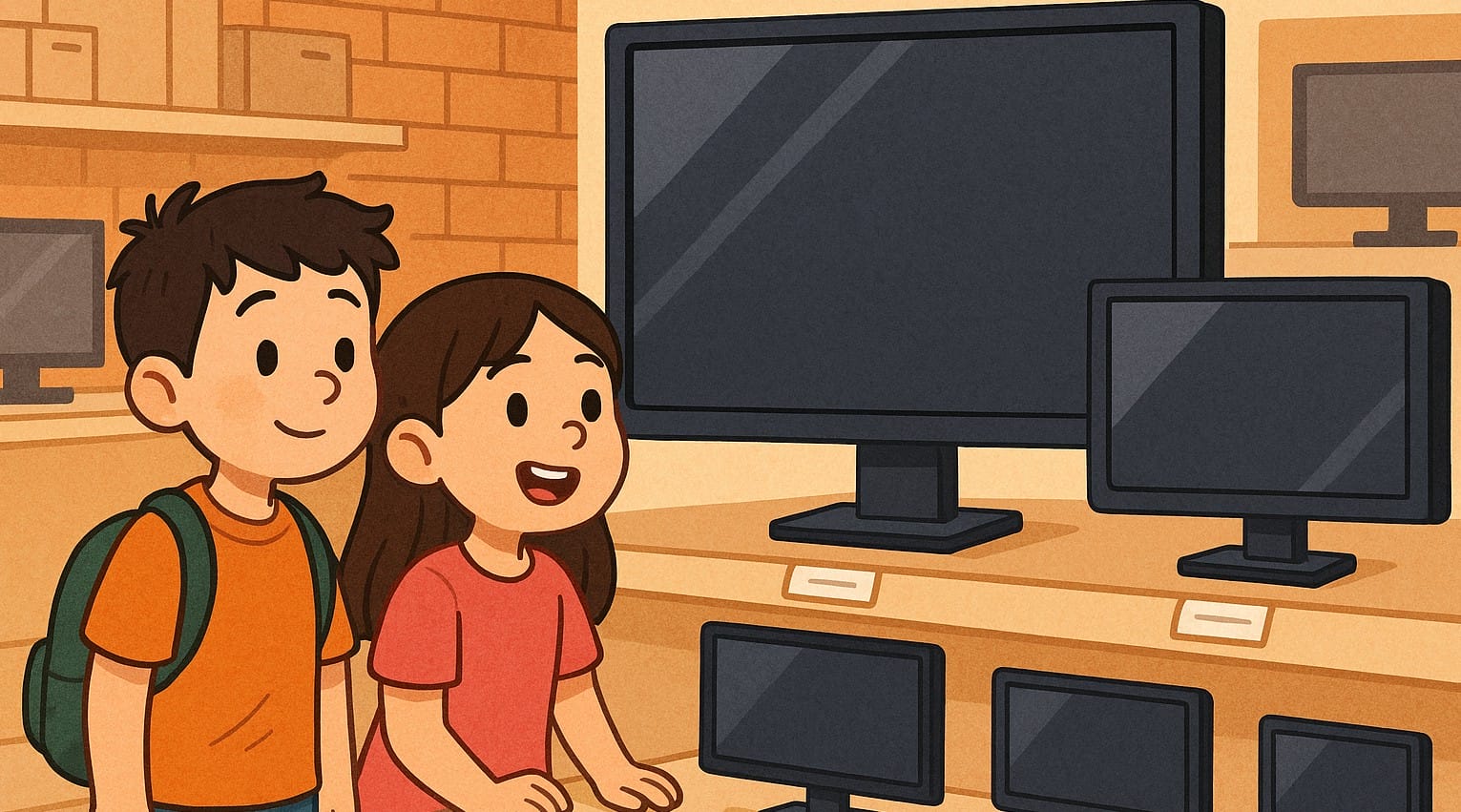
Whether you’re working, studying, gaming, or watching movies, your monitor is the one part of your computer setup you interact with all the time. In India, where remote work, online classes, and digital entertainment are now everyday habits, choosing the right monitor isn’t just about screen size it’s about comfort, performance, and long-term usability.
This guide will help you understand what really matters when buying a monitor in India. We’ll break down everything from screen size to panel types, refresh rates to eye-care features all explained in a way that makes sense for Indian homes and needs.
1. Know Your Purpose Before You Pick
Your monitor needs depend entirely on how you use it.
For Work and Study
Look for eye comfort, sharp text clarity, and compact sizes that fit on small desks.
Features to focus on: anti-glare, blue light filter, and at least Full HD resolution.
For Gaming
Speed matters more here. Fast refresh rates and low response times are key.
Look for: 144Hz refresh rate, 1ms response time, and FreeSync or G-Sync support.
For Content Creation
Color accuracy and viewing angles matter most for video editing, design, or photo work.
Go for: IPS panels, factory-calibrated color, and at least sRGB 100% coverage.
For General Use or Entertainment
Streaming, browsing, or office work needs a balance of clarity and comfort.
A 24-inch Full HD monitor with good contrast and wide viewing angles works well.
(Coming soon: Monitor Buying Guide for Office, Gaming, and Content Creation in India)
2. Screen Size and Resolution – What Works Best in Indian Homes
Monitors in India typically range from 19 to 32 inches, but that doesn’t mean bigger is always better. Choose based on your desk size, how far you sit, and your daily usage.
- 21.5-24 inch Full HD: Ideal for most work desks and study tables
- 27 inch QHD or 4K: Great for larger desks, multitasking, or creative work
- Ultrawide monitors: Not common but useful for stock traders, editors, or multitaskers
(Coming soon: Monitor Sizes & Resolutions Explained for Indian Desks)
3. Panel Types Explained in Simple Terms
There are three major types you’ll find in Indian stores:
- TN (Twisted Nematic): Fast and cheap, but poor colors and viewing angles
- IPS (In-Plane Switching): Best color and clarity, ideal for most users
- VA (Vertical Alignment): Great contrast, good for watching content
Each type fits a different purpose and price point.
(Coming soon: TN vs IPS vs VA – Which Panel Type Is Right for You in India?)
4. Refresh Rate and Response Time – Do They Matter for You?
- 60Hz is standard for office, study, or casual use
- 75Hz gives slightly smoother motion for general use
- 120Hz to 165Hz is where gaming feels truly responsive
Response time below 5ms is good. For gaming, 1ms is preferred.
(Coming soon: 60Hz vs 144Hz in India – What You Really Need)
5. Ports and Connectivity – What to Check Before Buying
In India, many buyers get stuck with the wrong port configuration. Check compatibility before you order.
- HDMI: Most laptops and set-top boxes support this
- VGA: Older tech, still found on budget monitors
- DisplayPort: Needed for high-refresh-rate gaming
- USB-C: Works with newer laptops but not common in all models
- Audio out: Useful if your monitor has no built-in speakers
(Coming soon: Monitor Ports in India – What You Actually Need to Check)
6. Ergonomics and Mounting Options for Indian Desks
Space can be limited in Indian homes, so monitor stands and mounting options matter.
- Tilt-only stands: Most budget monitors
- Height adjustable: Better for posture but cost more
- VESA mount compatibility: Needed for wall mounting or monitor arms
Always measure your desk before buying.
(Coming soon: Monitor Ergonomics for Indian Desks – Why It’s Not Just Comfort)
7. Eye Comfort and Health Features
You may spend 6-10 hours daily in front of your screen. A good monitor protects your eyes.
- Flicker-free technology: Reduces screen fatigue
- Blue light filters: Softer on eyes, especially at night
- Matte finish: Avoid reflections in bright rooms
- TÜV Eye Comfort certification: Found on better models
(Coming soon: How to Choose an Eye-Friendly Monitor in India)
8. Warranty, Brand Support, and After-Sales in India
Monitors usually come with 3-year warranty, but service quality varies by brand and city.
Reliable Computer Monitor brands in India:
- Dell: Strong service in metros
- LG: Good balance of features and pricing
- Samsung: Available widely, great for entertainment
- Acer/BenQ: Budget-friendly with decent support
- ASUS/MSI: Gaming-focused options
Before you buy, check if onsite service is available in your location.
(Coming soon: Monitor Warranty & Support in India – What You Need to Know)
9. Monitor Price Range India – What You Can Expect
| Price Range | What You Get |
|---|---|
| Under ₹8,000 | Basic TN or low-end IPS, 19-21.5 inch, often VGA only |
| ₹8,000-₹15,000 | 22-24 inch Full HD IPS, flicker-free, basic HDMI input |
| ₹15,000-₹25,000 | 24-27 inch IPS, 75-144Hz refresh, better color and build |
| ₹25,000+ | QHD or 4K, ultrawide, USB-C, content creator or pro gaming |
(Coming soon: Monitor Buying by Budget – What to Expect at Each Price Point in India)
10. Future-Proofing: Think Beyond Today’s Needs
- Will you upgrade your laptop or PC later?
- Planning to add a second screen?
- Using it with set-top boxes, consoles, or work-from-home setup?
Spending a bit more now could save you from an early replacement.
(Coming soon: How to Future-Proof Your Monitor Setup in Indian Homes)
Choosing the right monitor depends on your use, not just specs & price.
The right monitor isn’t about the most expensive one. It’s about what fits your use, your eyes, your desk, and your budget.
Use this guide as a starting point, then explore each section in depth through our upcoming detailed posts. If you’re building a setup that works well for you in the long run, choosing the right monitor could make a bigger difference than you realize.

