
The Right Computer Monitor for Your Desk – Size and Shape Breakdown
In India, most buyers focus on resolution, price, or brand when choosing a monitor. But two things that quietly impact your experience the most are screen size and screen shape. A screen that’s too big for your desk can strain your eyes and neck. One that’s too small may hurt your productivity.
This guide helps you choose the ideal monitor size and shape based on your desk space, how far you sit, and how you use your screen every day whether it’s for work, classes, gaming, or entertainment.
1. Common Monitor Sizes in India: What You’ll Actually See in Stores
You’ll find monitors in India ranging from 19 inches to 32 inches, with 21.5″, 23.8″, 24″, and 27″ being the most commonly available.
| Popular Monitor Sizes (2025) | Ideal For |
|---|---|
| 21.5″ | Budget browsing, compact desks |
| 23.8″ / 24″ | General use, office work, online study |
| 27″ | Creative work, multitasking, gaming |
| 32″ | Large desks, entertainment, curved use |
The “size” refers to the diagonal length of the screen, not width or height.
2. Don’t Just Go Big Match Your Monitor to Your Desk
Measure Before You Buy
Most Indian study tables are between 2.5 to 3.5 feet wide. A 24-inch screen fits comfortably here. But a 27- or 32-inch monitor may start to feel cramped unless your desk is deeper and wider.
Consider Viewing Distance
As a rule:
- 24-inch monitor: Ideal at 2 feet
- 27-inch monitor: Best at 2.5-3 feet
- 32-inch monitor: Needs 3 feet or more
If you’re too close to a large screen, you’ll move your head a lot or miss edge details especially if you sit at a shallow desk.
Think Beyond Just the Screen
Your monitor isn’t the only thing on your desk. Make space for:
- Keyboard and mouse
- Notebooks or textbooks
- Speakers or docking stations
- Power cables or monitor arms
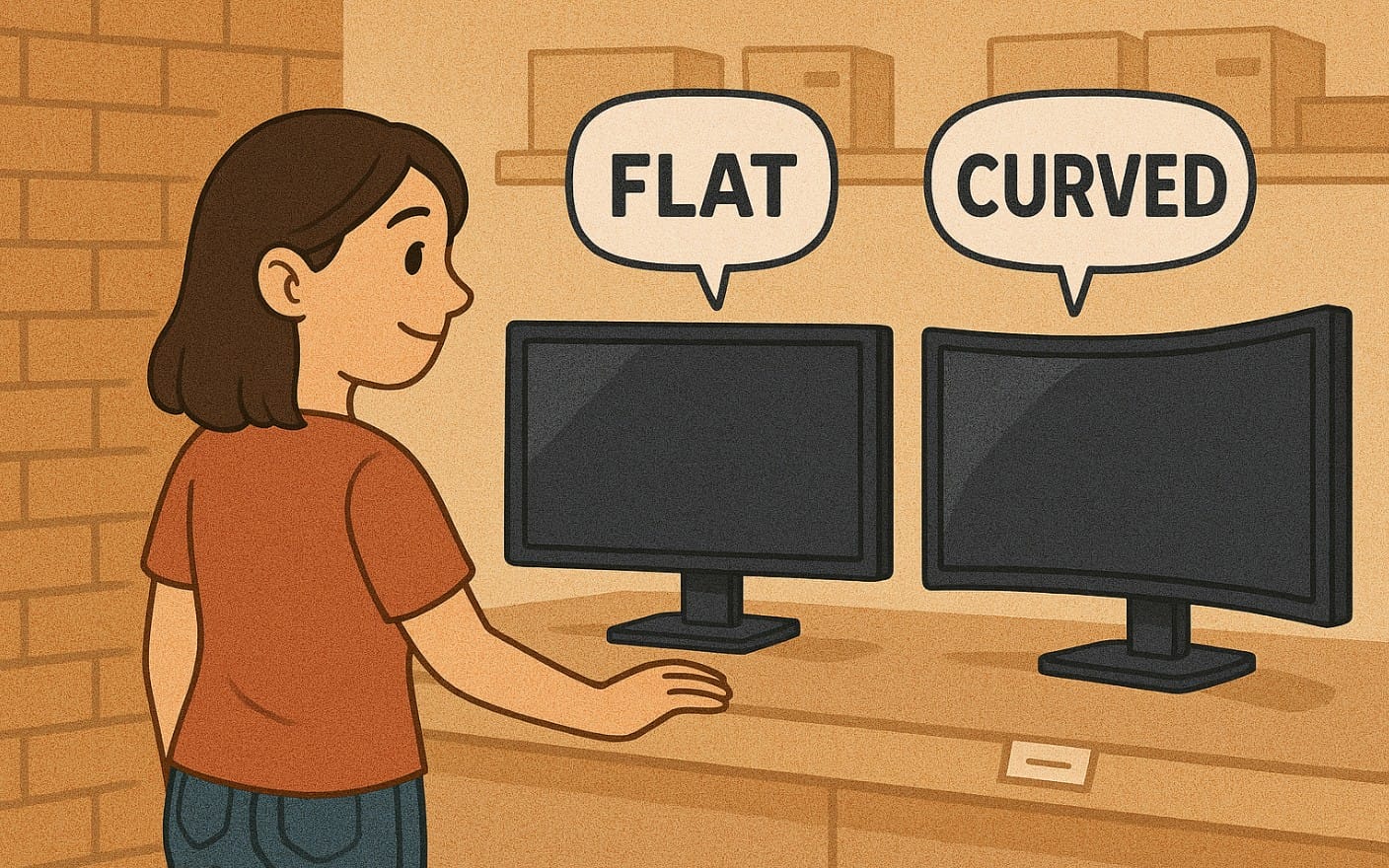
3. Flat vs Curved vs Ultrawide Monitor – Ideal Shape for You?
Flat Screens – Most Practical for Indian Homes
- Great for shared desks or small rooms
- Ideal for office work, online classes, browsing, and casual gaming
- Easier to mount or shift if needed
Curved Monitors – Great for Immersive Use
- Popular in 27-inch and above sizes
- Wraps the display toward your eyes less head movement
- Best when used alone (not ideal for side-by-side viewing)
Ultrawide Monitors – When You Need More Horizontal Space
- 21:9 aspect ratio gives extra width
- Useful for editing, trading, multitasking
- Requires a large desk and decent GPU
- Still niche in India but growing among creators
4. PC Monitor Size Recommendations Based on Usage
| User Type | Recommended Size & Shape | Why It Works |
|---|---|---|
| Office Worker | 24-27″, flat | Enough room for multiple windows and Excel work |
| Student (Online Class) | 22-24″, flat | Affordable, compact, comfortable for long hours |
| Gamer (Competitive) | 24-27″, flat | Fast response and good visibility |
| Gamer (Immersive) | 27-32″, curved | Wraps around for better focus and realism |
| Content Creator | 27-32″, flat or ultrawide | More timeline space, better multitasking |
| Movie Watcher | 27″+, curved or VA panel | Deep blacks, wider viewing angle |
| Family Use | 27″+, flat | Easy for multiple people to view at once |
5. Planning for Dual Monitors in Indian Homes
- Two 24-inch monitors can fit on a 4-foot desk
- Place them side by side or angle slightly inward
- If space is limited, consider monitor arms or one vertical monitor
For multitaskers (designers, developers, traders), dual setups are more flexible than one ultrawide and often cheaper.
6. Wall Mount or Desk Stand? What Works Better for Monitor
Desk Stand:
- Included with most monitors
- Works fine for 24-27 inch screens on solid desks
Wall Mounting:
- Saves desk space
- Useful for bedroom setups, TV-replacement use, or multi-screen layouts
- Check for VESA compatibility before buying
Monitor Arms:
- Still uncommon in Indian homes but growing in popularity
- Great for better ergonomics and screen flexibility
- Need a sturdy desk and proper clamping
7. Choose the Right Monitor Size & Shape in India
- Measure your desk first
- Match screen size to your viewing distance
- Don’t go above 27″ unless your desk is deep (at least 2.5 feet)
- For dual monitors, stick to 22-24 inch unless your desk is extra wide
- Think about eye-level alignment your screen shouldn’t make you tilt your neck
- Don’t forget cables, speakers, and workspace needs
The perfect monitor isn’t just about pixels it’s about how well it fits into your desk setup. A screen that fits your desk and supports your eyes will help you focus better, work longer, and enjoy more.

