
Console Gaming Without a Big TV – Monitors, Small Screens, and Smart Setups
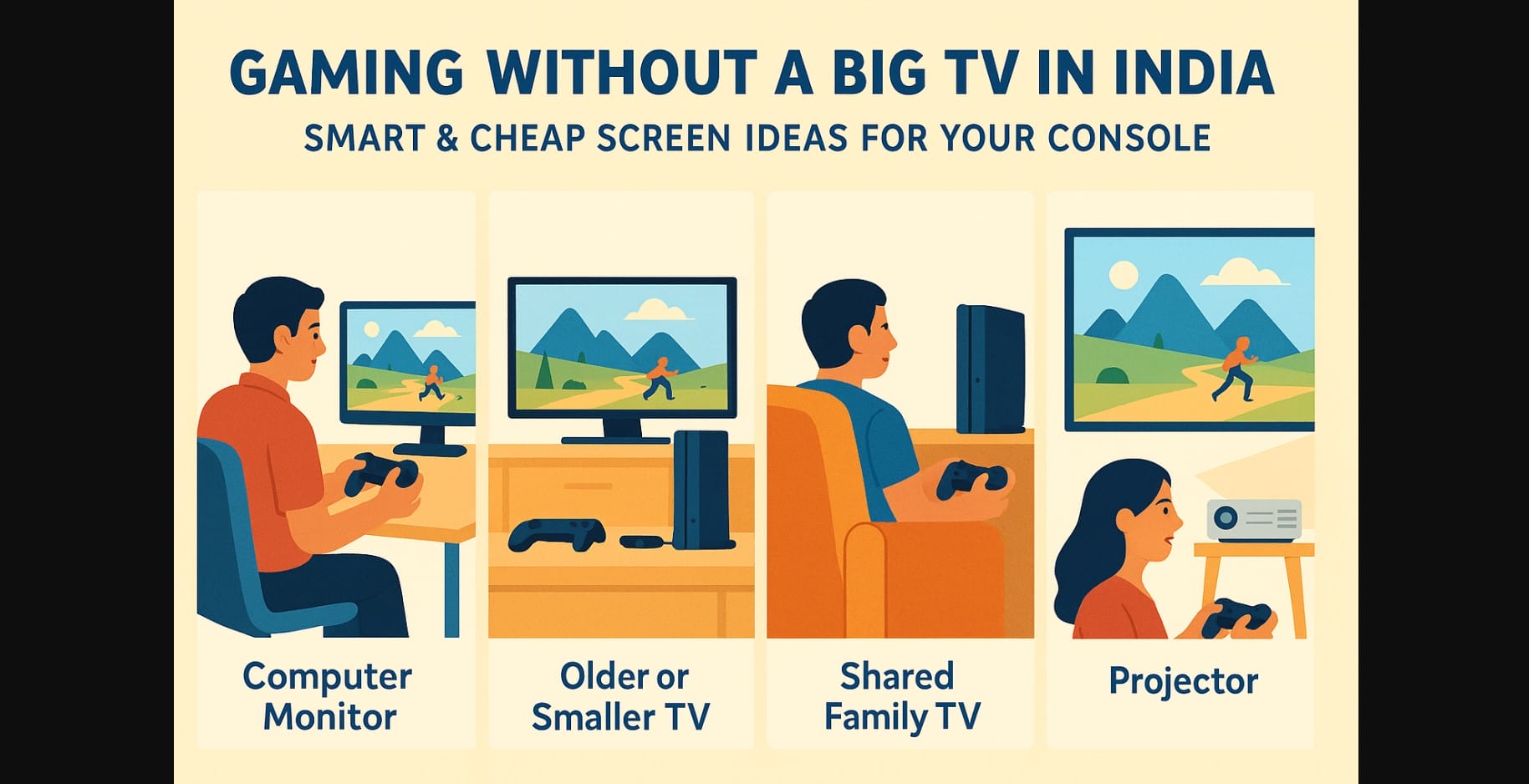
A big-screen 4K TV might look great in ads, but in many Indian homes, it’s just not practical especially if you’re sharing space, living in a rented flat, or on a student budget. The good news? You don’t need a large or expensive television to enjoy your PS5, Xbox, or Nintendo Switch.
With the right screen setup even a basic one you can get excellent performance and comfort for both casual and serious gaming.
1. Try Your Computer Monitor – It’s a Perfect Fit for Small Spaces
If you already have a PC setup, your monitor is likely gaming console-ready:
- It supports HDMI
- It fits comfortably on your desk
- It’s perfect for solo or small-room gaming
What You’ll Need
- HDMI input on the monitor (standard on most models after 2015)
- If there are no speakers on the monitor, just plug earphones into the controller or the monitor’s audio-out port
- Sit 2-3 feet away for full immersion, even on a 22″ screen
Things to Avoid
- Older monitors with only VGA ports (you’ll need adapters)
- Monitors that don’t support full 1080p resolution
2. Use an Older or Smaller TV from Around the House
Have an older 32″ TV lying around? Or your family’s second bedroom TV? These usually work fine as long as they have an HDMI port and at least 720p resolution.
Improve the Experience
- Turn on Game Mode in the TV settings
- Sit closer 4-5 feet is ideal for a 24″ or 32″ screen
- Switch off motion smoothing or image processing to reduce lag
Even if it’s not 4K, your games will still run smoothly and look good at 1080p or even 720p on a smaller screen.
3. Budget-Friendly Display Options Under ₹10,000-₹15,000
If you’re looking to buy a dedicated screen for console gaming, here are two solid options:
Computer Monitors (22-24 inch)
- Brands: LG, Acer, Samsung, Zebronics
- HDMI input, some models with built-in speakers
- Great for desk setups, bedrooms, or hostels
- Price range: ₹8,000 to ₹13,000
Small LED TVs (24-32 inch)
- Brands: Xiaomi, Realme, TCL, Thomson
- Dual HDMI ports, built-in smart features
- Easily mounted or used on a tabletop
- Price range: ₹10,000 to ₹15,000
4. Borrow the Family TV (Yes, It’s a Real Option)
If you can’t dedicate a screen just for gaming, use what’s available at home:
- Ask for specific game time slots
- Use a portable stand or table to avoid unplugging everything
- PS5 and Xbox remember display settings per screen plug and play is fast
This option works especially well during festivals or weekends when you want to enjoy full-screen gaming temporarily.
5. Already Have a Budget Projector? Use That Too
Projectors are becoming common in Indian homes for OTT viewing. If you already own one:
- Plug your console into the HDMI port
- Use it in a darkened room for best picture
- Use external speakers or a soundbar projectors often lack good built-in sound
- Keep in mind: Projectors may have input lag, so they’re better for casual gaming than competitive play
6. What to Do If Your Display Screen Has No Speakers
No need to buy a soundbar just yet. Here are quick fixes:
| Method | Works With | Notes |
|---|---|---|
| Controller headphone jack | PS5, Xbox, Switch | Plug wired earphones directly into controller |
| PC speakers | Monitors with audio-out | Affordable and reliable |
| HDMI audio extractor | Monitors with no audio port | Costs ₹800-₹1500, splits audio from HDMI |
| Bluetooth speakers/soundbar | Only for Smart TVs | May add lag, best for story games |
7. Maximize Small Screen Console Gaming
- Sit closer this makes small screens feel immersive
- Use headphones to catch game details and avoid disturbing others
- Adjust the console’s display resolution manually to match your screen
- Keep your setup at eye level to reduce strain during long sessions
- Clean your screen regularly for better clarity in darker games
8. You Don’t Need a Huge TV to Game in India
Don’t wait to buy a ₹50,000 4K television. Your console can provide a great experience on any good screen, whether it’s an old flat-screen, a monitor, or a shared living room TV.
Focus on what suits your room, budget, and gaming style. Upgrade only when necessary. Until then, game wisely.

