
Want Big-Screen Console Gaming in India? Use a Projector Smartly
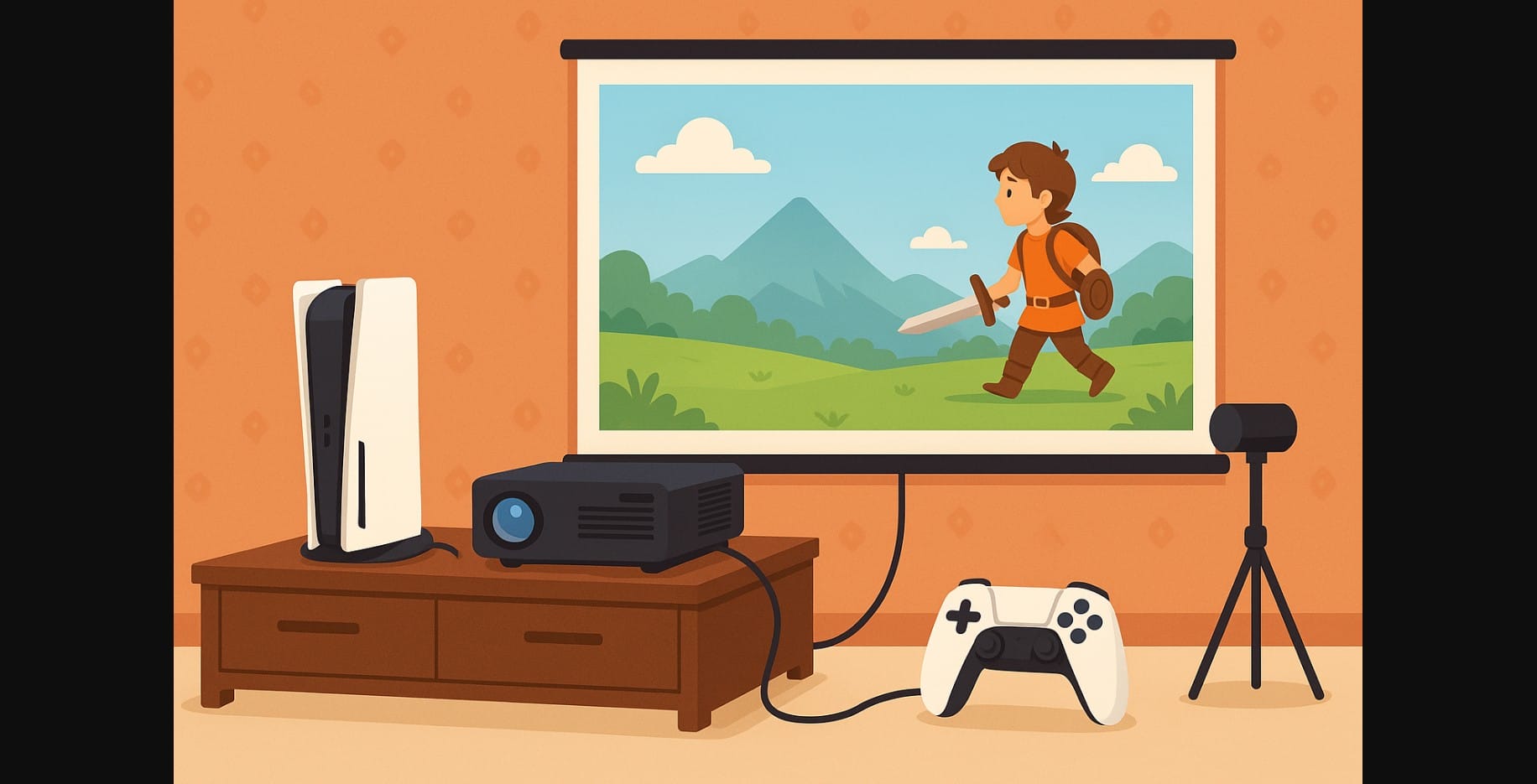
Many Indian gamers dream of big-screen console play, but 4K televisions above 55 inches are still expensive.
Enter projectors: they offer a much larger screen size at a lower price, and many homes already use one for movies or OTT streaming.
But console gaming on a projector needs more than just plugging in an HDMI cable. You’ll need to think about brightness, input lag, sound, and display settings to get the best results especially in Indian conditions.
1. First, Know What Type of Projector You’re Using
Not all projectors are made for gaming. Office or budget LED projectors may deliver a large image, but often at the cost of picture clarity or responsiveness.
Here’s what works best for console gaming:
- Native 1080p resolution or higher
- HDMI input (mandatory for PS5, Xbox, Switch)
- Brightness of at least 2500 lumens if your room isn’t fully dark
- Input lag under 40ms is good; under 25ms is excellent
Avoid models that:
- Only offer VGA or USB video input
- Claim 1080p support but have native resolution under 720p
- Don’t allow manual picture adjustments
2. How to Set Up the Console + Projector Combo Correctly
Where to Place the Projector and Console
- Use a flat table or tripod mount to position the projector
- Project onto a smooth, white wall or a proper screen
- Keep throw distance (distance from wall) within 6-10 feet depending on model
- Ensure ventilation space around both projector and console don’t stack them
Console Settings You Should Adjust
- Set output to 1080p, not 4K (unless projector supports it natively)
- Disable HDR if the projector doesn’t handle it well it may look darker
- Use a high-speed HDMI cable, especially with PS5 or Xbox Series X
3. What to Do About Input Lag (So You Don’t Miss That Shot)
One of the biggest complaints from console gamers using projectors is input delay when there’s a gap between pressing a button and seeing the result onscreen.
Here’s how to reduce it:
- Check if your projector has a Game Mode turn it on
- Disable extra video processing features like motion smoothing or edge enhancement
- Always connect directly via HDMI avoid wireless display casting or cheap splitters
- If your projector is very laggy, use it only for slower-paced games (story or strategy)
Budget projectors may have 70ms+ input lag, which is fine for RPGs or casual games but not for FIFA or Call of Duty.
4. How to Get Good Sound While Gaming on a Projector
Projectors rarely have speakers that match the energy of a console game. In Indian homes, you often need to route sound separately:
| Audio Setup | Best Use Case |
|---|---|
| Wired headset to controller | Best latency, works with all consoles |
| Bluetooth speaker | Use with console directly, not projector |
| 3.5mm speakers to projector | Budget-friendly if audio-out is present |
| Soundbar with HDMI ARC | High-quality if console is plugged into TV/projector with ARC |
Avoid depending on the projector’s built-in audio unless it’s a premium model.
5. Lighting and Screen Setup for Gaming Room
Most projectors don’t perform well in bright rooms but you can make it work with a few changes:
- Use dark curtains or set up gaming in the evening
- Project on a plain white wall, or use a cheap reflective screen (₹1,000-₹2,500 online)
- Clean the wall and lens regularly to avoid smudges affecting the image
- Keep projector aligned with center of wall avoid extreme tilt or keystone distortion
6. Which Console Games Work Best on Projectors?
Since lag is often unavoidable, competitive online games may not feel responsive enough. Instead, enjoy:
- Single-player adventures (Spider-Man, Hogwarts Legacy, God of War)
- Racing games with split screen for local multiplayer
- Party and co-op games (Overcooked, Just Dance, Super Smash Bros)
- Sports and story games that don’t rely on twitch reflexes
7. When a Projector Setup Is Worth It?
Use a projector if:
- You already own one for watching movies or cricket
- Your room has enough space and can be darkened
- You enjoy playing with friends/family on a giant screen
- You’re not focused on fast-paced online games or competitive shooters
It’s a smart way to get a theatre-sized console experience without needing a ₹70,000+ TV.
8. Projectors Can Be Great for Console Fun, If You Tweak the Setup
Gaming on a projector in India is totally possible but it only works well when you control the environment. Think of it as a setup that’s better for relaxed gaming and shared fun, rather than high-performance eSports sessions.
Get the distance, sound, and picture right, and you’ll enjoy a huge-screen experience that rivals any living room TV at a fraction of the cost.

