
Easy Upgrades to Turn an Office PC into a Gaming Machine
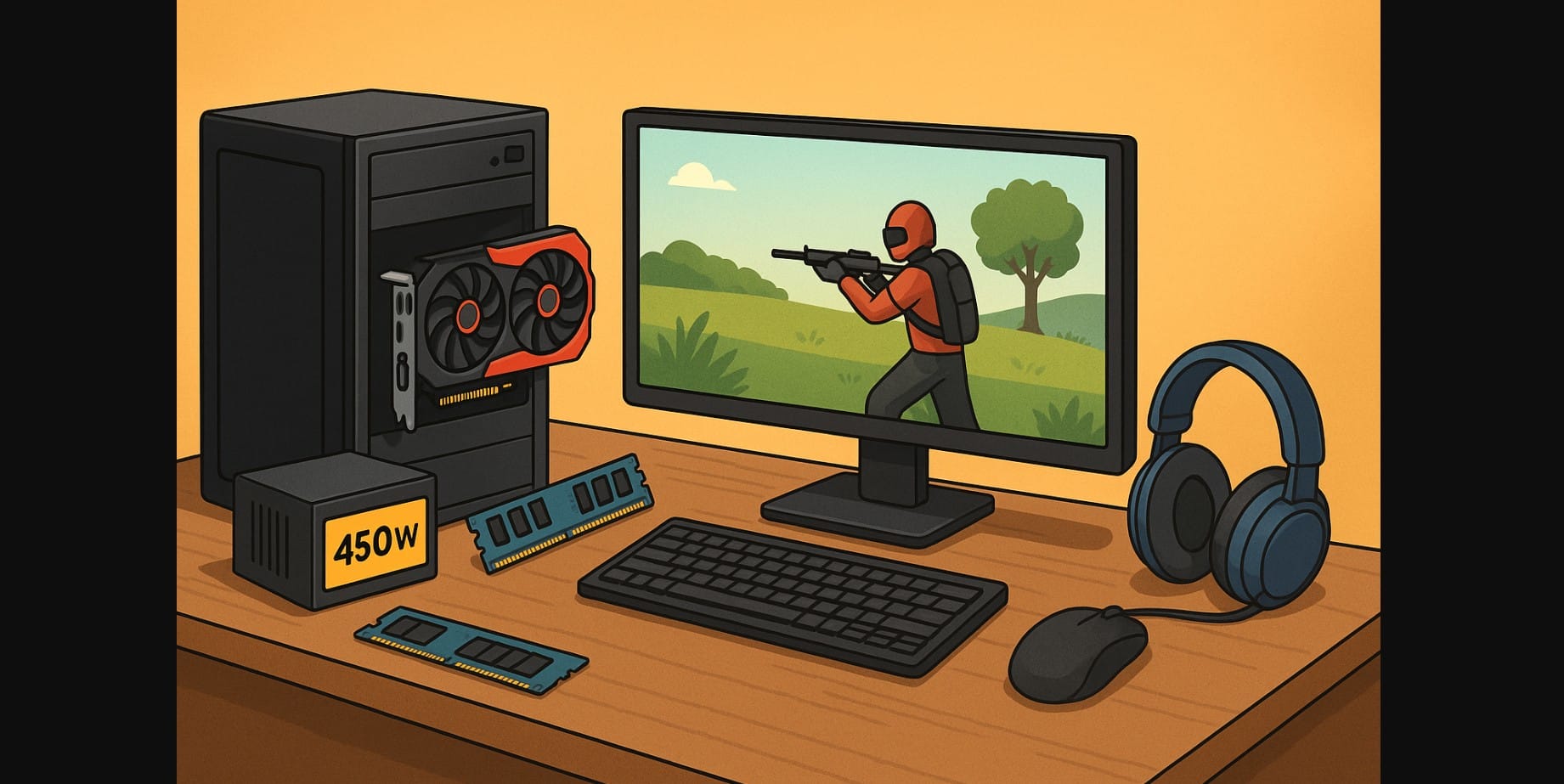
Got an old office desktop gathering dust or a basic work PC at home? You don’t always need a full gaming rig to start playing. With a few smart upgrades, you can turn that everyday office PC into a capable gaming machine without burning a hole in your wallet.
In India, where budget builds are popular and GPU prices still swing wildly, this guide walks you through practical, cost-effective upgrades that actually make a difference like RAM, SSD, entry-level GPUs, and power supply swaps. Whether you’re aiming for esports titles like Dota and CS2 or lighter AAA games, here’s how to get your work PC game-ready.
1. Not All Office PC Can be Upgraded
Before adding any gaming parts, ask yourself: Is your PC even upgradable?
Check these basics first:
- Processor generation: Intel 9th Gen or newer, Ryzen 3 3000+ is a must
- Expansion slots: One free PCIe x16 slot for a graphics card
- Power supply (PSU): At least 300W with 6-pin connectors, or be ready to replace it
- Case space: Is there enough room for a GPU (length and width)?
- Display ports: Does your monitor and system support HDMI or DVI?
If your PC only supports VGA output, has no GPU slot, or runs a dual-core CPU, you’re better off skipping upgrades and saving for a new build.
2. Upgrade to SSD (Solid State Drive) – Massive speed boost over HDD
Old Office PC often run on 5400rpm HDD
- Add a 256GB or 512GB SATA SSD (₹1500–₹2500) for OS and games
- Boot times, load times, and game performance improve drastically
- If M.2 NVMe slot is available, choose NVMe (₹2500–₹4000)
3. The Smartest Way to Add Gaming Muscle: Drop in a GPU
Most office PCs don’t have a dedicated graphics card. That’s your biggest opportunity.
Here’s what works in India:
- GTX 1650 / RX 6500 XT (₹10K-₹13K): Smooth 1080p gaming on popular titles
- RTX 3050 / RX 6600 (₹16K-₹20K): Requires PSU upgrade but handles heavier games
All these cards support modern games like GTA V, CS2, Forza, Rocket League, and many esports titles.
4. Add Enough RAM to Keep Your Games from Struggling
Many old office PC ship with 4 or 8 GB of RAM. That’s not enough anymore.
- Upgrade to 16 GB (dual-channel if possible)
- Stick to DDR4 unless your system requires DDR3 (not worth upgrading)
- Check max RAM support in your motherboard manual or online specs
Adding RAM improves both gaming and multitasking like streaming music or keeping Discord open while you play.
5. Check PC Power Supply Unit
For GTX 1650 or higher, make sure:
- You have at least 450W-500W power capacity
- The PSU is from a trusted brand (Corsair, Cooler Master, Antec)
- It has 6-pin or 8-pin PCIe connectors for GPU power
Don’t try gaming on cheap or non-branded PSUs. They’re risky and can damage your components.
6. After These PC Upgrades, You are Ready For Games
With just a GPU + RAM upgrade, you can enjoy:
| Graphics Card | Popular Games That Run Smoothly (1080p) |
|---|---|
| GTX 1650 | GTA V, Fortnite, PUBG Lite, Rocket League, Apex Lite |
| RX 6500 XT | Forza Horizon, COD Warzone (Medium), FC |
| RTX 3050 / RX 6600 | Hogwarts Legacy, Cyberpunk (Low/Medium), newer AAA |
No, it won’t be a high-end battlestation but for casual gaming, it’s more than enough.
7. What This Office PC Upgrade Might Cost You in India
| Upgrade Component | Approx Price (₹) |
|---|---|
| Mid GPU (GTX 1650) | ₹10,000 – ₹13,000 |
| PSU (450W-550W) | ₹2,000 – ₹3,000 |
| 8 GB DDR4 RAM (extra) | ₹2,000 – ₹2,500 |
| SSD 256 GB SATA | ₹1,400 |
Typical upgrade budget: ₹10,000 to ₹25,000 depending on how far you go
8. When You Should Walk Away and Build Fresh PC Instead
It’s not always worth the upgrade path. Avoid wasting money if:
- Your CPU is older than Intel 7th gen or Ryzen 1st gen
- Only DDR3 memory is supported
- No PCIe x16 slot or no HDMI/DVI output
- The case is proprietary or doesn’t support airflow
- You want to stream or play AAA games at high settings
In these cases, you’ll spend more fighting limitations than just building a new entry-level rig for ₹40K-₹60K.
9. For Light Gaming and Budget Fun, This Might Be All You Need
Upgrading an old office PC doesn’t mean turning it into a beast it means unlocking basic fun:
- Games your laptop couldn’t run
- Esports titles at 60+ FPS
- Quick breaks from work or school
Just remember:
- Only upgrade if it’s your own PC
- Don’t overspend on outdated platforms
- Stick to proven, compatible parts
You won’t get ray tracing or ultra graphics, but you might discover a new favorite game on your existing hardware.

