
Building a Gaming PC in India: Where to Buy Parts & How to Assemble
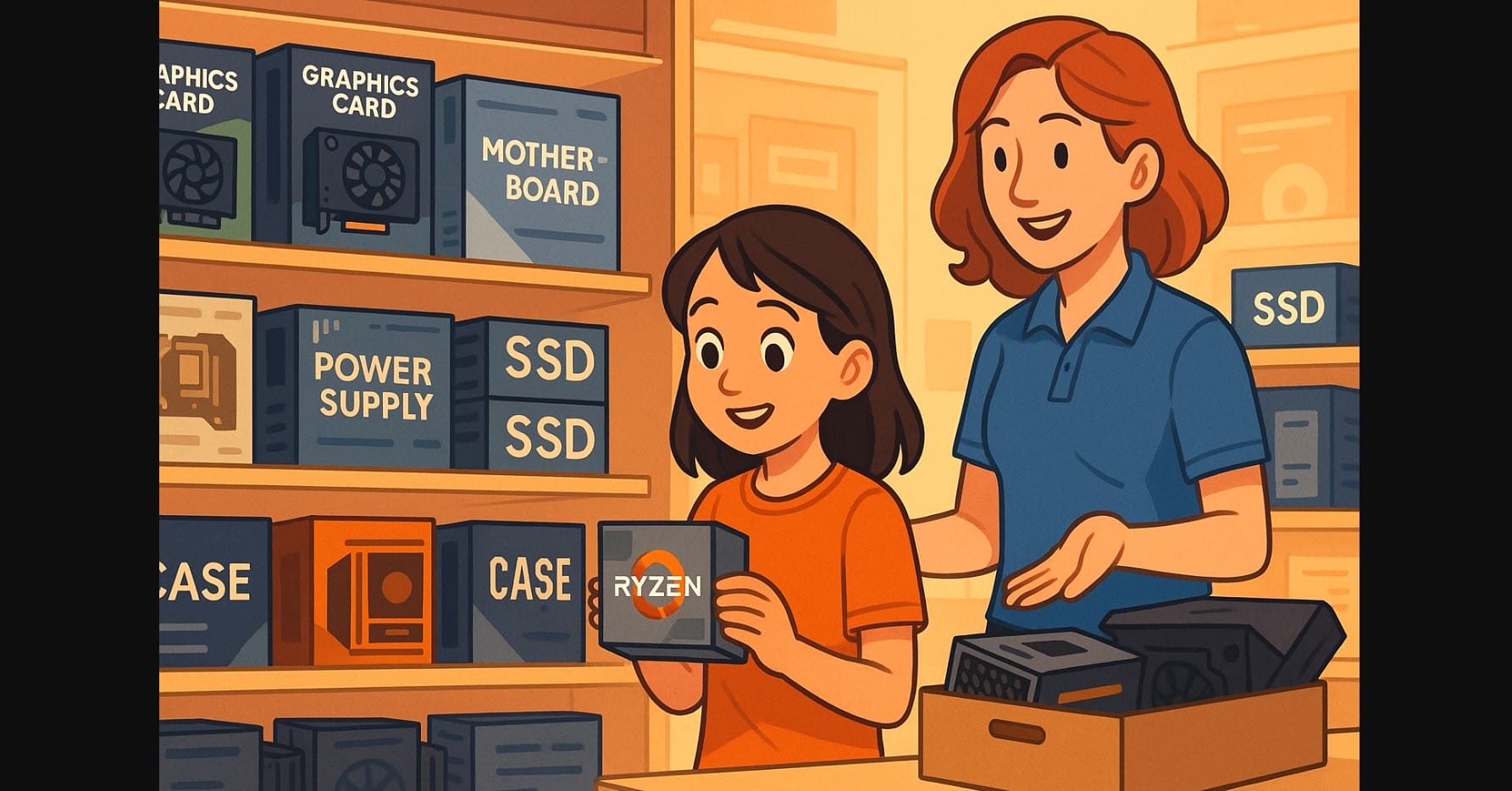
If you’ve looked at gaming desktops from popular brands lately, you already know the problem outdated GPUs, overpriced CPUs, and generic power supplies bundled with flashy cases. That’s why more Indian buyers in India are choosing to build their own systems.
When you build your own PC, you control every part, get better performance for the same budget, and avoid brand compromises. But to get it right the first time, you need to understand where to buy, how much to spend, and what not to mess up during assembly.
1. Start with Your Actual Use – Not Just the Budget
Before opening any pc part list or price chart, get clear on what kind of user you are:
- Esports-only: Valorant, CS2, Apex Legends – high FPS at 1080p
- AAA gamer: Hogwarts Legacy, Starfield – demanding visuals
- Streamer/creator: OBS, DaVinci, Unreal Engine – heavy multitasking
- Upgrader: Want something now, but planning future GPU/monitor upgrades
Knowing your workload prevents you from overspending on a GPU when you should have put ₹4,000 more into a better CPU, PSU, or motherboard.
2. What You Can Expect to Spend – Based on Practical Gaming Builds
| Budget | Use Case | Example Combo |
|---|---|---|
| ₹65K-₹75K | Budget esports, light AAA | i5-13400F + Nvidia RTC 3060/RX 6600 |
| ₹85K-₹1L | 1080p Ultra, entry 1440p | Ryzen 7600 + RTX 4060 |
| ₹1.2L-₹1.4L | 1440p Ultra + streaming | i5-14600KF + RTX 4070 SUPER |
| ₹1.6L+ | 1440p Ultra + 4K/RT gaming | i7-14700KF + RTX 4080 |
Hidden Costs to Remember
- Monitor: ₹8,000 to ₹18,000
- UPS: ₹4,000-₹6,000 (essential for power cuts)
- Windows 11 license: Optional – unactivated version works fine
- Keyboard/mouse/headset: ₹2,000-₹5,000 depending on use
3. Where to Buy Computer Parts in India
Trusted Online Stores (Nationwide Shipping)
- MDComputers.in – Fast delivery, proper part listings
- PrimeABGB.com – Great for storage, PSUs, and budget kits
- VedantComputers.com – Frequent discounts on mid-range parts
- Amazon India, Flipkart – Mixed stock, check warranty terms
When to Shop
- Sales during Republic Day, Independence Day, or Diwali
- GPU restocks after global launches (watch Reddit or Telegram deal groups)
Local Offline Markets That Still Offer Value
- Delhi – Nehru Place
- Mumbai – Lamington Road
- Bangalore – SP Road
- Hyderabad – CTC
- Chennai – Ritchie Street
Buy locally if:
- You want to inspect parts physically
- You need same-day PC assembly
- You’re bargaining on a full build (₹1,000-₹2,000 discounts common)
Watch Out For
- Grey market PSUs without BIS certification
- “Bundle deals” that force low-end motherboards or cabinets
- RAM or SSD brands you’ve never heard of – ask for Crucial, Kingston, WD, Corsair
4. Choosing the Right Computer Parts: How to Build Without Mistakes
Use Tools to Plan Smart
- PCPartPicker India – checks compatibility, estimated power draw
- Reddit r/IndianGaming – real-world price checks and part reviews
- YouTube (Hindi & English) – follow local builders like for step-by-step builds
Avoid These Common Pairing Mistakes
- Pairing a ₹30K GPU with a ₹6K CPU (massive bottleneck)
- Buying a cheap H610/B450 motherboard with a high-end CPU
- Ignoring PSU quality don’t go below 80+ Bronze from trusted brands
5. Assembling the PC: Do It Yourself or Take It to a Shop?
What Makes DIY Easier
- Tool-free cases, modular PSUs, and plug-in RGB headers
- Clear YouTube tutorials (in Hindi, Tamil, Kannada)
- Most cases come with detailed manuals; motherboards have QR-linked guides
When to Get It Built by a Technician
- You’ve never handled PC hardware before
- You’re working with expensive GPUs (RTX 4080, RX 7900 XTX)
- You want cable management and stress testing done for you
Cost of Professional Assembly
- Offline market: ₹500-₹1,000
- Online: Some sellers (like Ant PC) offer full builds with part-by-part warranty
6 First Boot and Basic Setup: What to Check Before Gaming
Do This Before Installing Any Games
- Enter BIOS and set RAM to correct speed (XMP/EXPO)
- Update BIOS if your CPU is new (AM5 boards especially)
- Install Windows 11, disable junk apps, and update GPU drivers from Nvidia/AMD websites
Most Common Rookie Errors
- RAM not clicked in fully = black screen
- CPU fan header not connected = instant shutdown
- Front panel connector mismatch = no power button response
Use a YouTube build guide side-by-side if it’s your first time.
7. Things First-Time PC Builders Always Forget
- A decent UPS saves you from motherboard failure during outages
- Skip full RGB kits if you’re not showing off the build – spend on cooling instead
- A 144Hz monitor is more important than getting an RTX 4070 if you’re only playing Valorant
- Always leave one empty RAM and M.2 slot if you want future upgrades
- Don’t throw away the boxes many brands ask for packaging during warranty claims
8. Build Slow, Double Check, and Don’t Panic
Building a gaming PC in India isn’t complicated anymore it’s just detailed. Take your time during sourcing, plan your build carefully, and don’t rush cable management or thermal checks.
Your first boot might not be perfect, but that’s normal. Every Indian builder has made small mistakes and fixed them.

