
Gaming Microphones for eSports & Streaming – Get Pro-Level Voice Clarity
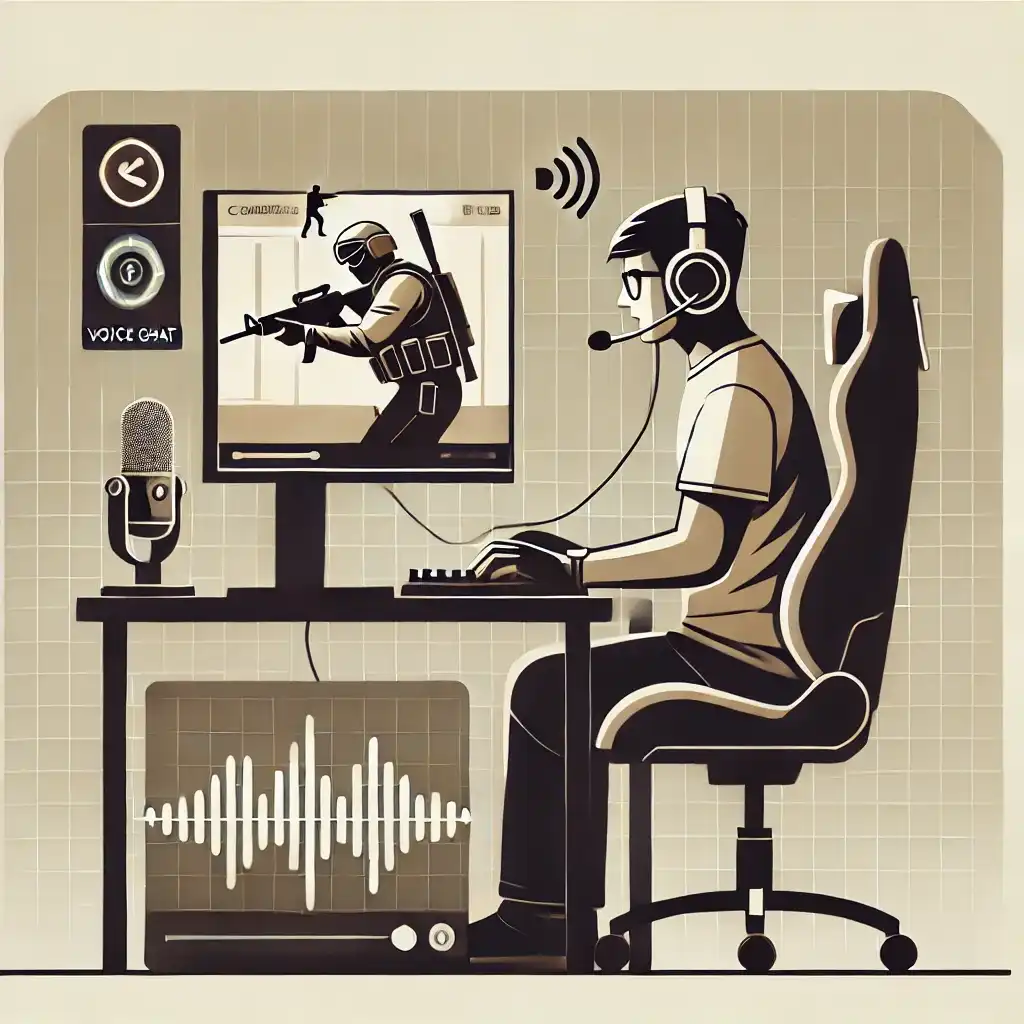
In India, online multiplayer gaming has surged in popularity, with titles like Counter-Strike 2, Valorant, Apex Legends, and BGMI dominating the competitive gaming scene. Whether you’re coordinating strategies in CS:GO tournaments or calling out enemy positions in Ranked Valorant, clear voice communication is essential.
A good gaming microphone eliminates background noise, ensures your teammates hear you clearly, and enhances the overall team coordination needed to win clutch moments. However, with so many microphones available in India—ranging from budget-friendly lavalier mics to high-end studio-grade USB/XLR setups—choosing the right one can be overwhelming.
This guide simplifies the decision-making process by covering gaming-specific microphones for Indian gamers, considering factors like noise reduction, affordability, voice clarity, and platform compatibility (PC, PlayStation, Xbox, and Mobile).
Quick Buying Summary
| Gaming Need | Best Budget Mic | Best Mid-Range Mic | Best Premium Mic |
|---|---|---|---|
| Casual Gaming & Discord Chat | Ant Esports Wente 250 | Fifine AmpliGame | HyperX SoloCast |
| BGMI, COD Mobile Players | Boya BY-M1 | Maono AU-A04 | Rode Wireless Go II |
| Competitive eSports Players | Zebronics Zeb-Klarity | HyperX SoloCast | HyperX QuadCast S |
| Streamers & YouTubers | Boya BY-M1 | Maono AU-A04 | Shure MV7 |
| Professional Audio & Podcasts | Zebronics Zeb-Klarity | Fifine K690 | Shure MV7 / Rode NT-USB |
Detailed Breakdown of Selection Process + Buying Guide
1. Microphone Type – Understanding Your Options
Different microphone types serve different gaming needs. Here’s how they compare:
| Microphone Type | Best For | Pros | Cons |
|---|---|---|---|
| USB Microphones | Gamers, Streamers, YouTubers | Easy setup, good audio quality, works on PC & PS5 | Limited customization compared to XLR |
| XLR Microphones | Professional streamers, eSports pros | Superior sound, customizable with mixers | Expensive, requires audio interface |
| Lavalier (Clip-On) Mics | Mobile gamers, casual Discord users | Affordable, compact, decent sound | Picks up background noise |
| Headset Microphones | Casual gamers, eSports players | Built-in, no extra setup required | Average sound quality |
2. Noise Cancellation & Background Noise Filtering
In India, gaming setups are often noisy, with ceiling fans, street sounds, family conversations, and keyboard clicks causing distractions. That’s why noise isolation is essential for clear team communication.
Best Noise-Canceling Microphone Features to Look For
- Cardioid Pickup Pattern – Rejects background noise from surroundings. (Example: HyperX QuadCast, Razer Seiren Mini)
- AI-Powered Noise Reduction – Filters out background noise in real-time. (Example: Asus AI Mic Adapter, RTX Voice Software)
- ENC (Environmental Noise Cancellation) – Useful for mobile gaming, works with wireless lavalier mics. (Example: Maono AU-902)
Tip: If you’re gaming in a noisy Indian household, get a cardioid or AI-enhanced microphone for better clarity.
3. Connectivity – USB vs XLR vs Wireless
| Connection Type | Best For | Pros | Cons |
|---|---|---|---|
| USB | PC & Console Gaming, Streamers | Plug & Play, no extra hardware needed | Limited customization |
| XLR | Professional Streamers, Podcasters | High-end sound, used in studios | Expensive, needs an audio interface |
| Wireless | Mobile & Console Gamers | No cables, full mobility | May have slight delay/latency |
4. Frequency Response & Audio Clarity
Gaming microphones should capture clear, crisp voice audio while filtering out unnecessary sounds.
- Recommended Frequency Range: 20Hz – 20kHz (Captures full vocal range for natural-sounding communication)
- Bit Depth: 16-bit is standard, 24-bit offers higher clarity for streamers
Pro Tip: If your voice sounds muffled or robotic in-game, switch to a higher bit-depth microphone.
5. Microphone Compatibility – Will It Work on Your Device?
Not all microphones work out-of-the-box with every gaming platform.
| Platform | Compatible Microphones |
|---|---|
| PC / Laptop | USB & XLR Microphones (HyperX, Razer, Shure, Fifine) |
| PlayStation 5 & Xbox | USB Microphones (HyperX SoloCast, Razer Seiren X) |
| Mobile Gaming (BGMI, COD Mobile) | Lavalier & Wireless Microphones (Boya BY-M1, Rode Wireless Go) |
6. Build Quality, RGB & Gaming Aesthetics
Many Indian gamers love RGB-lit gaming setups. Some microphones now come with customizable RGB lighting to match your gaming rig.
- Solid Metal Build? (Better durability than plastic mics)
- RGB Customization? (Example: HyperX QuadCast S, Fifine AmpliGame)
Pro Tip: If you’re into live streaming, an RGB microphone adds style to your setup.
Budget, Mid-Range & Premium Gaming Microphones in India
A. Budget Gaming Microphones (₹1,000 – ₹3,000)
(For casual gamers, Discord chat, and budget streamers)
| Microphone | Pros | Cons | Best For | Alternatives |
|---|---|---|---|---|
| Ant Esports Wente 250(₹1,500 – ₹3,000) | Affordable, plug-and-play, decent clarity | No noise cancellation, average build quality | Casual gamers, Discord, voice chat | Kotion Each GS410 (headset with mic) |
| Boya BY-M1 Lavalier Mic (₹1,200 – ₹1,500) | Compact, clip-on, good for mobile gamers | Picks up background noise | BGMI, Call of Duty Mobile, casual PC gamers | JBL Commercial CSLM20 |
| Zebronics Zeb-Klarity (₹2,500 – ₹3,000) | USB, compact, simple setup | Limited noise isolation | Beginner streamers, podcasting, budget gaming | Maono AU-902 |
Best Pick: Boya BY-M1 (if you game on mobile)
Best Pick: Ant Esports 8077 (for Discord/PC gaming on a budget)
Mid-Range Gaming Microphones (₹3,000 – ₹7,000)
(For serious gamers, streamers, and eSports players)
| Microphone | Pros | Cons | Best For | Alternatives |
|---|---|---|---|---|
| Fifine AmpliGame (₹3,500 – ₹4,500) | Noise reduction, RGB lighting, solid build | No software customization | eSports, Discord, casual streaming | Razer Seiren Mini |
| Maono AU-A04 (₹4,000 – ₹5,000) | USB, good clarity, comes with a stand | No touch mute button | Beginner streamers, Discord, Zoom calls | Fifine K678 |
| HyperX SoloCast (₹6,000 – ₹7,000) | Compact, studio-like quality, tap-to-mute | No RGB | Competitive gaming, streaming, podcasts | Fifine K690 |
Best Pick: HyperX SoloCast (for high-quality, noise-free communication)
Best Pick: Fifine AmpliGame (for an RGB setup with decent noise reduction)
Premium Gaming Microphones (₹7,000 – ₹15,000)
(For streamers, professional gamers, and content creators)
| Microphone | Pros | Cons | Best For | Alternatives |
|---|---|---|---|---|
| HyperX QuadCast S (₹11,000 – ₹13,000) | Studio-quality sound, touch mute, built-in pop filter, RGB | Expensive for casual gamers | Streaming, content creation, eSports | Elgato Wave 3 |
| Shure MV7 (₹12,000 – ₹15,000) | USB/XLR combo, professional-grade clarity | Pricey, needs some tuning | Pro streamers, YouTube, podcasting | Rode NT-USB |
| Razer Seiren X (₹8,000 – ₹10,000) | Sleek design, good noise reduction | Lacks advanced features like customizable sound | Competitive gaming, streaming, voiceovers | Maono PD400X |
Best Pick: HyperX QuadCast S (for an all-in-one, RGB-rich, premium mic)
Best Pick: Shure MV7 (for serious content creators who want USB + XLR flexibility)
Pro Tips for Gaming Microphone Setup in India
Reduce Echo in Indian Homes → Use foam panels or a carpet to absorb sound.
Improve Mic Placement → Keep 6-12 inches away from your mouth for best clarity.
Use Software Enhancements → Apps like NVIDIA RTX Voice or Krisp AI help filter out background noise.
Gaming Mic FAQs
1. Is a USB microphone good for gaming?
Yes! USB mics like HyperX SoloCast & Razer Seiren Mini are great for gaming and Discord.
2. How do I reduce keyboard noise in my microphone?
Choose a cardioid pickup pattern mic and use AI noise suppression (e.g., RTX Voice or Krisp AI).
3. What’s better—Headset Mic or Dedicated USB Mic?
USB mics provide better voice clarity and are ideal for streamers. A headset mic is fine for casual gaming.
4. Do I need an XLR mic for streaming?
Not necessarily. USB mics like Elgato Wave 3 or HyperX QuadCast are studio-grade without needing an XLR interface.
In Summary – What’s the Best Choice in India
| Category | Recommended Mic | Why Choose This? | Best For |
|---|---|---|---|
| Budget (₹1,000 – ₹3,000) | Boya BY-M1 (Lavalier) | Affordable, decent clarity, works on mobile & PC | Casual gamers, BGMI, Discord chat |
| Mid-Range (₹3,000 – ₹7,000) | Fifine AmpliGame | Noise reduction, USB plug & play, RGB design | Competitive gaming, entry-level streaming |
| Premium (₹7,000 – ₹15,000) | HyperX QuadCast S | Studio-level sound, built-in pop filter, touch mute | Streamers, professional eSports players |
Choosing the right gaming microphone in India depends on your budget, gaming style, and platform. Whether you play BGMI, CS:GO, Valorant, Apex Legends, or Call of Duty Mobile, clear voice communication is essential for team coordination and competitive advantage.
Indian gamers often deal with background noise from fans, traffic, and family conversations, making noise cancellation and clarity a top priority when selecting a microphone.
This guide covers gaming microphones for every budget, helping you choose the best mic for Discord, eSports, live streaming, and casual gaming.

