
Fast Plan, Slow Speed? Internet Troubleshooting Tips for Indian Homes
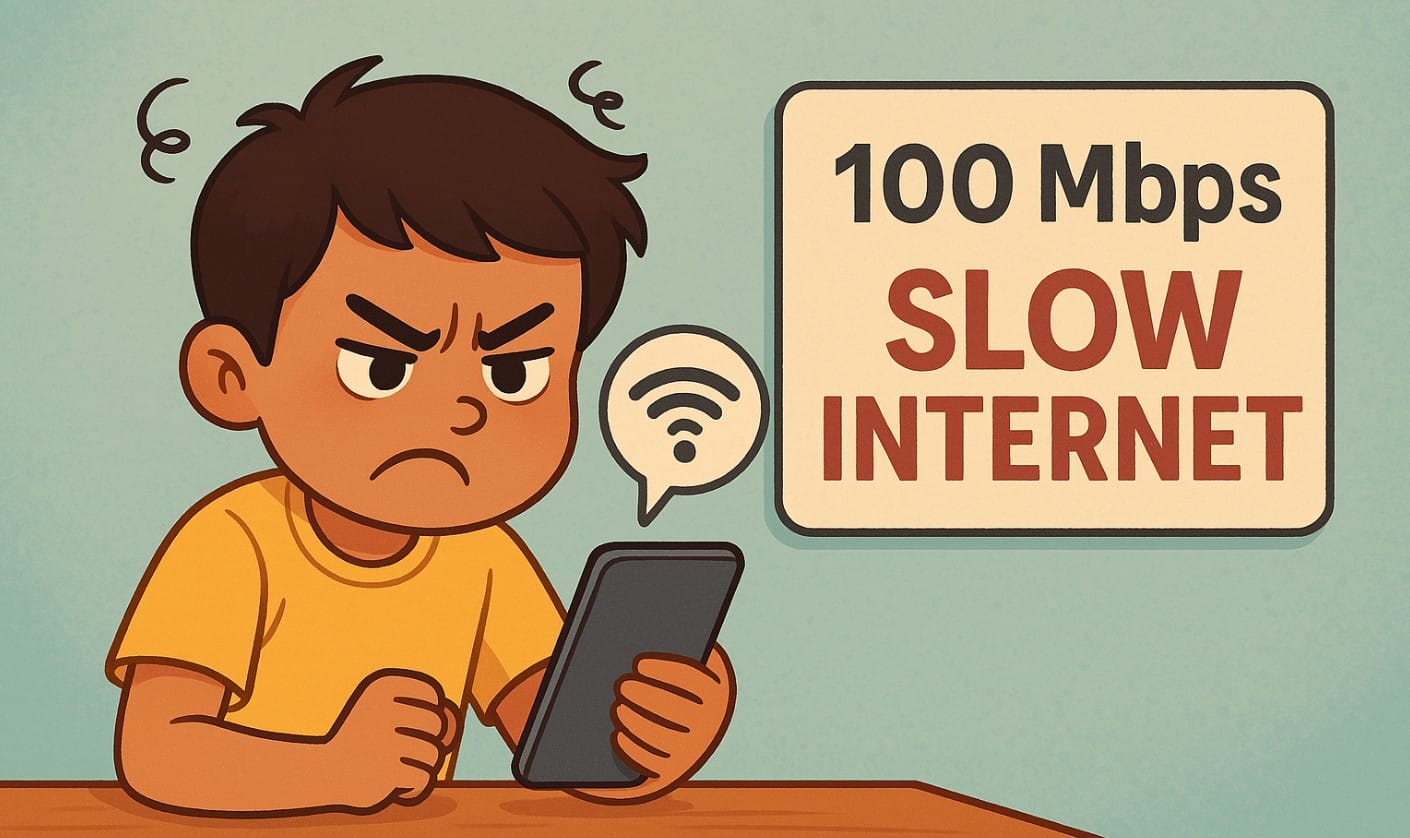
You finally got that 100 Mbps broadband plan, maybe even 200 or 300 Mbps. But websites still load slowly, YouTube buffers, and your video calls lag. What’s going on?
It’s not always your service provider. In many Indian homes, the real reason is your home setup not the internet line. The speed you’re paying for never reaches your device.
In this article, you’ll learn six common reasons why your internet feels slow and what you can do today to fix it.
1. Your Router Is in the Wrong Spot
Your internet comes into the router at full speed. But if the router sits:
- in a corner
- behind a cupboard
- near a fridge or microwave
then the signal weakens before reaching your phone or laptop.
The Fix:
- Keep the router elevated and centered in your home.
- Avoid placing it near metal objects, water tanks, mirrors, or thick walls.
- For multi-room flats or duplex homes, consider a dual-band or mesh router.
In 2BHK Indian flats, placing your router in the hallway or a central living area works best.
2. Your Router Is Outdated or Never Updated
Many ISPs give basic routers with limited range and speed. And if you’ve had your router for over 3 years, it might be using old Wi-Fi standards that cap your speed.
Also, if you’ve never updated the router firmware, bugs and security issues can slow you down.
The Fix:
- Update your router firmware regularly using the admin panel or app.
- If you’re using more than 5 devices or a large flat, consider upgrading to a better router (Wi-Fi 6 or Wi-Fi 7 is ideal in 2025).
- Don’t rely on the free router forever they’re basic and often underpowered.
3. You’re Sharing Wi-Fi Channels with Neighbors
In apartments and densely packed homes, everyone’s Wi-Fi overlaps. This causes signal interference, especially if many routers are using the same channel (common with Airtel or Jio default settings).
The Fix:
- Open your router settings and switch to a less crowded channel (for 2.4 GHz, try 1, 6, or 11).
- If available, switch to the 5 GHz band it’s faster and less crowded, but has shorter range.
- In a flat, 5 GHz works great within the same room or next room.
4. Too Many Wireless Devices Are Connected
Even if you’re not actively using all devices, many stay connected smartphones, Alexa, smart TVs, laptops, tablets, CCTV cameras. This eats bandwidth and overloads basic routers.
The Fix:
- Disconnect unused devices especially smart TVs or phones not in use.
- Log in to your router dashboard and check the device list.
- Upgrade your router if you have more than 6-8 devices connected at once.
5. Heavy Apps or Background Usage Is Slowing You Down
Sometimes one device hogs all the bandwidth. For example:
- A phone syncing cloud photos
- A laptop downloading large updates
- Kids streaming 4K on YouTube
The Fix:
- Schedule large downloads or backups during night hours
- Use your router’s QoS settings (Quality of Service) to prioritize video calls or office work
- Don’t assume all devices use equal data some quietly consume more than others
6. Your Plan Is Fast But Your ISP Is Throttling or Congested
Even with a 100 Mbps plan, you might:
- Get throttled after crossing your FUP (Fair Usage Policy) limit
- Face congestion during peak hours (7-10 PM)
- Use an ISP that oversells speed and under-delivers
The Fix:
- Log in to your ISP app or portal to check data usage and FUP limits
- Run speed tests during different times of day to spot slowdowns
- If issues persist even with a wired connection, contact customer support or consider switching providers
Improve Broadband Speed Inside Homes
If your internet feels slow despite a good plan, the issue is often inside your home:
- Router placement
- Signal strength
- Device overload
- Cheap or outdated hardware
Before blaming your ISP, fix these six things. In many Indian homes, just moving the router or updating its settings makes a huge difference.

