
Gaming PC Setup Safety in India – Grounding, Shocks, and What to Check
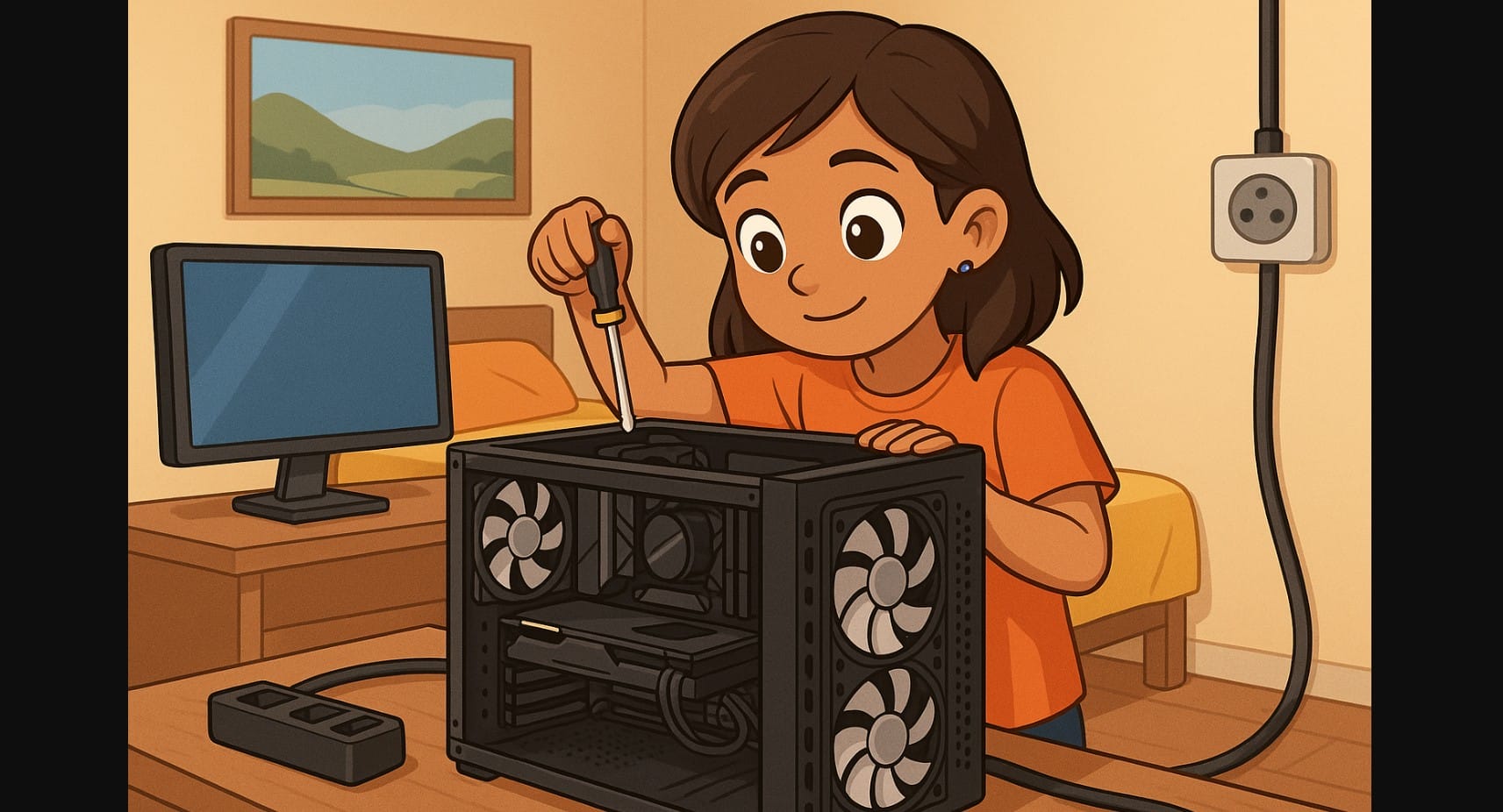
If you’ve ever touched your gaming PC, metal keyboard, or monitor and felt a faint electric shock, don’t ignore it. It’s not just “static electricity.” In Indian homes, especially older flats or rented setups, this usually points to poor or missing grounding (earthing) and it can damage your components or even harm you.
This guide explains why grounding is essential for gaming PC, how to check if your setup is safe, and what you can do if your home wiring isn’t ideal.
1. Why Grounding Is Critical for Your Gaming PC in India
Gaming PC include powerful power supplies (PSUs), metal cases, external monitors, and USB accessories. All of these can carry leakage current if the electrical system isn’t properly earthed.
| Without Grounding | What Can Happen |
|---|---|
| Mild electric shocks | From cabinet, USB ports, metal gear |
| Component wear | PSU, GPU, or SSD may degrade over time |
| Random reboots | Especially when plugging USB or HDMI |
| Buzzing audio | Ground loops or unstable power delivery |
| Risk of electrocution | Especially in damp conditions or metal-framed rooms |
2. Signs Your Computer Setup Isn’t Properly Grounded
- You feel a tingling shock when you touch your cabinet, keyboard, or audio interface
- Your monitor flickers or USB devices randomly disconnect
- You hear humming or buzzing in your speakers or headset
- Your PSU makes a noise or your mouse gives a shock when connected
- You’ve only got 2-pin wall sockets or loosely fit 3-pin adapters
If any of these apply, it’s likely your wall socket has no working earth connection.
3. How to Check If Your Power Socket Has Proper Earthing
Safe and Simple Tools:
- Plug Tester (₹300-₹600): Shows if live, neutral, and earth are wired correctly
- Multimeter: Test between ground and neutral voltage should be low (~0-2V)
- Visual Check: Open plug casing to confirm earth wire is connected
- Electrician Visit: Best for first-time setups or older homes
Don’t rely on looks even 3-pin sockets may have disconnected earth wiring inside.
4. What to Do If Your Room Has No or Weak Earthing
| Problem | Solution |
|---|---|
| Only 2-pin sockets | Install proper 3-pin sockets with grounded wiring |
| Shared or rented room | Use one properly grounded wall socket + connect all devices there |
| No ground in wiring | Ask landlord or electrician to run separate grounding line |
| Metal case always shocks | Use external grounding rod (if allowed) or rewire plug point |
| PSU buzzes on inverter | Use a pure sine wave UPS + confirm it passes ground continuity |
5. Why UPS Alone Doesn’t Fix Grounding
UPS systems protect you from power cuts and surges but most don’t fix grounding. In fact, if the UPS input isn’t grounded, your PC still floats at unsafe voltage.
| Power Gear | Needs Grounding? | Why |
|---|---|---|
| Gaming PSU | Yes | Prevents leakage on case, protects internals |
| Monitor with HDMI/DisplayPort | Yes | Avoids voltage buildup on video cable |
| Audio interfaces / capture cards | Yes | Reduces hum and protects delicate inputs |
| Gaming peripherals | Yes | USB devices often carry case ground |
| UPS | Yes | Many pass ground from input socket only not self-grounded |
6. Recommended Electric Products to Improve Safety
| Item | Brand Suggestions | Why It Helps |
|---|---|---|
| Plug tester | Meco, CEM, GM | Instantly checks socket wiring |
| Grounded power strip | Belkin, Goldmedal, Wipro | Distributes grounded output safely |
| Pure sine wave UPS | APC, V-Guard | Avoids PSU buzzing |
| Isolated audio gear | Behringer HD400 (for hum issues) | Fixes ground loop noise |
7. Safe Setup for Gamers in Shared or Temporary Spaces
- Use one known good 3-pin wall socket for PC, monitor, and router
- Avoid using metal-frame desks or chairs next to ungrounded setups
- Place UPS or PC on insulated platform (wood or plastic) if floor is damp
- Don’t daisy chain adapters or use broken sockets
- Check socket continuity monthly wiring can loosen over time
8. Fixing Your Grounding Isn’t Optional It’s Basic PC Safety
No matter how powerful your GPU or how expensive your setup, a missing ground can cause shocks, crashes, or worse.
In India, this issue is common and often ignored until it’s too late.
Don’t wait for a shock or a burned motherboard. Test your socket, ground your system, and make sure your gaming experience stays safe, stable, and shock-free.

