
Gaming PC in Shared Spaces: How to Set Up Without Disturbing Others
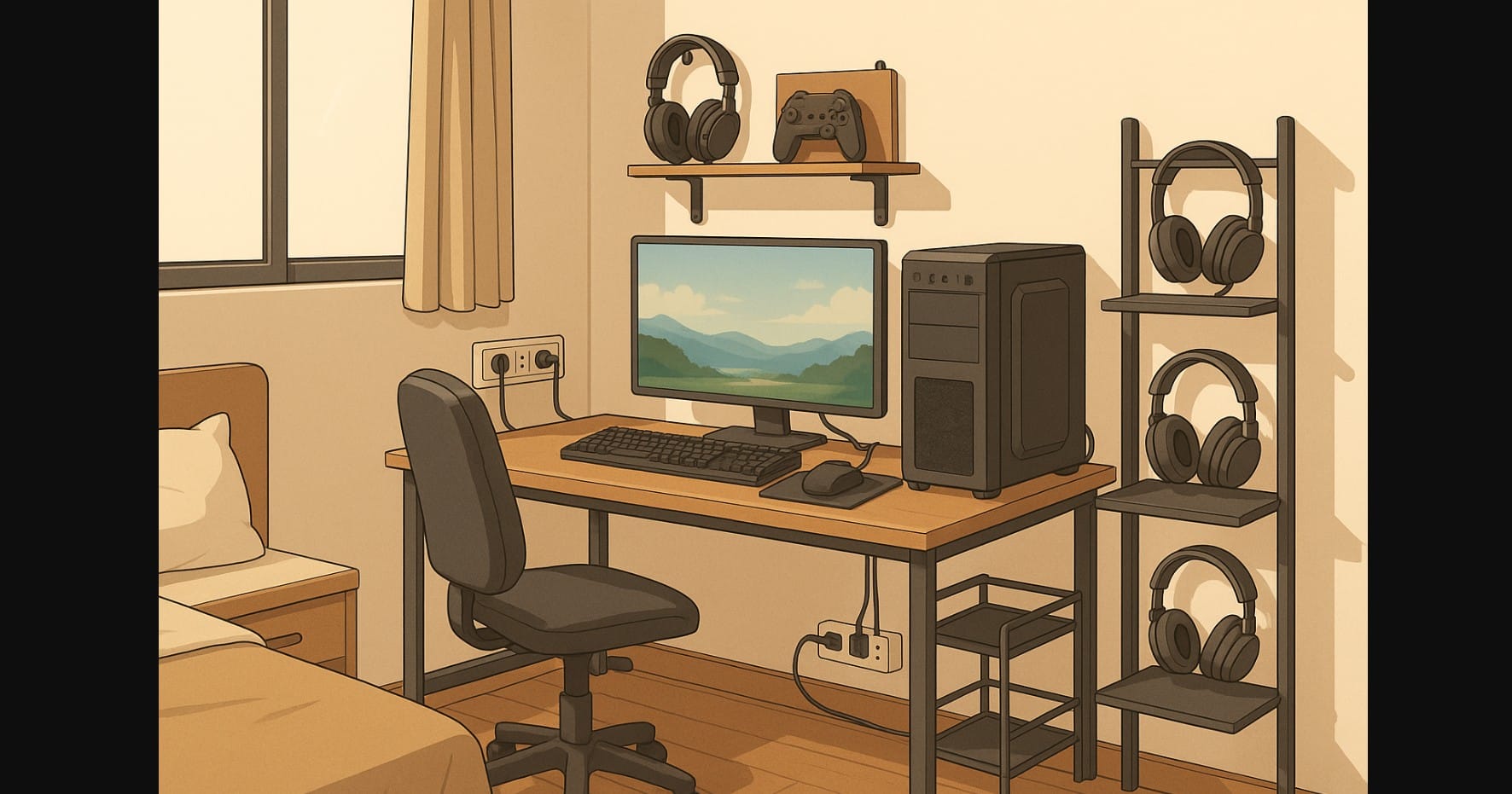
Gaming at home sounds fun until you’re squeezed into a shared bedroom, living room corner, or hostel flat with three other people. In India, where many gamers don’t have a dedicated room, building and using a gaming PC becomes less about specs and more about smart setup, sound control, and personal space.
This guide is for you if you’re trying to game without disturbing your family, roommates, or neighbors. From choosing the right case and desk layout to managing fan noise, RGB lights, and late-night play sessions, here’s how to keep your gaming experience smooth even when the space isn’t all yours.
1. Why Your Gaming Setup Needs a Rethink in Shared Living
Gaming in shared spaces brings a unique mix of challenges: small rooms, thin walls, shared power sockets, and zero privacy. You’ll often find yourself gaming in the same place where you sleep, study, and maybe even eat.
Here’s what makes things tricky:
- Roommates may not like fan noise or flashy RGB lights at night
- There’s no extra room for gaming gear like controllers, stands, or mics
- Frequent power cuts or low-voltage issues can crash your session
- Shared Wi-Fi means someone watching Netflix affects your ping
2. Small Desk, Big Power: Setting Up in Tight Corners
Even a tiny PG room can hold a capable gaming rig if planned right.
- Choose a folding or dual-use desk: A table used for both study and gaming works well if it has enough depth. Add a monitor riser or shelf to keep peripherals tucked away.
- Use vertical space: Wall shelves or corner racks let you store your controller, headset, and gamepads without using floor space.
- Go for a compact build: ITX cases or slim towers make sense when floor space is limited. Many come with good airflow options too.
- Tame your cables: Use under-desk cable trays, Velcro wraps, and multi-socket boards with surge protection. A tangled mess invites spills and fights.
3. Keeping It Quiet When You’re Not Alone
In a shared flat, noisy fans or buzzing power supplies can spark roommate tension fast.
- Pick quieter fans and cases: Look for low-dB case fans and sound-dampened cabinets. Tuning your fan curve in BIOS or software can reduce nighttime noise.
- Disable RGB lighting: Flashing lights may look cool but can be disruptive in dark rooms. Turn them off using motherboard software or BIOS settings.
- Use closed-back headphones: These reduce sound leakage, so your Valorant calls or late-night playlists stay private.
- Skip desk mics: Unless you’re streaming, a compact inline mic on a headset saves space and avoids picking up ambient noise.
4. Keeping Your Gaming PC Safe in Hostels and PGs
Your gaming PC is probably one of the most expensive items in your room. Keep it secure.
- Lock what you can: Use cable locks for your cabinet, and choose drawers with physical locks for storing peripherals.
- Use a Windows password or BIOS lock: This stops casual snooping.
- Avoid leaving accessories unattended: Many Indian PGs have shared cleaning staff or uninvited guests. Keep controllers, mics, and headphones stored away when not in use.
- Cloud saves and backups: Always enable Steam Cloud or use Google Drive for configs. If your drive crashes or is tampered with, you’ll still have your data.
5. Want to Play Games Without Being Watched? Here’s How to Add Privacy
Gaming should feel relaxing not like you’re on stage.
- Change desk placement: If possible, position your setup so your screen faces a wall. This stops people from peeking in from behind.
- Use monitor privacy filters: These block side views while keeping your screen clear from the front.
- Invest in webcam covers: Simple sliding covers or removable webcams ensure no one can spy, accidentally or otherwise.
- Mute smartly: Always use a physical mic mute button or shortcut when not speaking, especially if your roommates are around.
5. How to Stay Online When Everyone’s Watching Reels
Shared Wi-Fi is common, but it doesn’t have to ruin your game.
- Use Ethernet if allowed: A LAN cable to the router is always better than shared Wi-Fi, especially in buildings with concrete walls.
- Buy a personal router (if permitted): Some PGs allow setting up a private router to segment traffic.
- Download during off-hours: Schedule game patches or Steam updates for late night or early morning to avoid annoying others.
- Use a VPN: It can help reduce packet loss or ISP throttling. Also adds a layer of security when using shared networks.
6. Simple Ways to Game Without Causing Trouble
| Issue You Might Face | Easy Fix for Shared Indian Spaces |
|---|---|
| Small or shared desk | Folding table, wall shelves, vertical layout |
| Roommate complaints about noise or light | Silent fans, turn off RGB, use closed-back headphones |
| Lack of privacy | Face desk to wall, use privacy screen and webcam covers |
| Safety of your PC gear | Locks, BIOS password, cloud backups |
| Bad or shared internet | Use Ethernet, schedule downloads, personal router if allowed |
7. Game Without Conflict
- Talk it out: Let roommates know your play schedule especially during competitive matches or voice chat sessions.
- Avoid loud games during quiet hours: Games like horror shooters with jump scares may disturb others. Use volume controls.
- Compromise: Exams, family video calls, or lights-out rules? Respecting those makes gaming smoother long-term.
- Stick to power limits: Many shared homes use basic wiring. Don’t run AC, PC, and heaters at the same time you’ll trip the board.

