
Compact Gaming PC Setups in India: Budget Builds That Save Space
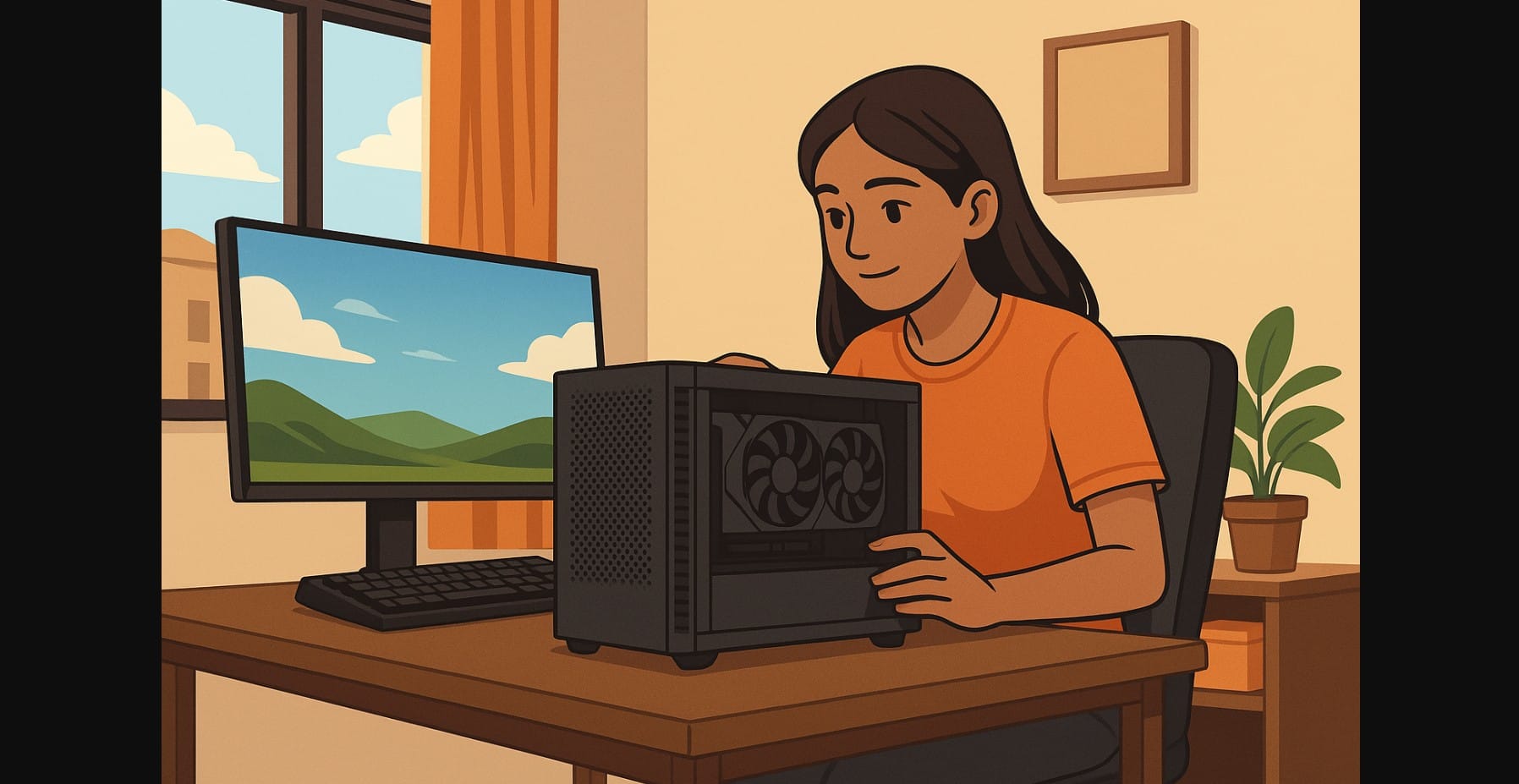
Setting up a powerful gaming PC doesn’t mean you need a massive desk or a luxury budget. In India, where many gamers live in shared apartments, small rooms, or college hostels, space and money are both tight. But that doesn’t mean you have to compromise on performance.
This guide is for gamers who want to build a compact yet capable setup whether you’re fitting your rig under a study table or turning a bedroom corner into a battle station. From space-saving cases to smart cable management and budget hardware that doesn’t bottleneck gameplay, here’s how to get it right.
Why Compact Gaming Builds Matter So Much
| Challenge | What It Affects |
|---|---|
| Small rooms, low desk depth | Limits monitor size and cabinet placement |
| Poor airflow (no ceiling fan/AC near desk) | Traps heat near walls and inside cabinets |
| Budget under ₹75K | Rules out full ATX towers or 240mm AIOs |
| Shared use of space (study + sleep + work) | PC must be silent, dust-resistant, low-profile |
| Bad plug point positions | Requires flexible desk+power planning |
In India, space and thermal control are equal priorities not just specs.
Step 1: Plan the Physical Space Before Buying Parts
Desk Space Audit
| Desk Size | Strategy |
|---|---|
| < 3ft depth or corner table | Use compact mATX cabinet beside monitor, avoid under-desk builds |
| 3-4ft simple table | Use risers for monitor, clamp surge protector under |
| 2.5ft IKEA-type wall-mounted board | Opt for mini tower + wireless keyboard to save surface space |
| Shared table (study + game) | Consider cabinet on floor + monitor arm to reclaim workspace |
Always allow at least 5-6 inches between wall and PC exhaust fan. This matters more than RGB.
Step 2: Choose the Right Cabinet Type (That Actually Fits India)
Forget the NR200 hype here’s what really works:
| Cabinet | Ideal When | Notes |
|---|---|---|
| Ant Esports ICE 130AG | Budget builds under ₹65K | Compact, mesh front, PSU shroud |
| Chiptronex GX3000 / NX2000 | Shared family desk | Looks subtle, supports GPU up to 320mm |
| Zebronics Zeb-Oslo | PG use | Compact, side vented, fits on top of desk if needed |
| DeepCool Matrexx 30 | Clean minimalist setup | Best in non-glass desk environment |
| Corsair 100R or 110R | When desk has space beside it | Best airflow + long GPU support |
Avoid: Cabinets with front glass panels in small, hot rooms. They trap heat badly in non-AC conditions.
Step 3: Match Your Build to Your Layout – Not Just Specs
Example: PG Room Gaming Setup (Small Table, No AC)
| Part | Ideal Pick |
|---|---|
| CPU | Intel Core i3-14100F or Ryzen 5 5500 |
| GPU | Intel Arc A580 or RX 6600 8GB |
| Motherboard | Gigabyte B760M DS3H DDR4 or MSI A520M |
| RAM | 16GB DDR4 (Corsair, Adata) |
| Storage | 1TB NVMe Gen 3 (Crucial P3) |
| PSU | Cooler Master MWE 550 or Corsair CV550 |
| Cabinet | Ant Esports ICE 130AG with 1 added exhaust fan |
| Monitor | 24″ IPS, VESA mount ready |
| Placement | Cabinet on tile, right of desk + wall-mounted monitor = zero clutter |
Temperature:
- Add mesh filter below PSU if room is near kitchen
- Use vertical cable routing to reduce air blockage
- Mount monitor high frees desk for airflow
Step 4: Real Compact Cooling for Indian Conditions
| Problem | Fix |
|---|---|
| Room gets hot by afternoon | Open window at night to vent case heat |
| Cabinet overheating in corner | Use external fan to push airflow behind desk |
| Stock cooler running loud | Replace with DeepCool GAMMAXX 400 or Arctic A13 |
| GPU temps > 85°C | Re-seat case fans for positive pressure (2 intake, 1 exhaust) |
Additional Fixes:
- Raise PC 1-2 inches using rubber stoppers or a cabinet stand
- Never keep a cabinet under a glass-top desk it reflects heat back
- Clean your dust filters every 3 weeks
Step 5: Fix the Cable Mess Early
| Tip | Why It Works |
|---|---|
| Use a clamp-on surge protector | Saves desk space, avoids floor spills during monsoon |
| Buy Velcro cable ties | Better than zip ties for reuse and routing |
| Stick a cable clip strip behind your monitor | Keeps HDMI, power, and mouse wires in place |
| Use a monitor riser with built-in cable shelf | Great for setups on shared study tables |
Step 6: Alternatives That Actually Work in India
| Alternative | When to Use It |
|---|---|
| PSU below 500W | Only if using GTX 1650 or iGPU build |
| Single fan GPU | When using ultra compact case (Zeb-Mars) |
| Wireless peripherals | When desk space is shared with books |
| Wall-mounted monitor + wireless KB | Turns any study table into gaming desk |
| HDMI switch | When sharing monitor between laptop and PC |
Real Budget Options
| Price Range | Build Summary |
|---|---|
| ₹60K-₹65K | Ryzen 7 5700 + RX 6500 XT + mATX case + 512GB SSD |
| ₹70K-₹75K | Ryzen 5 7600 + RX 7600 / Arc A580 + 1TB NVMe + airflow-optimized compact case |
| ₹80K-₹85K | i5-14600k + RTX 4060 + 16GB RAM + upgraded fans |
Summary – Small Gaming Builds Done Right
If you’re building a PC in India, the real challenge isn’t picking a GPU it’s building something that stays cool in a dusty, hot, small room. Whether you’re a student, first-time builder, or someone upgrading from a laptop, a well-thought-out compact build is the most practical long-term investment.
Build around your space. Not just your specs.

