
How to Avoid Battery Drain While Gaming or Multitasking on Your Phone
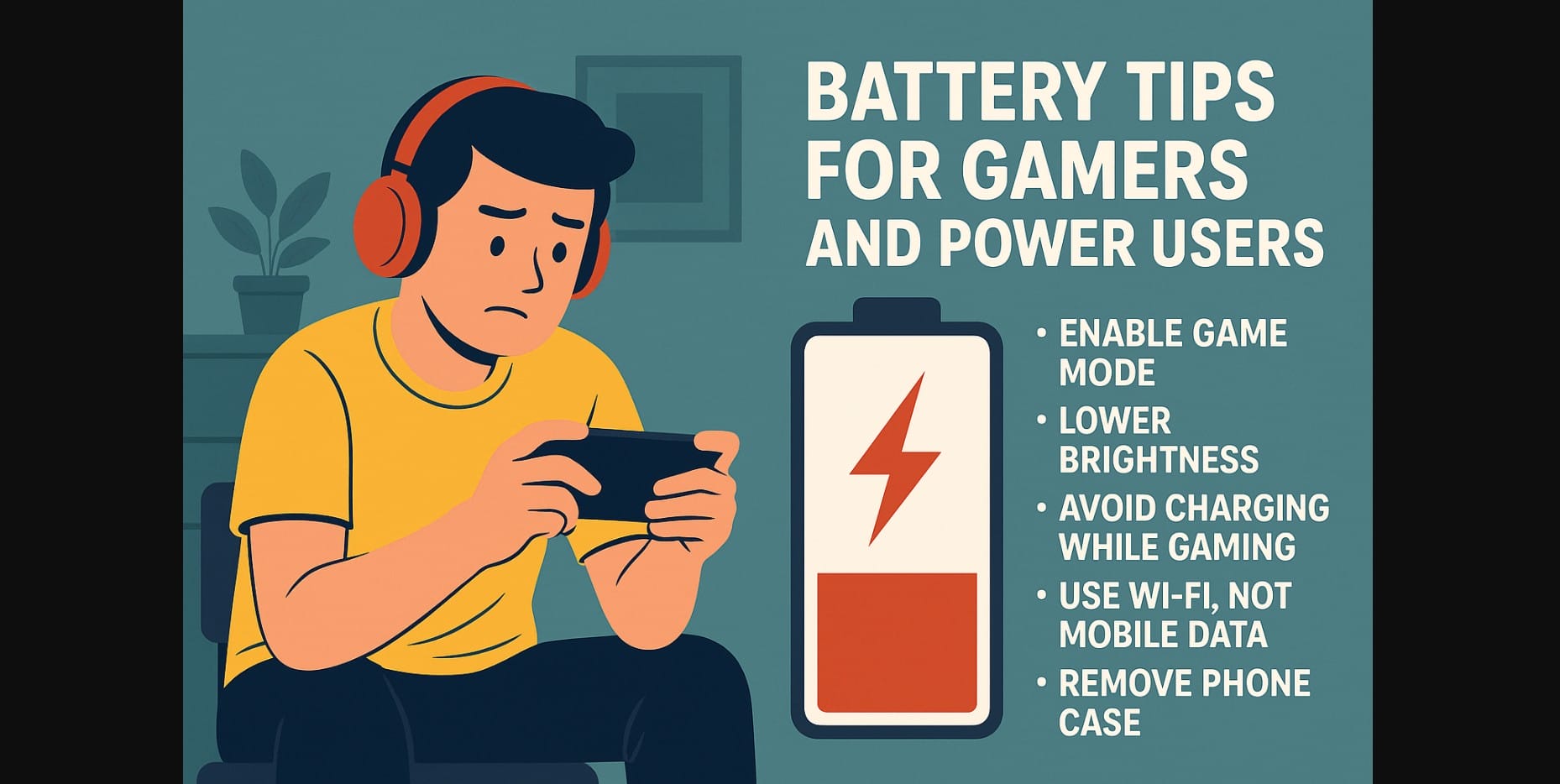
If you’re a mobile gamer, multitasker, or content creator in India, you’ve probably seen your phone battery vanish faster than expected. That’s because heavy use pushes your phone’s GPU, CPU, display, and speakers to peak performance often all at once.
Gaming, streaming, and editing on phones with 120Hz screens and high brightness drains your battery rapidly. In India, the problem gets worse due to high ambient heat and longer daily usage, especially if you’re playing during the day or while the phone is plugged in.
1. Prep Your Phone for Smarter Power Use Before You Game
Enable Game Mode or Performance Profiles
Most Indian smartphones now come with built-in gaming modes (like Game Turbo, Game Space, or Game Booster). These:
- Limit background processes
- Prioritize gaming apps
- Reduce app-switching lag
Use them every time before launching a game or high-load app.
Lower Graphics Settings or Frame Rate
Not every game needs full resolution or ultra frame rates. Lowering these settings:
- Cuts GPU and battery strain
- Reduces heat
- Extends session time before recharge
Close Background Apps
Apps like Instagram, Google Maps, or video editors continue draining memory and battery. Close them before intense usage to avoid background interference and lag.
2. Avoid Gaming While Charging – Here’s Why
It’s common in India to play while the phone is charging during long matches, late-night raids, or travel. But it comes at a cost.
What Happens Internally:
- The battery heats from fast charging
- The processor heats from graphics load
- Combined, this heat degrades battery health and shortens its lifespan
Safer Option:
- Play first, then charge
- If charging is unavoidable, use a slower charger and avoid fast charging
- Switch off mobile data if playing offline reduces heat and drain
3. Adjust These Phone Settings for Better Battery During Long Sessions
Turn Off Vibration and Auto Brightness
Vibration motors (haptics) and screen sensors consume small but steady amounts of power. Disabling them helps:
- Reduce overall drain
- Maintain brightness at a safe, cooler level
Use Wi-Fi Instead of Mobile Data
Mobile data especially 5G drains the battery quicker than Wi-Fi. When indoors or at home, switching to Wi-Fi:
- Uses less battery
- Generates less heat
- Keeps ping more stable for online games
4. Keep Your Mobile Phone Cool: External Heat Control Tips
Use a Desk Fan or Cooling Pad
Mobile gamers in India are now using USB-powered desk fans or laptop cooling pads to control heat. This helps avoid:
- Thermal throttling (reduced performance when phone gets hot)
- Battery swelling or overheating
Remove the Phone Case While Playing
Phone cases trap heat. Remove thick or rubberized cases while gaming to allow faster cooling. This especially helps budget or mid-range phones with plastic bodies.
5. Power Smartphone Users: Long-Term Habits That Protect Your Battery
Avoid Fully Draining Battery During Sessions
Instead of waiting until your battery hits 0%, plug in around 20-30%. Repeated full discharges wear batteries out faster over time.
Don’t Game Immediately After Charging
Right after a full charge, your battery is warm. Gaming immediately increases heat further. Wait 5-10 minutes to let it cool before launching performance-heavy apps.
6. Avoid Mobile Phone Overheating & Battery Wear
| Tip | Why It Works |
|---|---|
| Use gaming mode | Reduces background drain and boosts performance |
| Lower resolution/frame rate | Cuts GPU load and battery use |
| Avoid charging while gaming | Prevents dangerous heat buildup |
| Use Wi-Fi instead of mobile data | Lowers battery stress and lag |
| Remove phone case | Improves heat dissipation during long sessions |
7. Power Users in India – Cut Battery Drain Without Sacrificing Speed
Gaming and using high-performance apps on phones is common in India, whether it’s playing BGMI, editing videos, or using several apps simultaneously. However, these activities can drain your battery if not managed well.
Smart battery care helps save power, control heat, improve performance, and extend battery life. By making a few easy changes, you can enjoy every match or stream without overheating your phone.

