
Video Streaming Setups That Actually Work in India – From Classes to Gaming
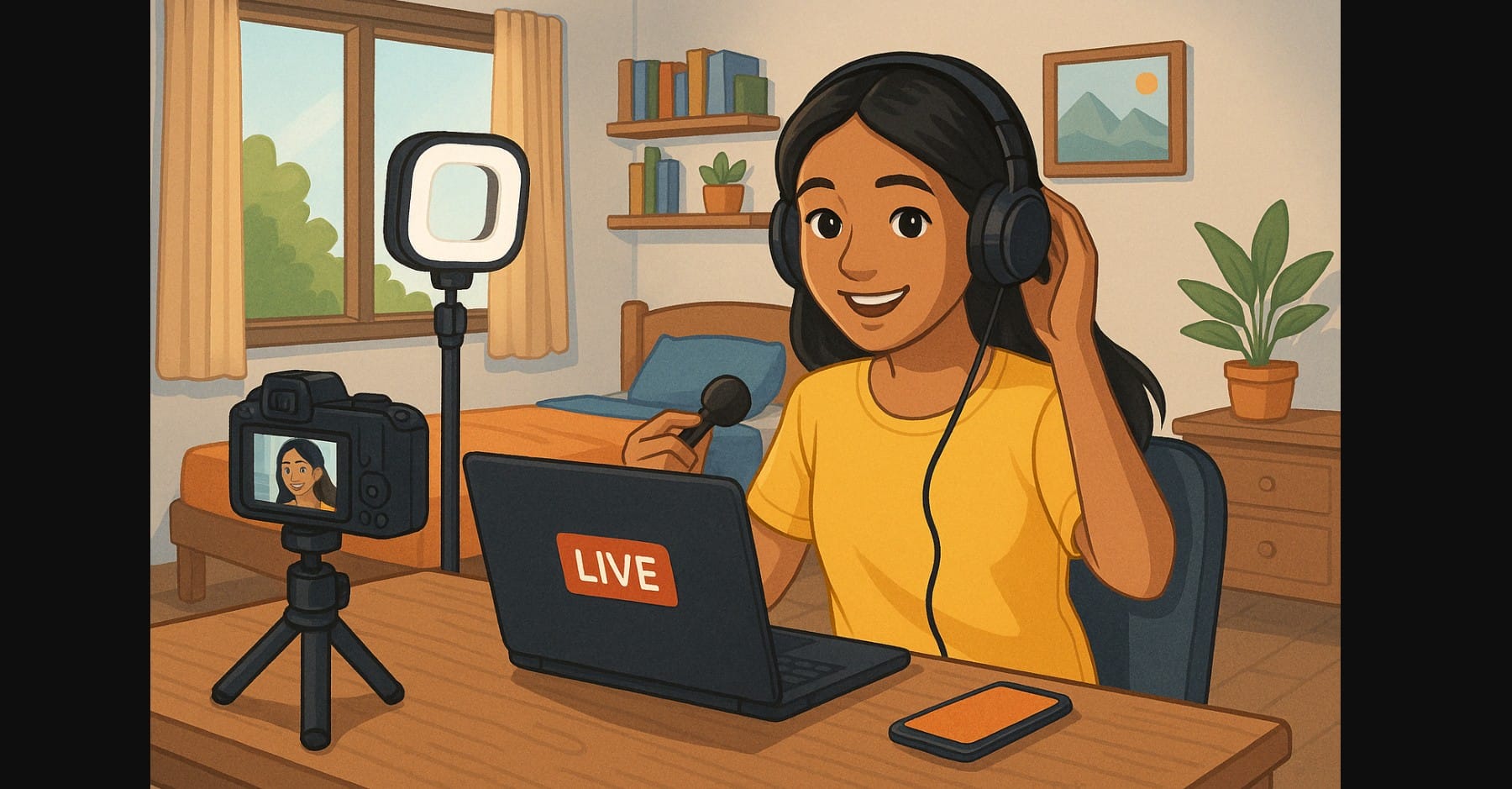
A smooth livestream is more than just a camera and internet connection especially in India, where unstable networks, power cuts, heat, and background noise can ruin your entire session. Whether you’re teaching online, going live on YouTube, or streaming gameplay, your setup needs to be reliable, simple, and built for your specific situation.
This guide skips tech jargon and walks you through what works in the Indian context based on what you’re trying to do.
1. Teaching on Zoom or Google Meet Simple, Stable, and Clear
If you’re running live classes or coaching from home, you don’t need a fancy DSLR. What matters is clarity and voice quality.
What you need:
- Laptop with built-in webcam or phone with tripod
- Wired lapel mic for clear audio (under ₹1000)
- Soft LED light or window lighting
- Noise control use curtains or record in smaller rooms
- Backup internet Jio or Airtel dongle in case of fiber drop
- Mini UPS for your router and laptop
Avoid: Using wireless mics or trying to stream via DSLR without tech support too much setup for classroom use.
2. YouTube Creators Who Want Sharp, Professional Video
You want clean background blur, great skin tones, and sharp visuals for YouTube or recorded classes. Your camera matters here but so does power, mic placement, and stability.
What works best:
- Mirrorless camera with USB webcam mode (Sony ZV-E10, Canon R50)
- Tripod, dummy battery, lapel or shotgun mic
- OBS software to add name, logo, screen share
- LED light panel + mic positioned close to mouth
- USB-C streaming with real-time charging
Avoid: Using DSLR with no clean HDMI too many compatibility issues. Avoid relying on internal mic Indian homes are too noisy for that.
3. Gaming and Console Video Streaming Setups
You’re playing on a PS5, Xbox, or gaming PC and want to stream on YouTube or Twitch. Here, video from your console needs to be captured properly, and your voice must stay clear even during action.
What you need:
- Capture card (USB 3.0) don’t use HDMI splitter hacks
- Headset with good mic wired preferred over Bluetooth
- OBS Studio for overlays, alerts, transitions
- Wired internet connection (5-10 Mbps upload minimum)
- Dual monitor if possible one for game, one for stream control
Avoid: Cheap capture cards with audio sync issues. Wi-Fi streaming while gaming leads to sudden drops or stuttering.
4. Going Live on Mobile Reels, Instagram, YouTube Shorts
You want to go live casually while traveling or working from your phone. You don’t need OBS or capture cards but good audio still matters.
What helps most:
- Phone tripod or gorillapod
- Clip-on lav mic with USB-C or Lightning adapter
- Streamlabs Mobile or YouTube/Instagram app
- Airplane mode with Wi-Fi to avoid call interruptions
- Portable ring light or face toward window
Avoid: Streaming while holding phone in hand shaky footage + bad framing + poor mic position.
5. Avoiding the Most Common Streaming Failures in India
These hit Indian users hard especially those doing long streams or serious content:
| Issue | How to Avoid It |
|---|---|
| Power cut mid-stream | Use mini UPS for router, laptop, and camera |
| Camera shuts off after 30 mins | Use dummy battery or USB-C powered camera |
| OBS lags or crashes | Lower resolution, avoid heavy animated overlays |
| Mic stops working | Never use Bluetooth during live streams |
| Wi-Fi fluctuates | Use wired LAN or keep mobile hotspot as backup |
| Fan/traffic noise ruins audio | Use wired lapel, record in soft-furnished room |
6. Smart Setups Based on What You Do
| Role/Content Type | Camera Choice | Software | Mic Setup |
|---|---|---|---|
| School Teacher | Webcam or phone | Zoom or Meet | Wired headset or lapel |
| YouTube Tutorial Creator | Mirrorless via USB | OBS Studio | Shotgun or lapel mic |
| Gamer/Streamer | Capture card + console | OBS Studio | Headset mic |
| Instagram Live Host | Smartphone + stand | Instagram app | Wired lav mic |
| Panel/Interview Host | Mirrorless with mic | StreamYard browser | USB or lapel mic |
7. One Video Streaming Setup Doesn’t Fit All
Trying to follow an expensive YouTuber’s gear list in Indian conditions doesn’t help. Our power, climate, noise, and network realities are different.
Instead:
- Choose tools that solve your real problems
- Use software that runs on your device
- Invest in audio before 4K video
- Always test your stream before going live
- Prioritize clarity, reliability, and backup options
Your goal isn’t to impress with gear it’s to stay online, be heard clearly, and deliver what your viewers came for.

