
Talk to Your Home – How to Use Google Assistant for Smart Control in India
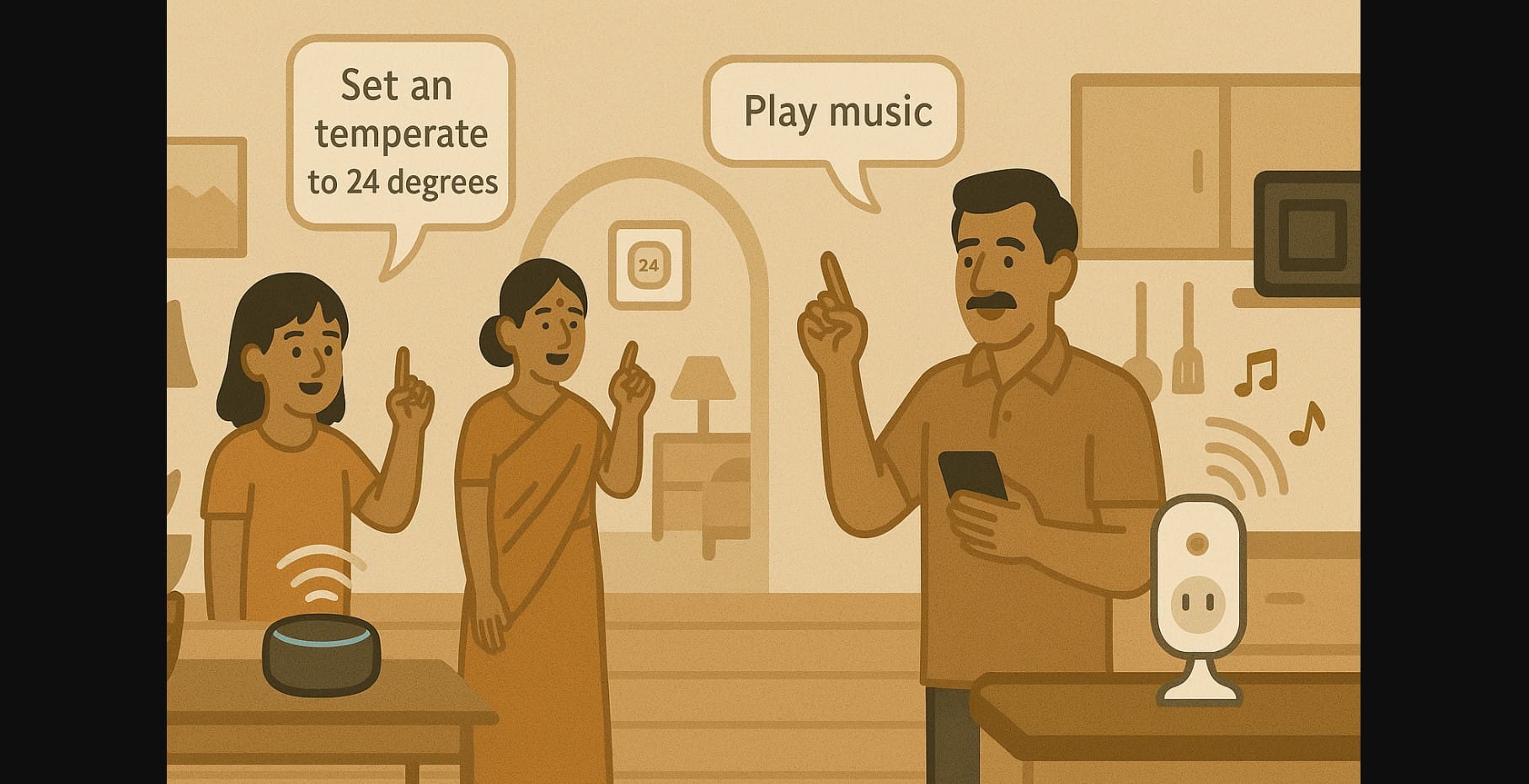
You’ve got a smart bulb in your bedroom. Maybe a plug in the kitchen. A smart speaker sits quietly near your TV. But are you still walking up to each switch or manually opening every app?
If so, you’re not using your smart home the way it was meant to work.
In India, where multitasking is part of everyday life, voice control isn’t just a gimmick it’s one of the easiest ways to run your smart home. And it all starts with one phrase:
“OK Google, goodnight.”
Here’s how to make Google Assistant do more than just play songs and actually take care of your home.
1. Voice Commands Can Do a Lot More Than You Think
Most people start with the basics:
- “Turn on the light”
- “Play music”
But Google Assistant can:
- Control multiple devices together
- Automate your daily routines
- Adjust lighting, fans, plugs, geysers, and even cameras
- Work for every family member with voice match
And best of all it responds instantly, in English or Hindi.
2. Useful Google Voice Commands for Smart Home in India
| What You Say | What Google Assistant Does |
|---|---|
| “OK Google, goodnight” | Turns off all lights, plays sleep sounds, sets alarm |
| “OK Google, turn on the geyser” | Activates the smart plug connected to your water heater |
| “OK Google, play morning bhajans” | Streams devotional music on speakers or TV |
| “OK Google, switch off the fan” | Cuts power to smart plug assigned to the fan |
| “OK Google, show front camera” | Displays video feed on Nest Hub or Chromecast |
| “OK Google, I’m home” | Turns on entrance light, disarms camera, plays news |
These aren’t just commands they’re shortcuts for your daily life.
3. How to Set Up Room-Based Voice Control in Google Home
Voice control works best when devices are grouped by room.
Step-by-Step:
- Open the Google Home app
- Tap “+ Add device” and follow instructions to link your smart bulb, plug, or fan
- Assign each device to a specific room (like “Bedroom” or “Kitchen”)
- Now you can say:
- “Turn off Bedroom”
- “Turn on Kitchen lights”
No need to name every device. Just speak naturally.
4. Trigger Multiple Actions with a Single Google Command Using Routines
Routines allow you to trigger multiple devices and services with one phrase.
Example 1: “OK Google, goodnight”
- Turns off all lights
- Activates bedroom fan
- Plays sleep music
- Sets morning alarm
Example 2: “OK Google, start my day”
- Reads today’s weather and calendar
- Turns on bathroom geyser
- Plays morning news or bhajans
How to create it:
- Open Google Home app – Routines – Create New
- Add voice trigger + actions
- Assign devices from the same app
5. Facing Issues? Here’s How to Improve Google Voice Recognition in India
“It doesn’t recognize my voice.”
Use Voice Match to train the assistant using your voice
Add support for multiple languages (English + Hindi)
“It doesn’t understand my family members.”
Set up multiple user profiles on the same Google Home
Each person can link their own account
“It’s too slow.”
Ensure your devices are on 2.4 GHz Wi-Fi
Avoid using too many similar names (e.g. “Bulb 1”, “Bulb 2”)
6. Practical Ways Families Use Google Assistant Daily
- Kitchen: “Turn on mixer plug” while hands are wet or oily
- Bedroom: “Dim lights to 20%” while preparing to sleep
- Living Room: “Play devotional music” during pooja hours
- Kids: “Play study music” or “Turn off cartoons at 8 PM”
- Elderly: Use voice to operate lights, geyser, or fan without walking
You don’t need to touch a switch or open an app just speak.
7. Make Google Voice Control More Reliable
- Use short, simple names for devices (like “Fan” or “Bedroom Light”)
- Group devices by room for easier commands
- Stick to one language (English or Hindi) per routine for better understanding
- Keep your devices updated and connected to stable Wi-Fi
8. Voice Automation with Google Assistant
You don’t need to learn coding, create complicated automations, or buy expensive gadgets. Just:
- Add one smart plug or bulb
- Set up Google Home
- Group devices
- Say: “OK Google, good night.”
In that one phrase, your fan turns on, the light dims, and your day is done hands-free, stress-free.

