
Smart TV Remote Guide for Indian Viewers – Tips, Fixes & Shortcuts
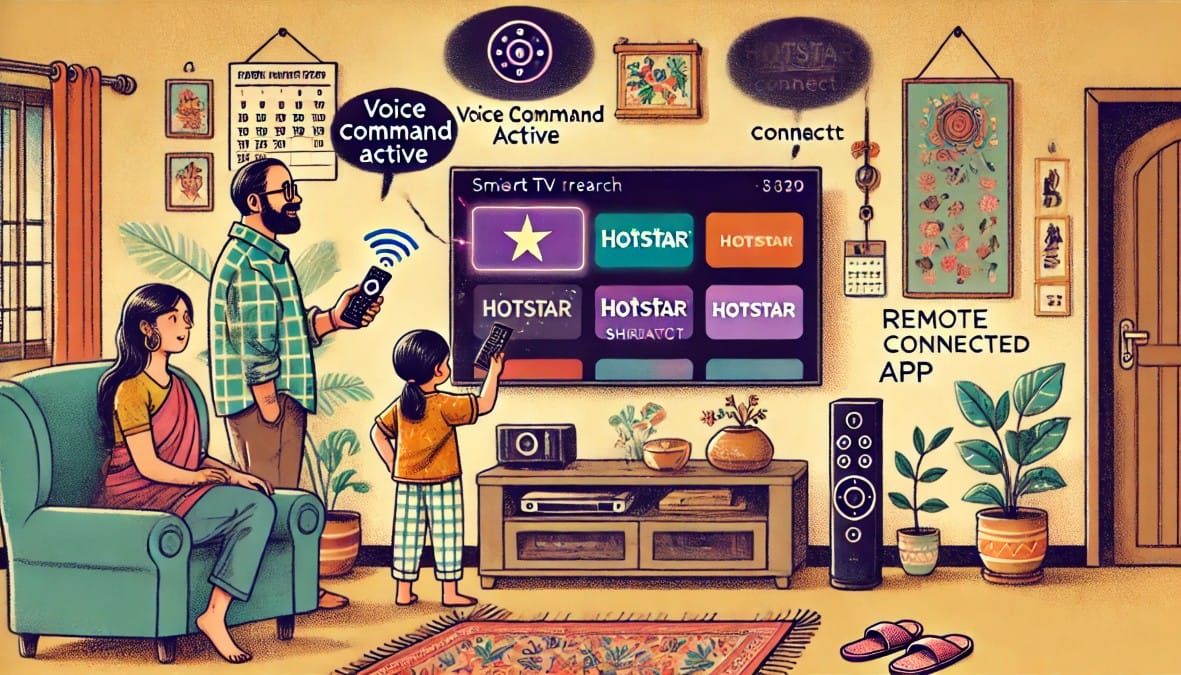
You’ve bought the right TV, set it up, connected your devices, and tuned the picture. But there’s one device you’ll use every single day that most people overlook: the remote.
In 2025, smart TV remotes do much more than change channels or adjust volume. With the right know-how, you can:
- Launch apps instantly
- Control your soundbar and other devices
- Use voice search in multiple Indian languages
- Replace lost remotes using your smartphone
- Help elderly family members use the TV with ease
This guide shows you how to get the most out of your smart TV remote in a typical Indian household—without buying anything new.
1: Know Your TV Remote Type
Not all remotes are the same. Each works differently—and knowing what you have helps avoid confusion.
| Remote Type | How It Works | Common With |
|---|---|---|
| IR (Infrared) | Needs line of sight; no smart features | Older TVs, basic DTH boxes |
| Bluetooth | Works without pointing at TV; allows pairing | Android TV, Fire TV, OnePlus TVs |
| Voice-enabled | Includes mic for voice search and assistant | Fire TV Stick, Google TV, WebOS |
| Universal remote | Controls multiple devices with one remote | Premium Sony, Samsung, LG setups |
If your remote works even when hidden under a pillow, it’s Bluetooth.
2: Smart TV Remote Features Most Indian Users Ignore
| Feature | What It Does | Where It Helps |
|---|---|---|
| Voice Search | Search YouTube, Netflix, or apps by speaking | No typing needed; regional support |
| App Hotkeys | Launch specific OTT apps instantly | Prime Video, Netflix, Hotstar buttons |
| Input Toggle | Switch between HDMI ports quickly | DTH, console, Fire Stick |
| TV Volume Control | Adjust volume on your soundbar or TV | Unified control through ARC |
| Long-press Actions | Some remotes allow reassigning hotkeys | Fire TV and Android remotes |
Speak in Hinglish (e.g., “Play Sholay on Prime”) — many platforms support mixed voice commands.
3: What to Do If the TV Remote Isn’t Working
| Problem | Likely Cause | How to Fix |
|---|---|---|
| No response from TV | Batteries are dead or IR blocked | Replace batteries; clean sensor area |
| Laggy or delayed response | Weak Bluetooth signal or interference | Re-pair the remote |
| Voice search not working | Mic access off, or Wi-Fi issue | Restart TV + check voice permissions |
| Remote not pairing | Connection lost after update/reset | Pair from TV settings > Bluetooth |
Keep spare batteries handy if your remote uses AAA – replace both together.
4: Lost the TV Remote? You’re Not Stuck
You don’t need to buy a new remote immediately, try one of these alternatives:
| Solution | How It Works | Best Use |
|---|---|---|
| TV Remote App | Turns your phone into a remote via Wi-Fi | Full control, voice, touchpad |
| Google Home / Alexa App | Use voice assistant to control the TV | Great if TV supports CEC |
| Universal Remote | Buy IR or Bluetooth model from store | Works with multiple devices |
| Keyboard & Mouse | USB or Bluetooth input | Helpful for YouTube or browsing |
Apps like “Android TV Remote” or “Fire TV Remote” are free and reliable.
5: Essential TV Remote Tips for Indian Families
Smart TVs are shared devices, used by everyone from kids to grandparents. Here’s how to make the remote easier for all:
| User Group | Tip |
|---|---|
| Elderly users | Use a simplified universal remote with larger buttons |
| Children | Set parental controls + disable app store access |
| Multi-language homes | Enable voice input in Hindi, Tamil, or Hinglish |
| Busy parents | Use voice search to avoid typing/search menus |
| Everyone | Label app buttons (e.g., Prime = “Movies”) using small stickers |
Customize the home screen to keep only 3–4 essential apps visible.
6: When to Upgrade Your TV Remote
You might want to replace your existing remote if:
- It lacks Bluetooth or voice support
- It doesn’t control your soundbar or Fire Stick
- You want a single remote for TV, DTH, and OTT
Look for universal Bluetooth remotes with IR + mic + CEC compatibility. Many are under ₹1,000 online.
7. Get More from the Remote You Use the Most
| Remote Feature | Take This Action |
|---|---|
| Voice search | Enable mic + speak commands in Hinglish |
| Shortcuts / hotkeys | Use or reassign for faster app access |
| Remote lost? | Use phone apps or universal IR remotes |
| Soundbar control | Enable ARC and test volume sync |
| Multigenerational use | Customize layout and label keys |
Summary: It’s Not Just a Remote – It’s Your TV’s Command Center
For most Indian homes, the remote is the single point of control for everything – OTT apps, DTH channels, YouTube, volume, and even voice commands.
Yet, it’s often underused.
With a few small changes – enabling voice, re-pairing when needed, using the remote app when it’s missing – you’ll get smoother, faster, more enjoyable viewing every day.
Your smart TV is only as good as your ability to control it. So take control – with the remote you already have.

