
What Graphics Card You Actually Need for Each Resolution – 1080p, 1440p, or 4K
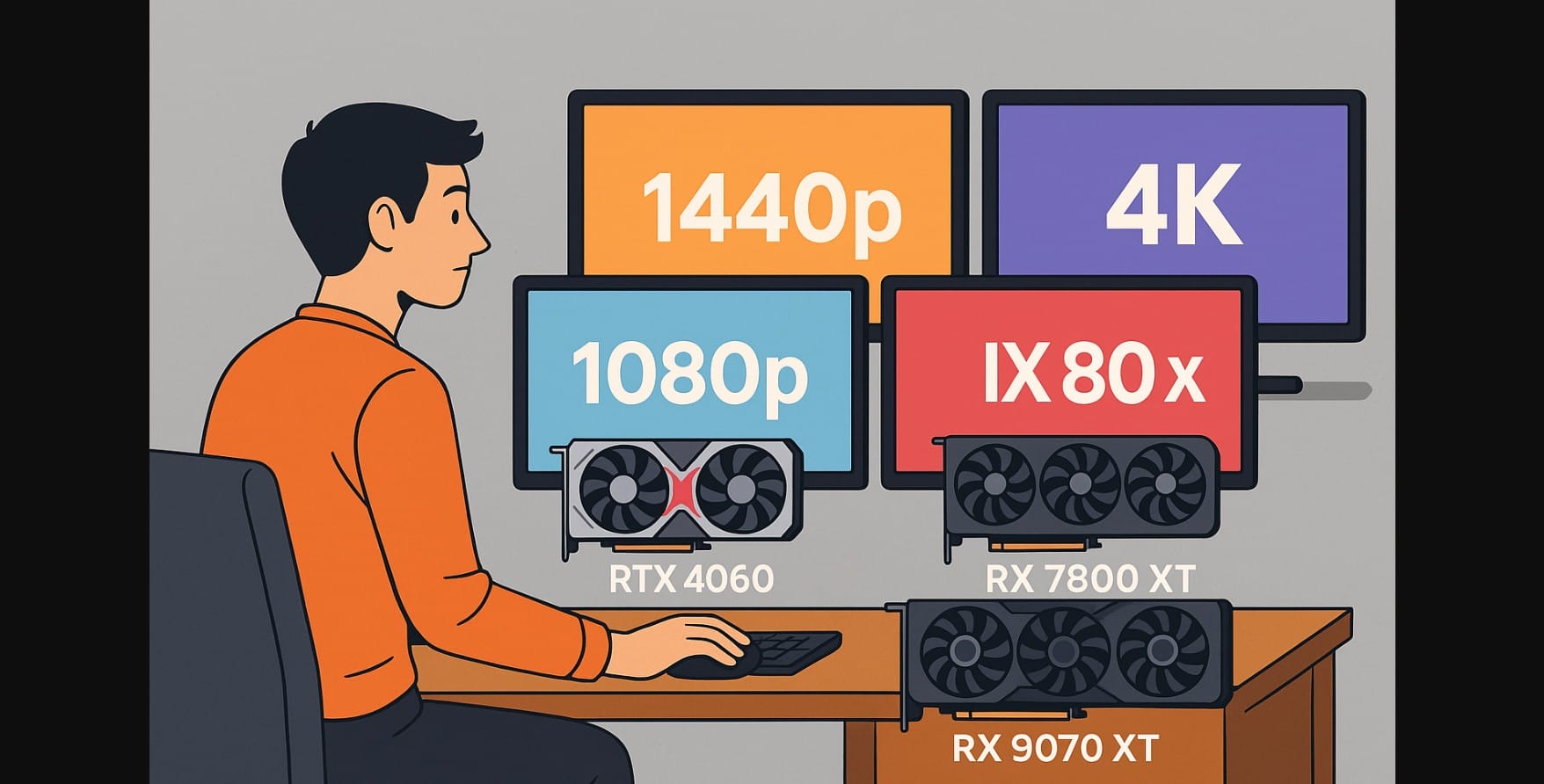
Graphics card performance has become more display resolution-focused than ever before. Between rising VRAM demands, upscaling technologies like DLSS 4 and FSR 4, and sharper price gaps across GPU classes, one thing is clear:
You need to match your graphics card to your monitor resolution, or risk overpaying for performance you’ll never use.
Yet many desktop pc users still make the classic mistake: pairing high-end GPUs with budget monitors, or choosing low-end cards for 4K work. This post helps you avoid that, with clear recommendations for every common resolution today.
1. Best Graphics Card Range for 1080p Gaming
Who Should Stick to 1080p?
1080p still dominates in India. It’s the right choice if you:
- Use a 60Hz or 75Hz monitor
- Play mostly esports or online titles (like Valorant, CS2, FIFA, BGMI)
- Want smoother gameplay on a budget
- Run a PC on inverter or limited cooling setup
What to Look For in GPU
- 8GB VRAM minimum, some AAA games now require this just to launch
- Support for DLSS 3+ / FSR 3+, even if you don’t always use it
- Low power draw, thermally efficient for compact builds
Recommended GPUs for 1080p
- NVIDIA RTX 4060 / RTX 4060 Ti
- AMD Radeon RX 7600 / RX 7650 XT
These cards can handle high FPS at medium-high settings across modern games, including ray tracing in lighter titles. Unless you plan to upgrade to 1440p soon, don’t go above this class for 1080p use.
2. Graphics Card Range for 1440p Gaming
Who Should Choose 1440p?
1440p is the sweet spot for:
- Gamers with 120Hz-165Hz displays
- Streamers or creators who also play games
- Anyone building a system in the ₹80K-₹1.2L range
It’s sharper than 1080p, easier to run than 4K, and now fully supported by DLSS 4 and FSR 4.
Minimum Specs Requirement for 1440p
- 12GB VRAM or more
- Consistent 1% lows above 60 FPS
- Good driver stability (especially for Intel)
- AI upscaling support for future-proofing
GPUs for 1440p Gaming in India
- NVIDIA RTX 4070 Super / 4070 Ti Super
- AMD RX 7800 XT / RX 7900 GRE / RX 8050 XT
- Nvidia 5070/AMD 9070 – Too expensive
These GPUs hit the performance sweet spot, often delivering 90-120 FPS at high settings with upscaling. You don’t need a 4080+ level GPU unless you’re targeting Ultra + Ray Tracing + 165Hz all together.
3. Premium High-End Graphics Card for 4K Gaming and Creation
Who Should Buy for 4K?
Only go 4K if you:
- Use a 32-42” high-end 4K display or TV
- Play AAA titles at max settings (Cyberpunk, Starfield, Alan Wake II)
- Render or edit 4K content professionally
- Want DLSS 4 frame generation at the highest visual quality
For Future-Proofing 4K Gaming & Work
- 16-32GB VRAM
- High memory bandwidth (GDDR7/6X or HBM3)
- Full support for DLSS 4 / FSR 4 + Frame Gen
- 12VHPWR or dual 8-pin power supply
- Advanced cooling, these cards run hot
Recommended Graphics Card for 4K
- NVIDIA RTX 5080 / RTX 5090
- Nvidia RTX 4090
These are flagship-class GPUs, and should only be paired with proper displays, ventilation, and high-wattage PSUs. Don’t pair these with a 1080p or 1440p monitor, it’s a waste.
4. What Happens If You Mismatch GPU and Monitor Resoloution?
Overpowered Graphics Card on Low-Resolution Monitor
- Wasted performance, GPU idles most of the time
- Higher power bills and extra heat
- Potential coil whine or fan ramping on cheaper cabinets
Underpowered GPU on High-Res Monitor
- Lower texture settings and pop-in
- Lag or sudden frame drops
- DLSS/FSR overuse causing blur or visual noise
- VRAM overload = crashing or hitching
5. Summary: Match the Graphics Card to What You Use
Here’s a quick recap:
| Resolution & Refresh | Best 2025 GPU Range | VRAM Minimum | Notes |
|---|---|---|---|
| 1080p, 60-75Hz | RTX 4060, RX 7600, Arc A580 | 8GB | Ideal for students, esports, low-heat setups |
| 1440p, 120-165Hz | RTX 4070 Ti Super, RX 7800 XT, RTX 5070/RX 9070 XT | 12GB | Great for creators, high refresh gaming |
| 4K, 144Hz+ | RTX 5090, RTX 4090 | 20GB+ | Only for top-end builds with DLSS 4/FSR 4 |
Always match your GPU to the display you already, use or plan to buy soon. That’s how you get the best pc gaming experience, without overspending or underperforming.

