
Powering Multiple Devices? How to Choose the Right Multi-Port Power Bank
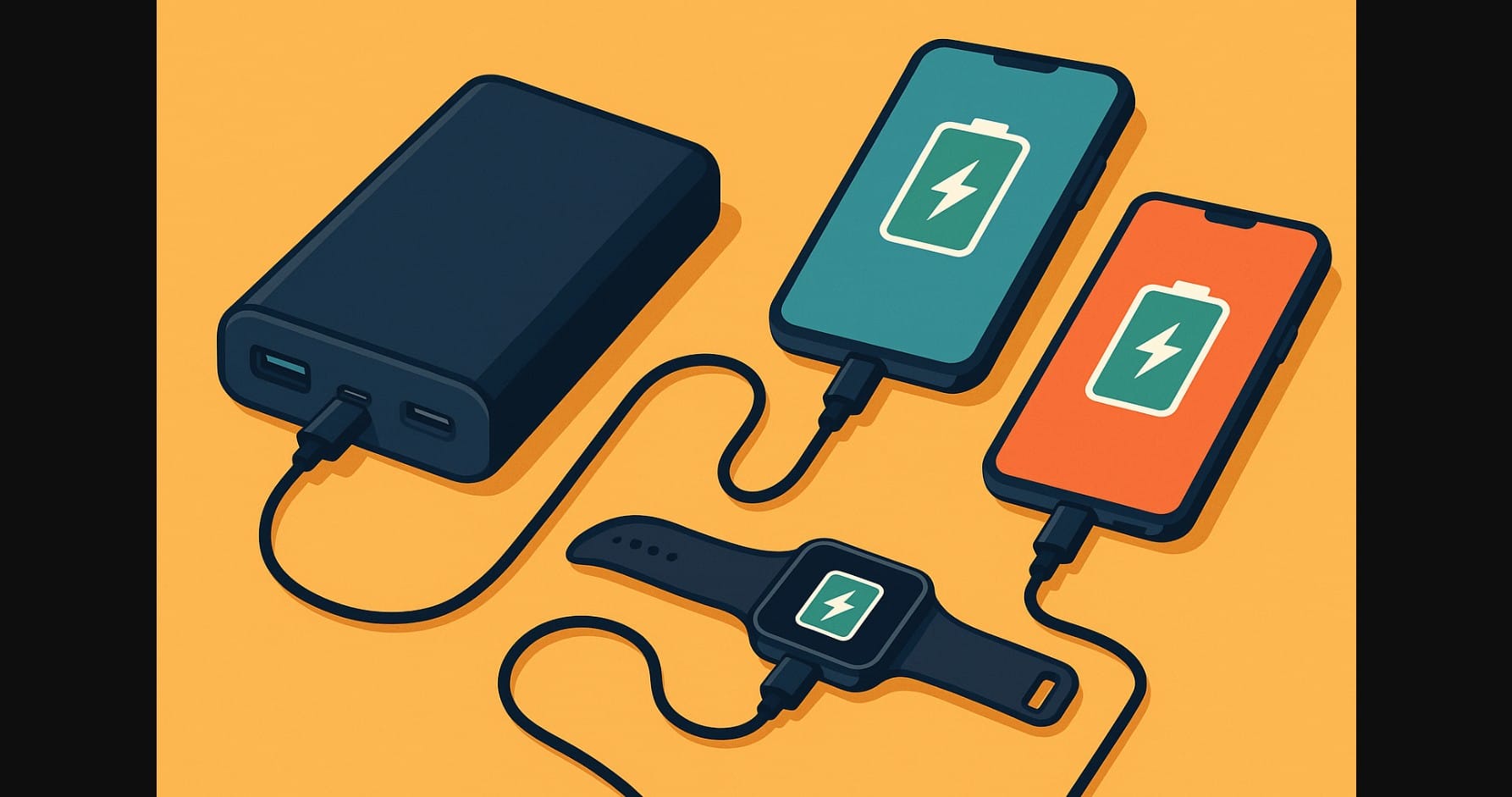
If you’ve ever found yourself in a train, hotel room, or your own living room with two phones and a smartwatch to charge, you’re not alone. In Indian households, shared charging is the norm between spouses, siblings, roommates, or even co-travelers.
And yet, many people still buy single-port power banks only to discover they’re constantly unplugging and rotating devices. A multi-port power bank solves that frustration.
1. USB-A, USB-C, Micro-USB? The Port Confusion Still Exists
You’ll find different types of ports on Indian power banks:
- USB-A: The older rectangular port. Still widely used for cables and accessories. Good for slow or standard charging.
- USB-C: The modern, reversible port. Supports faster speeds and PD (Power Delivery) protocols.
- Micro-USB: Still seen on older power banks for input, not output. Avoid in 2025 if possible.
A good multi-port power bank offers USB-C + USB-A output, so you can support both older gadgets and new phones.
2. How Many Ports Is Enough? Depends on Your Routine
Two Ports (Basic Shared Use)
- Ideal for couples or those with two personal devices (phone + TWS/watch)
- Usually includes one USB-A and one USB-C
- Lightweight and pocketable, especially in 10000-15000 mAh size
Three Ports (Families and Heavy Users)
- Great for people juggling multiple gadgets: phone + tablet + watch
- Often includes 2 USB-A and 1 USB-C
- Needs at least 20000 mAh for effective use
Four Ports (Group or Extended Travel)
- Handy for family road trips or hostel rooms
- More ports = more weight
- Expect slower speed if all ports are used at once unless it’s a 30W+ bank
3. Power Split Happens More Devices Means Slower Speeds
This is where many people get confused. If your power bank supports 18W output, that doesn’t mean 18W to every port.
If two phones are charging at once, each might get only 9W or less, depending on the device draw and cable. To ensure fast charging on multiple ports, choose a power bank with:
- 22.5W or higher total output
- Smart balancing or dedicated fast-charging port
4. Match Your Devices to the Port Don’t Just Plug Anywhere
Here’s how to optimize:
- Plug your phone into the USB-C port for PD (Power Delivery) charging.
- Use USB-A for accessories like smartwatches, fitness bands, or TWS.
- Never use all fast-charging ports at once unless the power bank explicitly supports high total output (e.g., 30W+ total shared).
5. Smart Features That Help When Charging Multiple Devices
Modern multi-port banks often include:
- Auto power detection (adjusts output to each device’s need)
- Digital displays showing remaining charge or output per port
- Low-power modes for devices like Bluetooth trackers or wearables
These features are especially helpful when you have a mix of high-demand and low-demand devices.
6. Where Multi-Port Power Banks Shine
| Use Scenario | What You’ll Need |
|---|---|
| Couples with 2 phones | 2-port power bank, 10000-15000 mAh |
| Family vacations or train travel | 3+ ports, 20000-30000 mAh |
| Techy solo user with phone + watch + tablet | 3 ports, mix of USB-C and USB-A |
| College students sharing a dorm | 2-port, durable, pocket-friendly 10000-15000 mAh |
Multi-port setups aren’t just for travel. In crowded spaces like shared hostel rooms, PGs, or long office days, they help you avoid fighting over wall sockets.
7. Multi-Port Power Bank Configurations and What to Expect
| Port Count | Best Use | Charging Speed | Keep in Mind |
|---|---|---|---|
| 2 ports | Basic daily use | Medium-fast | One fast, one regular port is ideal |
| 3 ports | Shared with family/friends | Slower with all ports active | Needs higher mAh battery |
| 4 ports | Travel groups, hostel life | Slowest with full load | Bulkier and heavier |
Choosing the right multi-port power bank reduces charger disputes, prevents dead devices, and allows better sharing for families and gadget users. Don’t settle for one port when you have multiple devices.

