
How to Set Up and Optimize Your New Smart TV in India
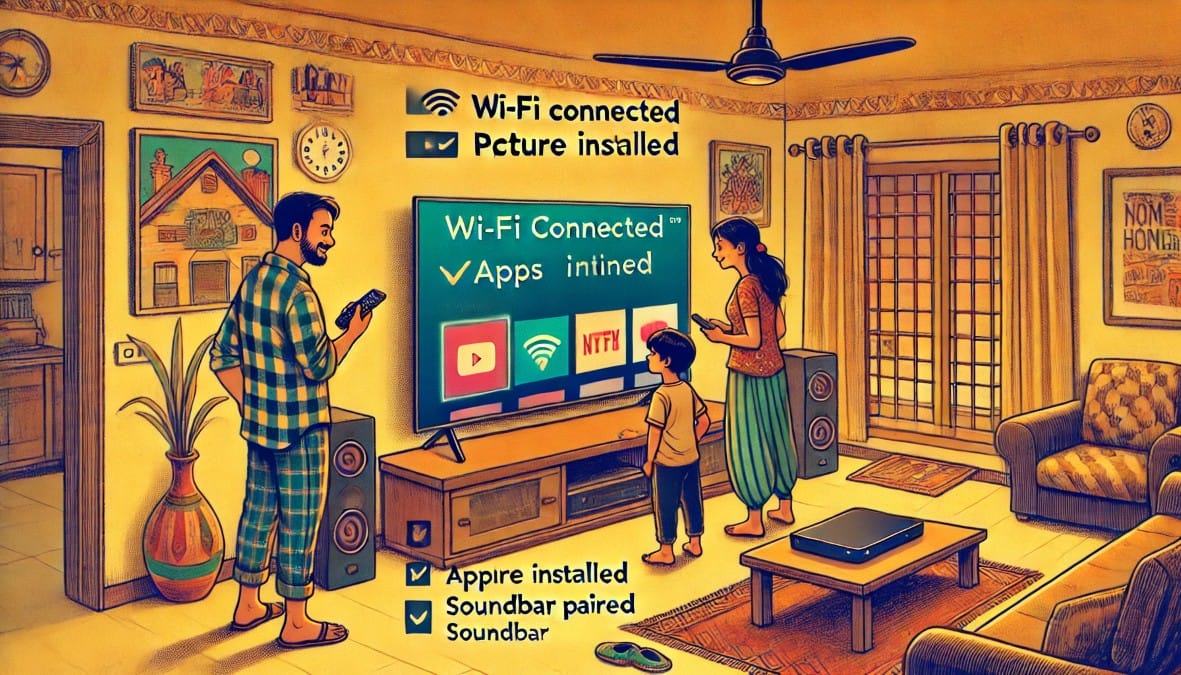
You Got the Right TV—Now Make It Work Right
You’ve bought a great smart TV. It’s installed, the remote’s in hand, and your favorite apps are ready to go. But here’s the truth—if you’re still using the default settings, you’re not seeing your TV at its best.
Most TVs are shipped with one-size-fits-all factory presets—too bright, too sharp, and not tuned for Indian homes, content, or lighting. From Wi-Fi setup to picture calibration, this guide helps you fully optimize your new TV for the way you watch, where you watch, and what you watch.
Step 1: Get the TV Basics Right
a. Set Language & Region
- Choose English (India) or your regional language (if available)
- Region: Set to India to get relevant app suggestions and voice commands
b. Wi-Fi Connection
- Prefer 5GHz Wi-Fi for smoother streaming (if your router supports it)
- Avoid mobile hotspots for TV setup—use stable home broadband
c. Login to Platform Account
| OS | Login Required |
|---|---|
| Android TV / Google TV | Your Google account |
| Fire TV OS | Your Amazon India account |
| WebOS / Tizen | Brand login (optional), then OTT logins |
This syncs your apps, watch history, and voice assistant preferences.
Step 2: Install & Organize Apps
- Install core Indian OTTs: JioCinema, Hotstar, Sony LIV, Zee5, Netflix, Prime Video
- Remove unused pre-installed apps to free up space
- If your TV has less than 2GB RAM, disable auto updates to avoid slowdown
Step 3: Connect Your Devices the Right Way
| Device | How to Connect & What to Do |
|---|---|
| DTH Box | Use HDMI if available; avoid AV if your TV supports HD |
| Soundbar | Use HDMI ARC or optical cable for better sync |
| Game Console | Use HDMI 2.1, enable Game Mode |
| Fire Stick / Chromecast | Use HDMI + USB (or wall adapter) for power |
| Legacy Devices | Use RCA/AV input or HDMI converters if needed |
Label HDMI ports in TV settings for quick switching (“DTH,” “Soundbar,” etc.)
Step 4: Update System Firmware
Before tweaking settings:
- Go to Settings → About → Software Update
- Connect to Wi-Fi and check for updates
- New updates may improve app compatibility, fix bugs, or unlock new features
Some updates may reset your picture or sound settings update first.
Step 5: Calibrate Picture for Indian Rooms
Most Indian homes have bright lights, reflective walls, or indirect sunlight. Factory settings often look harsh or unnatural.
| Picture Setting | Recommended Value |
|---|---|
| Picture Mode | Use “Cinema” or “Standard” for balanced viewing |
| Brightness | Lower to 40–60% for eye comfort |
| Contrast | Set to 80–90% for depth without overexposure |
| Sharpness | Reduce to 10–20%; factory value is usually too high |
| Color Temperature | Choose “Warm” for natural skin tones |
- For DTH: Turn off noise reduction
- For movies: Turn off motion smoothing
- For sports: Turn it ON for smoother visuals
Step 6: Optimize Advanced Picture Settings
| Feature | Setting Tip |
|---|---|
| HDR | Enable only for OTT/4K content; disable for DTH |
| Local Dimming | Turn ON for deeper blacks (if available) |
| MEMC / MotionFlow | OFF for movies, ON for live sports |
| Backlight | Lower in dimly lit rooms to reduce eye strain |
| Dynamic Contrast / Color Enhancer | OFF for more accurate visuals |
Step 7: Tweak Sound for Your Space
| Audio Setup | What to Adjust |
|---|---|
| Using TV speakers | Enable “Clear Voice” or “Dialog Mode” |
| Using soundbar | Use HDMI ARC only; turn off built-in speakers |
| Small room | Reduce bass, increase treble for clarity |
| Watching OTT | Set audio output to PCM or Auto |
Avoid using “Surround” or “Virtual” modes unless you’re using a full speaker setup.
Step 8: Customize Your Home Screen
- Pin most-used apps like YouTube, Netflix, Prime, JioCinema
- Remove unused suggestions or promotional tiles
- Disable autoplay previews in OTT app settings
- Set a sleep timer to power off the TV automatically at night
Step 9: Turn Off Auto Brightness & Power Saving
| Feature | What to Do |
|---|---|
| Ambient Light Sensor | Turn OFF—causes inconsistent brightness levels |
| Eco / Power Saver Mode | Disable if it reduces picture quality noticeably |
These settings can save power but often dull the image, especially in bright Indian homes.
Step 10: Enable Parental Controls (If Needed)
| Control Feature | Why Use It |
|---|---|
| App Lock (PIN) | Prevents kids from opening OTT apps |
| Age Filters (YouTube Kids, Netflix) | Ensures age-appropriate content |
| Autoplay Off | Reduces screen time for kids |
Available under Settings → Security / Parental Controls
Step 11: Game or PC Mode (Optional)
- For Gaming (PS5, Xbox) → Turn ON Game Mode for low input lag
- For Laptop/PC via HDMI → Use PC Mode for best clarity and text sharpness
Final TV Setup Checklist (At a Glance)
| Task | Why It Matters |
|---|---|
| Connect Wi-Fi + Login | Enables apps, updates, voice assistant |
| Install OTT apps | JioCinema, Hotstar, Netflix, etc. |
| Connect accessories | HDMI ARC for soundbar, HDMI 2.1 for gaming |
| Update firmware | Fixes bugs, adds features |
| Calibrate picture | Reduces glare, improves comfort |
| Optimize sound | Clearer dialogues, better bass control |
| Personalize home screen | Faster access, less clutter |
| Disable light sensors | More consistent brightness |
| Set up parental controls | Safer for families |
| Activate Game/PC Mode | For responsive gaming or sharp PC display |
Final Thoughts: A Few Tweaks Now = Years of Better Viewing
Setting up your smart TV isn’t just about logging in and starting Netflix. A few simple adjustments can make a massive difference in picture clarity, sound quality, responsiveness, and day-to-day use.
By following this guide:
- You avoid common beginner mistakes
- You get a setup that matches your Indian lighting and content habits
- You extend the life of your TV and enjoy a better viewing experience from day one
You don’t need a technician or expert help you just need a plan. Now you’ve got it.

