
One TV, Many Viewers: Set the Right Mode for Everyone in India
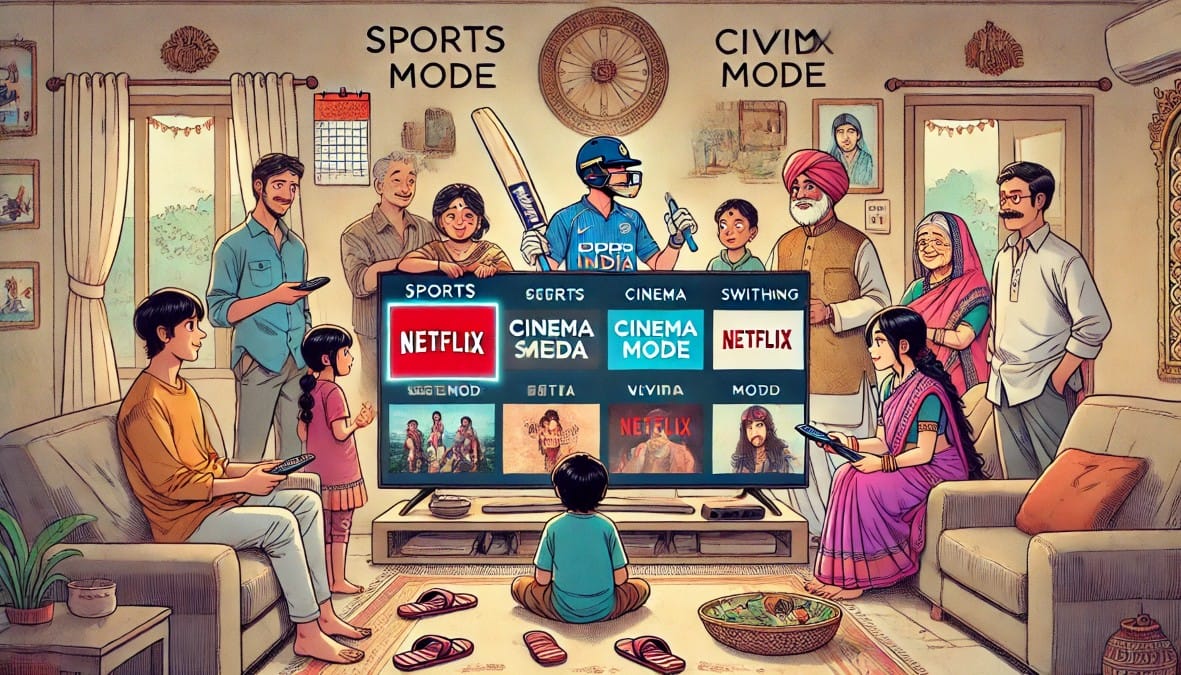
One TV, Many Viewers – But One Setting Doesn’t Fit All – In most Indian homes, a single smart TV serves everyone. Dad watches cricket, mom follows daily serials, the kids flip between cartoons and YouTube, and grandparents enjoy bhajans or pravachans. All of this happens on the same screen, sometimes within the same hour.
Yet we rarely change the picture mode.
Most people leave their TV on whatever default setting it came with usually Standard or Vivid. But the truth is, each type of content looks better with a different picture mode, and your TV already has those built-in.
This guide helps you:
- Choose the best picture settings for what you watch
- Understand which mode works best for sports, movies, DTH, cartoons, and more
- Make your viewing experience sharper, more natural, and easier on the eyes
No technical skills needed just a few tweaks that make a big difference.
1. For Sports: Prioritize Smooth Motion
Watching cricket, football, or racing? Motion clarity matters most.
What to do:
- Turn ON MEMC / Motion Smoothing (adds frames to reduce blur)
- Use Sports or Dynamic Mode for brighter visuals
- If available, enable Motion Enhancer or Backlight Boost
Avoid: Leaving MEMC on after the match it makes movies look artificial.
Best for: QLED, Mini LED, or any TV with high refresh rates
2. For Movies & Web Series: Go Cinematic
Streaming Netflix, Prime Video, or Disney+? Focus on depth, contrast, and natural color.
What to do:
- Turn ON HDR / Dolby Vision (if supported)
- Use Cinema or Filmmaker Mode
- Switch to Warm Color Tone for natural skin tones
- Turn OFF MEMC for smoother storytelling
Avoid: Vivid mode it exaggerates colors and destroys shadows.
Best for: OLED, QLED, or VA-panel TVs with local dimming
3. For DTH & Everyday OTT: Keep It Balanced
Most Indian families switch between set-top boxes and OTT apps. You need comfortable, reliable settings.
What to do:
- Use Standard or Custom Mode
- Turn on Noise Reduction for SD channels
- Set medium sharpness and contrast
- Use Auto Backlight if your room lighting changes
Best for: IPS or VA-panel LED TVs
4. For Cartoons & Animation: Bright and Fun
Cartoons look best with bold colors and clear outlines—especially for kids.
What to do:
- Use Vivid Mode
- Increase Color Saturation and Sharpness slightly
- Turn OFF MEMC (can cause strange visual trails in animation)
Best for: Bright LED or IPS panel TVs
5. For News & Talk Shows: Sharpness First
Watching NDTV, Aaj Tak, or YouTube interviews? You need clarity, not contrast.
What to do:
- Use Standard Mode
- Slightly increase Sharpness
- Enable Noise Reduction for cleaner visuals
- Choose a Cool or Neutral Color Tone for crisp text
Best for: LED TVs with decent upscaling
6. For Music Videos, Shorts & Dance Shows: Pop and Punch
From Bollywood songs to YouTube reels, music content needs energy and brightness.
What to do:
- Use Dynamic Contrast or Vivid Mode
- Increase Backlight for daytime viewing
- Use Cool Tone for brighter whites and highlights
Best for: QLED and Mini LED TVs
7. For Religious or Spiritual Content: Soothing and Clean
Bhajans, temple streams, pravachans—often low in resolution—need gentle visuals.
What to do:
- Use Standard Mode
- Switch to a Warm Color Tone for comfort
- Turn on Noise Reduction for smoother playback
Best for: Any LED TV with decent SD support
8. For Daily Serials & Reality Shows: Natural Look
Daily soaps and reality TV need sharp, balanced visuals but too much processing can distort faces.
What to do:
- Use Standard or Custom Mode
- Set medium Sharpness and Contrast
- Turn OFF MEMC it’s unnecessary for slow-paced scenes
- Adjust Brightness for room comfort
Best for: IPS or VA-panel TVs
9. For Gaming Streams & YouTube Gamers
If you’re watching streamers or esports, you need smooth, responsive picture just like in gameplay.
What to do:
- Use Game Mode or Standard Mode
- Turn OFF MEMC to avoid visual lag
- Use Neutral Color Tone to keep visuals accurate
Best for: TVs with low input lag and fast response time
10. Choose the Right Panel for Your Style
| Panel Type | Best For | Why It Works |
|---|---|---|
| OLED | Movies, dark rooms | True blacks, best contrast |
| QLED / Mini LED | Mixed content, bright rooms | Bright, vivid, solid HDR support |
| VA LED | Family viewing, DTH + OTT | High contrast, good blacks |
| IPS LED | Shared viewing, wide angles | Consistent color from the side |
| Basic LED | SD content, budget use | Okay for casual viewing, not for HDR |
Quick Summary: What to Use for Each Viewing Type
| Content Type | Best Settings |
|---|---|
| Sports | Sports mode, MEMC ON |
| Movies / OTT | Cinema mode, HDR ON, MEMC OFF |
| DTH & Everyday Use | Standard or Custom mode |
| Cartoons / Kids Shows | Vivid mode, sharp + colorful |
| News & Talk Shows | Standard mode, sharpness up |
| Music Videos / Shorts | Vivid, contrast boost |
| Religious Content | Warm tone, noise reduction |
| Daily Soaps / Reality | Standard mode, natural color |
| Gaming Streams | Game mode, MEMC OFF |
Final Thoughts: One Setting Can’t Serve Everyone
Your TV isn’t just a screen—it’s a window into everything your family watches.
By tailoring your settings for each type of content, you’ll make:
- Sports look sharper
- Movies feel richer
- Soaps more natural
- And your daily viewing more comfortable for everyone
Best part?
It only takes a few clicks to switch between these modes—and it makes a noticeable difference every time.

