
Why USB-C and Thunderbolt Are Now Essential in Desktop Computers
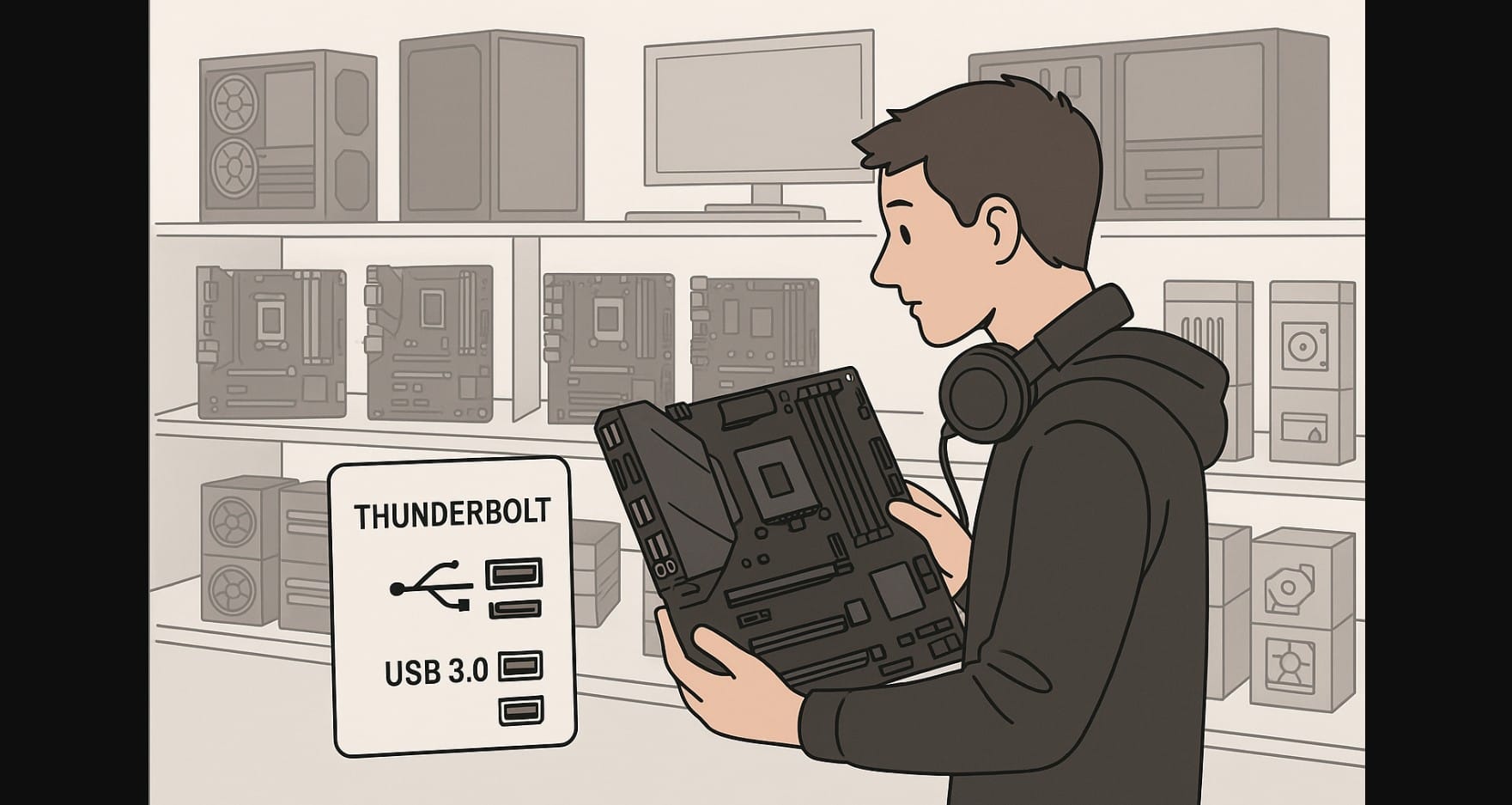
Until a few years ago, desktop connectivity in India was simple: a mix of USB-A ports, HDMI, and maybe DisplayPort for monitors. Today, the arrival of USB-C and Thunderbolt has changed that picture completely. These interfaces are no longer exclusive to high-end laptops or Macs, they are now making their way into desktop motherboards, external GPUs, storage drives, and even monitors available in India.
For PC builders, this shift creates both opportunities and confusion. USB-C and Thunderbolt are marketed as “faster” and “future-ready,” but not everyone understands the real difference between them, their compatibility, or how much they actually matter in day-to-day use. In India, where budget-conscious buyers often weigh every port and connector before purchase, knowing the role of these technologies can prevent both overspending and missed potential.
This article explains how USB-C and Thunderbolt fit into modern desktop builds, what benefits they bring, and why their adoption is growing in India’s PC ecosystem.
1. How India’s 2025 USB-C Mandate Is Reshaping Desktops
- Government mandate: USB-C is mandatory on phones/tablets (June 2025) and will extend to laptops by end-2026. Desktops are not regulated, but the ecosystem shift is pushing expectations.
- Practical impact: More PC cases now ship with front USB-C ports. To use them, you need a front-panel USB-C header on your motherboard. Without it, that shiny port won’t work.
The Indian mandate is shaping the supply chain. Local manufacturers and global brands assembling laptops in India are standardizing USB-C across models. Even budget machines under ₹40,000 now feature USB-C, which was not the case three years ago. This has created a consumer expectation that desktops should offer the same flexibility.
Motherboard makers are already adapting. For example, new mid-range boards from both Intel and AMD platforms shipping in India now advertise their front-panel USB-C headers as key selling points. Builders who miss this detail during purchase often discover later that their cabinet’s Type-C port is unusable.
2. USB-C on PCs: Beyond the Reversible Plug
- Shape vs. speed: USB-C is just the connector. The real performance comes from the protocol, USB 3.2, USB4, or Thunderbolt.
- Power Delivery: With USB PD 3.1 (EPR), Type-C cables can now deliver up to 240 W.
- Display support: Many USB-C ports support DisplayPort Alt Mode, letting you connect a monitor with one cable.
The confusion for most new PC builders lies in assuming all USB-C ports are equal. In reality, a Type-C port on a cheap board may only provide 5-10 Gbps, while a properly implemented USB4 or TB4 port provides full 40 Gbps with PCIe tunneling. Without understanding these details, users can end up bottlenecked when connecting fast SSDs or high-resolution monitors.
Another factor in India is cable quality. Many cheaper USB-C cables sold online are not certified and may only support charging or low-speed data transfer. Builders need to pay attention not only to the motherboard specifications but also to the cables used in their setup, especially when investing in high-performance storage or displays.
3. Thunderbolt vs USB4: The Power Users’ Choice
Thunderbolt 4 (TB4):
- 40 Gbps bandwidth
- Guaranteed PCIe + DisplayPort tunneling
- Supports up to two 4K displays or one 8K display
USB4 (40 Gbps):
- Uses USB-C connector
- Similar to TB4 but features like PCIe tunneling are optional, check specs if you need pro docks
Thunderbolt 5 / USB4 v2 (early rollout):
- Up to 80 Gbps (120 Gbps for displays)
- Still limited to premium systems in 2025
For creators in India who edit video or run 3D workloads, the difference between USB4 and Thunderbolt matters. Thunderbolt’s guaranteed PCIe tunneling means stable connections for external GPUs and NVMe enclosures. In contrast, USB4 varies by vendor, and budget implementations may leave out crucial features.
Gamers too are beginning to benefit from these high-speed interfaces. While external GPUs aren’t mainstream in India, VR and AR setups increasingly rely on single-cable high-bandwidth solutions. Thunderbolt-certified boards ensure that these devices work as intended, avoiding frustrating compatibility issues.
4. What Gamers and Creators in India Gain from USB-C
Why Gamers in India Need High-Speed USB-C
- Fast USB-C NVMe SSDs for game storage
- USB-C monitors or VR headsets powered by a single cable
Gamers in India often deal with smaller living spaces, so fewer cables and docks improve both performance and aesthetics. High-speed external storage also helps with game libraries that now exceed hundreds of gigabytes.
Another relevant trend is VR cafés and esports setups in India adopting USB-C monitors and VR gear for simplified wiring. This makes USB-C more than a luxury, it becomes an essential standard for smooth, compact setups.
How USB4/TB4 Changes Content Workflows
- TB4/USB4 external drives for 4K/8K video editing
- One-cable docks for multiple monitors and accessories
The creator economy in India is rapidly expanding, with YouTubers, freelancers, and small agencies investing in desktop rigs. USB4 and Thunderbolt allow them to use compact docks and fast storage without clutter. Time saved in transferring large files translates directly into productivity gains.
For these users, investing in a board with TB4/USB4 ports isn’t about luxury, it’s about cutting hours off their workflows.
5. Where You’ll Find USB-C and USB4 Ports
- AMD X870/X870E boards: Dual USB4 ports (40 Gbps) are becoming standard.
- Intel (Arrow Lake era): High-end boards ship with Thunderbolt 4 or allow add-in cards.
- Cases: Almost all new mid- to high-end cases include a front USB-C port. Needs a matching front-panel header to work.
- Cables: Certified TB4/USB4 cables (40 Gbps, up to 2 m) are more expensive but essential for speed and charging claims.
For PC builders in India, the cost-to-feature ratio is critical. Mid-range motherboards that include USB4 support now hover around ₹15,000-18,000, which is a steep jump over budget boards. However, given the pace at which accessories are adopting USB-C, this cost becomes a future-proof investment.
Another overlooked point is PSU compatibility. While motherboards may support high-wattage delivery through USB-C, the PSU needs to provide adequate power. For example, to charge a laptop at 100 W via USB-C on a dock, the desktop’s power supply and board must be capable of delivering that consistently.
6. The Real Cost of USB4 and Thunderbolt in India
- USB-C only (10-20 Gbps): Found on ₹8,000-12,000 boards
- USB4/TB4 (40 Gbps): Typically on ₹15,000+ boards
- Certified cables/docks: Branded TB4/USB4 cables are pricier but mandatory for full-speed performance
While cost is a barrier, demand is steadily increasing. Many Indian users now own USB-C only smartphones, tablets, or even laptops, so desktops without compatible ports quickly feel outdated. Builders trying to cut costs by ignoring USB-C support may regret the decision in less than two years.
Accessories like docks and hubs also add to the budget. A quality Thunderbolt dock in India can cost upwards of ₹15,000, but for creators and professionals, the convenience of single-cable setups justifies the expense.
7. USB-C vs USB4 vs Thunderbolt Comparison
| Feature | USB-C (USB 3.2 Gen2/2×2) | USB4 (40 Gbps) | Thunderbolt 4 (40 Gbps) | Thunderbolt 5 / USB4 v2 (early) |
|---|---|---|---|---|
| Connector | USB-C | USB-C | USB-C | USB-C |
| Max bandwidth | 10–20 Gbps | 40 Gbps | 40 Gbps | 80–120 Gbps |
| Display support | DP Alt Mode (varies) | DP tunneling | 2×4K / 1×8K | DP 2.1 (8K+ ready) |
| PCIe tunneling / eGPU | No | Optional | Mandatory | Mandatory |
| Power Delivery | Up to 240 W | Up to 240 W | Up to 100 W typical | Up to 240 W |
| India availability (2025) | Widespread | Rising on AMD boards | High-end Intel boards | Very limited |
8. USB-C vs Thunderbolt – Which Connectivity Port Fits Your Build?
- Gamers: Rear USB-C (10-20 Gbps) + front-panel header is enough
- Creators: Go for USB4 (AMD) or Thunderbolt 4 (Intel)
- Future-proof builds: At least one USB4/TB4 port + front-panel USB-C
- SFF PCs: Prioritize one reliable high-speed USB4/TB4 port
Most new builders in India struggle to decide whether to invest in high-end boards. The playbook helps simplify this. If you’re building for everyday use and gaming, a solid USB-C implementation will be enough. But if you’re building for professional work or longevity, skipping USB4 or TB4 now could limit you in just a year or two.
This is also where resale value comes in. PC parts in India hold resale demand if they include future-ready features. A motherboard with USB4 support will always find buyers compared to one that only supports legacy ports.
9. Where PC Connectivity Is Headed by 2028
- USB-C everywhere: Thanks to India’s mandates, every case will soon have front USB-C and users will expect motherboards to support it.
- USB4 and TB4 mainstream: AMD’s latest series makes USB4 common; Intel keeps TB4 strong in premium boards.
- Thunderbolt 5 and USB4 v2: will shape future high-end creator PCs.
By 2028, it’s likely that every new desktop build in India will include multiple high-speed Type-C ports as standard, with USB-A relegated to legacy support. Accessories like monitors, docks, and even UPS systems will likely adopt USB-C as their primary interface.
Builders planning long-term should remember that every generational shift in connectivity has eventually become non-negotiable. Just as PS/2 ports disappeared and HDMI replaced VGA, USB-C and USB4 will make traditional USB-A ports less relevant.
Summary – The Bottom Line for PC Builders in India
The desktop world is now catching up with the convenience people already expect on phones and laptops. In India, the government’s push for USB-C means Type-C is becoming the default language of connectivity. For you as a PC builder, this isn’t just about plugging in, it’s about future-proofing your system for fast storage, single-cable setups, and GPUs. Whether you choose AMD USB4 boards or Intel TB4 platforms, planning for at least one high-speed USB-C port today ensures your desktop won’t feel outdated in just two years.
This evolution also changes the way you think about building a PC. It’s no longer only about CPU or GPU performance. Port selection and connectivity standards now directly influence productivity, ease of use, and upgrade paths.

