
Stop Battery Leaks Before They Ruin Your Gadgets
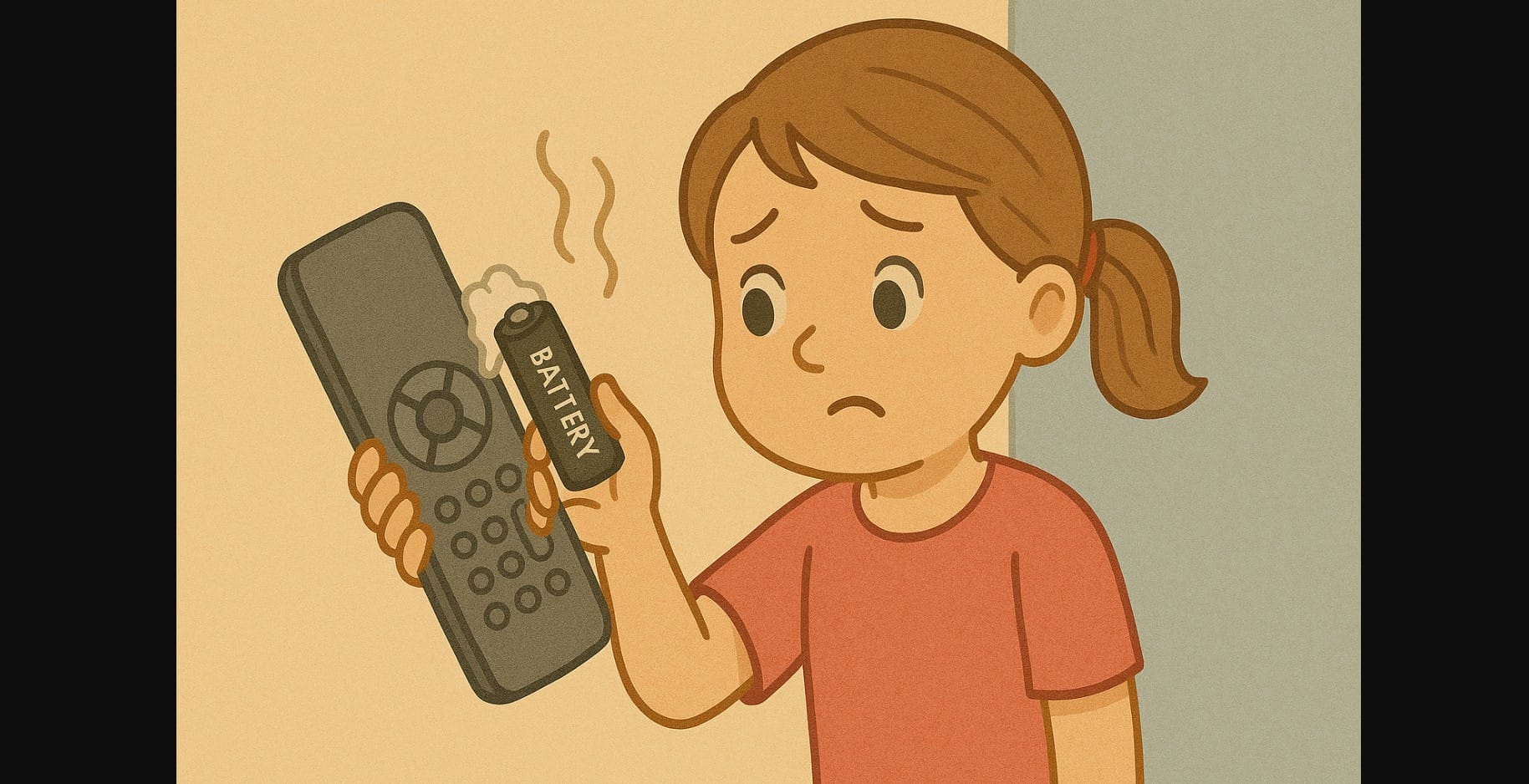
In homes across India, you’ll still find dry cell batteries powering everything from TV remotes to torches and mosquito bats. But many people don’t realize that zinc-carbon batteries, especially the cheaper ones, have a tendency to leak acid as they age.
It might seem like a small issue until your ₹2000 universal remote or ₹1500 digital thermometer stops working because of a ₹10 battery that leaked inside.
1. How Dry Cells Cause Damage Over Time
Corroded Terminals and Power Failure
When a battery leaks, it often leaves behind white or green crusty residue on the metal contacts inside the device. This corrosion blocks electricity and causes the device to either stop working or behave erratically.
Permanent Internal Damage
In some cases, the acidic liquid from the battery seeps into the internal circuits. This can permanently ruin toys, torches, or even wall-mounted devices. Leaks also weaken springs and clips inside compartments, making batteries loose or unusable.
Swelling and Sticky Messes
Leaking batteries can expand or deform, getting stuck inside compartments. If you try to pry them out, you risk breaking the cover or damaging internal plastic components.
2. Signs a Battery May Leak Soon
1. Swollen or Bulging Batteries
If a dry cell looks slightly puffed or the plastic wrap is peeling, don’t use it dispose of it safely.
2. Rust or Powder at the Ends
A chalky white or grey powder around the terminal means the battery is already corroding. It can spread into the device quickly.
3. Intermittent Power or Glitches
If a clock stops and starts again when tapped, or a remote works only from close range, check the batteries. Leaks can interrupt proper contact.
3. Simple Habits to Prevent Battery Leaks in Homes
Remove Batteries from Devices You Don’t Use Regularly
Gadgets like festival lights, torches, mosquito bats, or remote toys often sit unused for months. If you won’t use a device for more than 4 weeks, remove the batteries.
Check All Battery Devices Every 6 Months
Set a calendar reminder to check wall clocks, remotes, weighing machines, or old toys. A quick check can save you from costly replacements.
Don’t Mix Old and New Batteries
Always use a fresh pair from the same brand and type. Mixing batteries increases the chance of uneven discharge and leakage.
Avoid Storing Devices in Damp or Hot Locations
Bathrooms, balconies, and some kitchen corners can become humid. Moisture speeds up battery degradation and corrosion. Store electronic devices in dry cupboards or drawers.
4. How to Safely Handle a Leaking Battery
Use Gloves or Tissue Paper
Never touch leaked material directly with your fingers. Use disposable tissue or gloves to handle the battery.
Clean the Compartment
Use vinegar (for alkaline residue) or a baking soda paste (for acidic corrosion) on a cotton swab. Gently wipe the contacts and let the area dry.
Wait Before Inserting New Batteries
Ensure the compartment is fully dry and corrosion-free before inserting a new pair. Test with a spare set first if you’re unsure.
4. When It’s Time to Upgrade Your Battery Type
Use Alkaline or Rechargeable Batteries for:
- Remote controls for TVs or smart devices
- Medical tools like BP monitors or thermometers
- Clocks or devices placed high up or hard to reach
- Toys or tools you use frequently
Alkaline batteries last longer and leak less often they may cost more initially, but they help protect your expensive electronics in the long run.
5. A ₹10 Battery Shouldn’t Ruin a ₹2000 Gadget
Zinc-carbon dry cells are cheap and useful but only when managed correctly. Forgetting an old battery inside a remote can lead to corrosion, waste, and device damage. A few simple habits checking every few months, removing unused batteries, and cleaning contacts can keep your electronics safe for years.

