
Don’t Get Scammed – How to Browse Safely in India
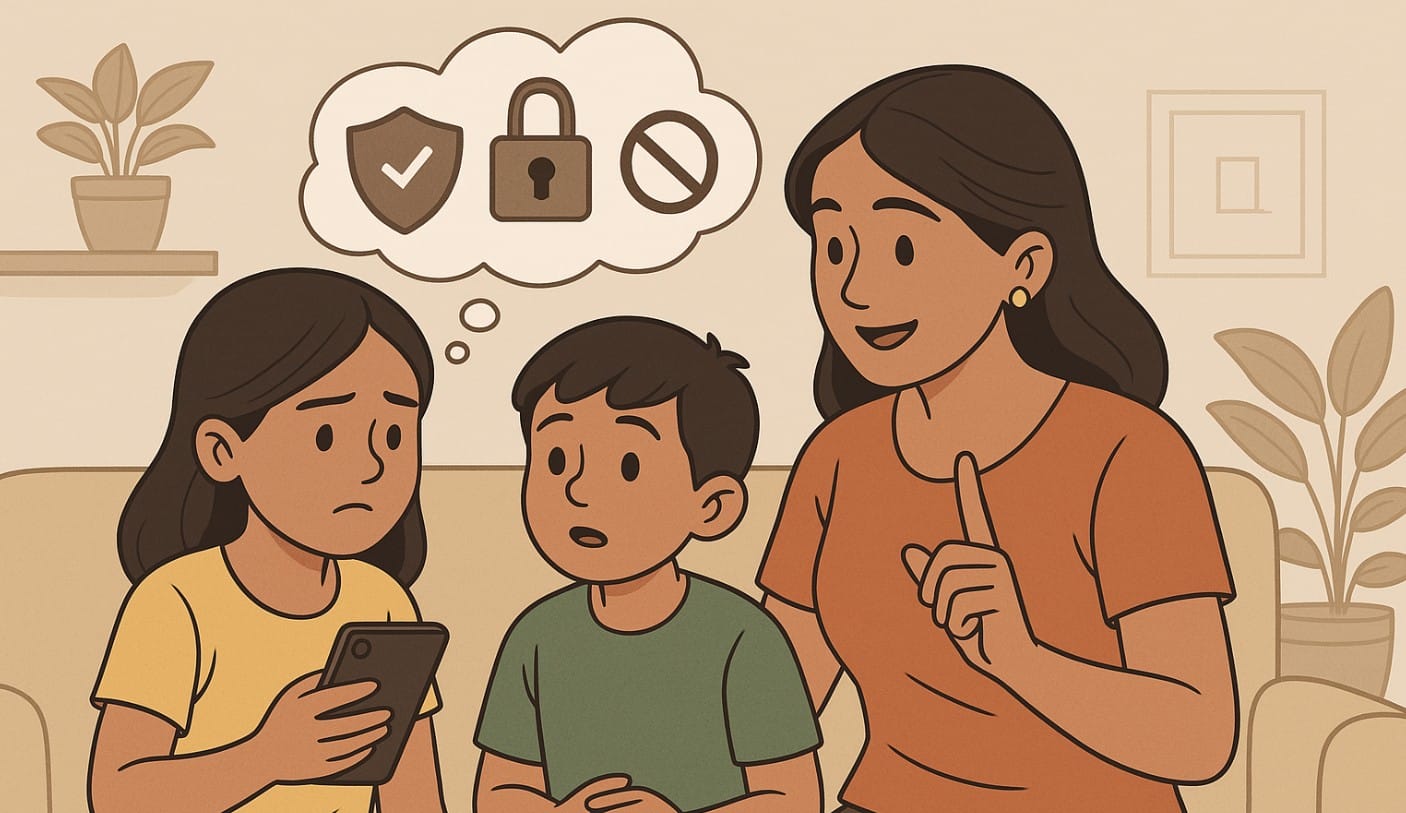
Using the internet has become part of daily life in India from banking and shopping to schoolwork and entertainment. But with convenience comes risk. Many users fall victim to scams, malware, or data theft simply because they aren’t aware of how to stay safe online.
If you’re new to the internet or want to browse more safely, this beginner’s guide gives you clear, practical steps to protect your data, avoid fraud, and build safer habits tailored to Indian users.
1. Understanding Online Threats in India
Malware and Viruses
Malware includes software designed to harm your device or steal your data. This could be viruses, spyware, or ransomware. It can slow down your system, steal passwords, or lock your device until you pay money.
Phishing Attacks
Phishing tricks you into revealing personal information by pretending to be someone you trust. It often comes through fake emails, SMS alerts, or look-alike websites asking for passwords or OTPs.
Identity Theft
Even your Aadhaar number, mobile, or email can be misused. Scammers use this data to open fake accounts, steal money, or commit fraud in your name.
2. Best Practices for Safe Browsing
Use Updated and Secure Browsers
Stick to trusted browsers like Chrome, Firefox, or Edge. Keep them updated to ensure they can block the latest threats.
Enable Privacy and Security Settings
Use browser settings to block pop-ups, stop tracking, and control permissions. These features are usually found under “Privacy & Security” settings.
Verify Website Security
Before entering any personal info, always:
- Look for HTTPS in the web address
- Check for a padlock symbol in the address bar
Avoid sites that look suspicious or trigger security warnings.
Be Cautious with Downloads
Only download from trusted sources. Avoid pirated software, unknown websites, or free movie/game links. Always scan downloads with antivirus software before opening.
Manage Cookies and Cache
Clear your browser’s cookies and cache regularly. This removes stored tracking data and helps your browser run better.
Use Ad Blockers
Some ads carry hidden malware. Install reputable ad blockers like uBlock Origin or AdGuard to reduce risk.
Avoid Saving Passwords in Browsers
Browsers may offer to save your passwords but don’t allow it, especially on shared devices. Use a secure password manager instead.
Utilize Secure Search Engines
Try search engines like DuckDuckGo that don’t track you. They offer more private searches than Google or Bing.
3. Protecting Personal Information
Strong and Unique Passwords
Use a mix of letters, numbers, and symbols. Avoid using your name, birthday, or mobile number. Never reuse the same password across multiple sites.
Two-Factor Authentication (2FA)
2FA adds a second layer of protection. You’ll need to enter a code sent to your phone or app, even if someone knows your password.
Be Wary of Public Wi-Fi
Free Wi-Fi at cafes or airports is convenient but risky. Avoid logging into bank accounts or shopping sites on public networks. Use a VPN for better protection.
4. Recognizing and Avoiding Scams
Identifying Suspicious Emails and Messages
Watch out for:
- Urgent or threatening messages
- Poor grammar or unknown email IDs
- Links asking for personal or banking info
Never click on suspicious links or download files from unknown senders.
Avoiding Clickbait and Fake News
Don’t fall for shocking headlines or viral news without checking the source. Cross-check with trusted Indian news portals.
5. Utilizing Security Tools and Resources
Antivirus and Anti-Malware Software
Install trusted antivirus software like Quick Heal, Norton, or Kaspersky. Keep it updated and scan your device regularly.
Firewalls
Firewalls block unwanted access to your device. Ensure your system’s firewall is turned on and properly configured.
Educational Resources
The Indian Computer Emergency Response Team (CERT-In) provides free awareness guides and security alerts. Visit:
https://www.cert-in.org.in/AwarenessBooklets.jsp
6. Legal Framework and Reporting Scams in India
Understanding IT Laws
The Information Technology Act, 2000, covers cybercrimes like hacking, identity theft, and online fraud. Penalties include fines and jail time.
Reporting Cyber Incidents
If you’re a victim of a cybercrime:
- File a complaint at cybercrime.gov.in
- Call the national cyber helpline: 1930
- Visit the local Cyber Cell of your police station
Simple Steps to Safer Browsing
Safe internet use isn’t about being tech-savvy. It’s about building simple habits using strong passwords, avoiding shady links, and staying alert.
As more Indians get online, staying secure is no longer optional. Take charge of your digital safety one step at a time, and share this knowledge with others around you

