
Biggest Threats to Gaming PC in India – Power Cuts, Heat & More
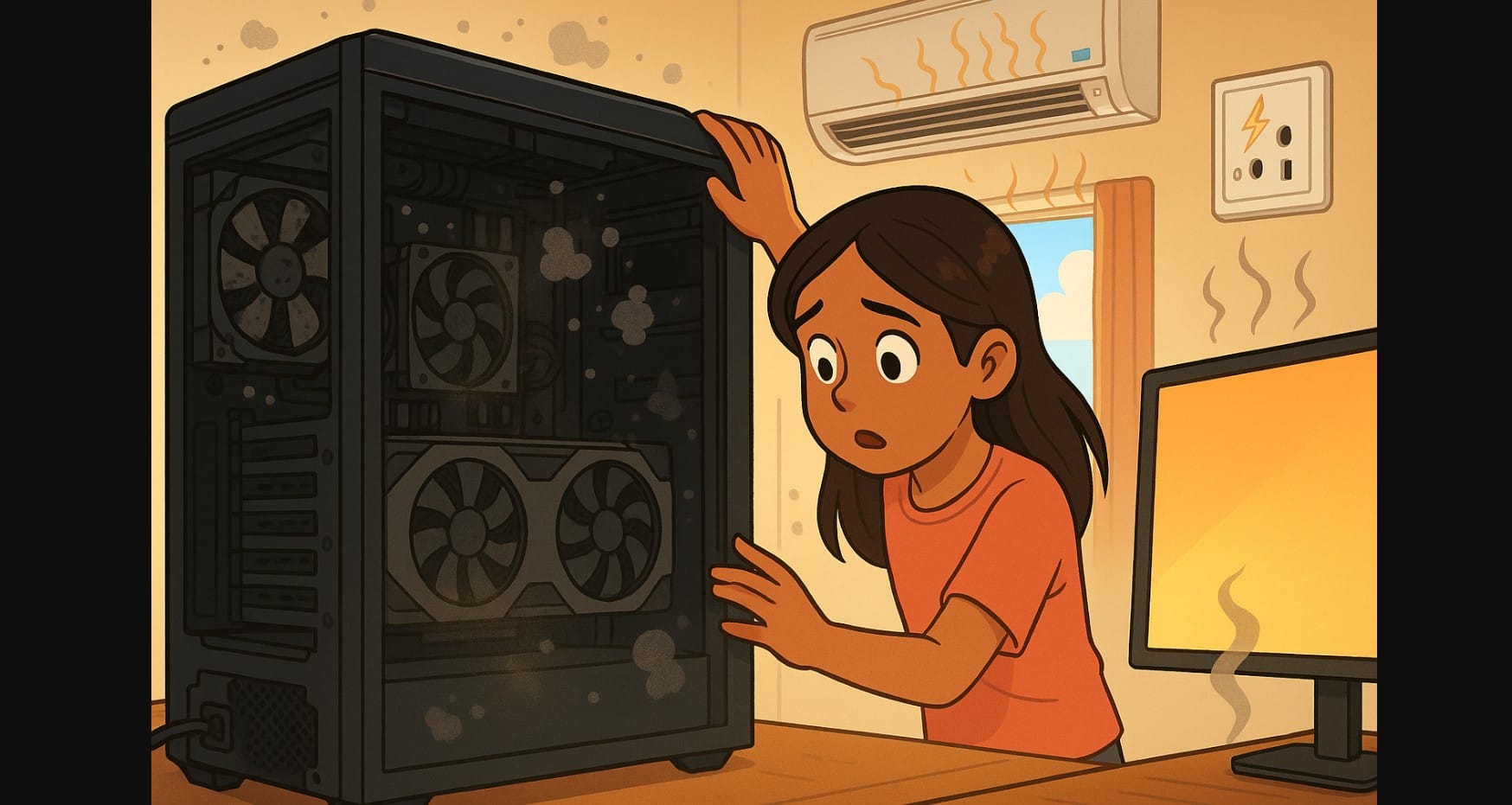
Most gamers obsess over getting the best CPU, GPU, or monitor. But what slowly harms more gaming PC in India than anything else isn’t your hardware it’s your environment.
From sudden voltage dips to rising CPU temps in the summer, your system is under attack even when you’re just idling. This guide explains the top real-world threats to gaming PCs in India and what you can do right now to avoid permanent damage.
1. Power Cuts and Voltage Fluctuations – Crashing PC Systems and Corrupt Drives
India’s electric grid isn’t consistent. A single sudden power cut while gaming or editing can corrupt your game files, OS, or even SSD firmware.
| Risk | Result |
|---|---|
| Sudden shutdowns | Corrupted OS or lost progress |
| Surges during grid restore | Damaged PSU, SSD, or motherboard |
| Voltage drops (brownouts) | Crashing under load |
| Inverter switch delays | Mid-game blackouts or auto restarts |
- Use a pure sine wave UPS with at least 700W output
- Ensure your PC is plugged into a grounded socket, not a 2-pin adapter
- Install a surge protector for accessories like monitor or router
- Avoid playing directly on inverter backup without checking PSU compatibility
2. Computer Overheating – Caused by Poor Cooling and High Ambient Temperatures
Gaming PCs in India often run in hot, non-AC rooms and that affects both performance and lifespan. Even if your CPU or GPU isn’t overclocked, poor airflow and rising ambient heat can cause:
- Thermal throttling
- Frequent fan ramping
- Reduced component life
- Increased power draw
What You Can Do:
- Use a mesh-front cabinet with at least 2 fans (front intake + rear exhaust)
- Replace factory thermal paste every 12-18 months
- Keep your PC in an open area don’t push it into wall corners
- Monitor temps regularly with HWMonitor or MSI Afterburner
3. Dust Buildup – The Quiet Killer Inside Every Indian PC
Dust is everywhere especially in Indian cities and towns. It clogs your fans, blankets heatsinks, and reduces airflow. That raises temps, increases noise, and causes long-term instability.
| Where It Builds Up | What It Affects |
|---|---|
| CPU/GPU fans | Thermals and frame drops |
| PSU intake | Overheating, potential shutdowns |
| RAM slots & headers | Connection issues, restarts |
| Motherboard surface | Heat insulation and contact corrosion |
Solution:
- Clean filters every 2-3 weeks
- Full dusting of interior (with air can/blower) every 3-4 months
- Don’t keep PC on carpeted or dusty floors
- Install magnetic mesh filters if your case doesn’t include them
4. Poor Grounding – If You Feel a Shock, Your Setup Isn’t Safe
In many homes, the earth pin in wall sockets isn’t connected properly. This leads to minor shocks, USB issues, or even PSU damage over time.
| Sign | What’s Going Wrong |
|---|---|
| Mild electric tingles from cabinet or keyboard | Floating voltage on metal surfaces |
| System reboots when plugging USB | Sudden discharge through ungrounded frame |
| Buzzing audio or flickering screen | Ground loop or interference |
Improve:
- Use a plug tester to confirm proper earthing
- Switch to a grounded wall socket only
- Avoid using adapters that break the ground line
- Run all PC-related devices from one high-quality, grounded power strip
5. Cheap Power Extension Boards and Generic PSU – Invisible Risks
Many users in India still use ₹250 extension boards or generic PSUs without surge protection. These can’t handle power surges or high GPU loads, and can fail suddenly damaging everything connected.
| Component | Common Problem |
|---|---|
| Generic PSU | Ripple voltage, coil whine, or sudden failure |
| Cheap power board | No fuse, no surge cut-off |
| Local SATA/power cables | Sparks or melting under load |
Fix:
- Only use 80+ Bronze or Gold PSUs from known brands like Corsair, Cooler Master, Antec
- Buy Belkin, Goldmedal, or GM power boards with real surge protection
- Don’t overload one board with CPU + monitor + speakers use separate sources if possible
6. What You Should Monitor Regularly in PC
| Task | Frequency |
|---|---|
| Clean filters, top & front | Every 2-3 weeks |
| Full interior dusting | Every 3-4 months |
| Reapply thermal paste | Every 12-18 months |
| UPS battery test | Every 6 months |
| Check socket grounding | Once a year or after electrical work |
| Monitor temps & voltages | Weekly using free tools |
7. Your Environment Affects Your Computer More Than You Realize
Even the best hardware can fail if it’s always hot, ungrounded, or running on unstable electricity. That’s why gamers need more than just high specs they need awareness.
Don’t let dust, voltage spikes, or lack of grounding silently kill your performance. Protect your PC with proper care like regular cleaning, smart power setup, and good airflow.

