
Looks Great, But Does It Help? The Truth About RGB in Indian Gaming PCs
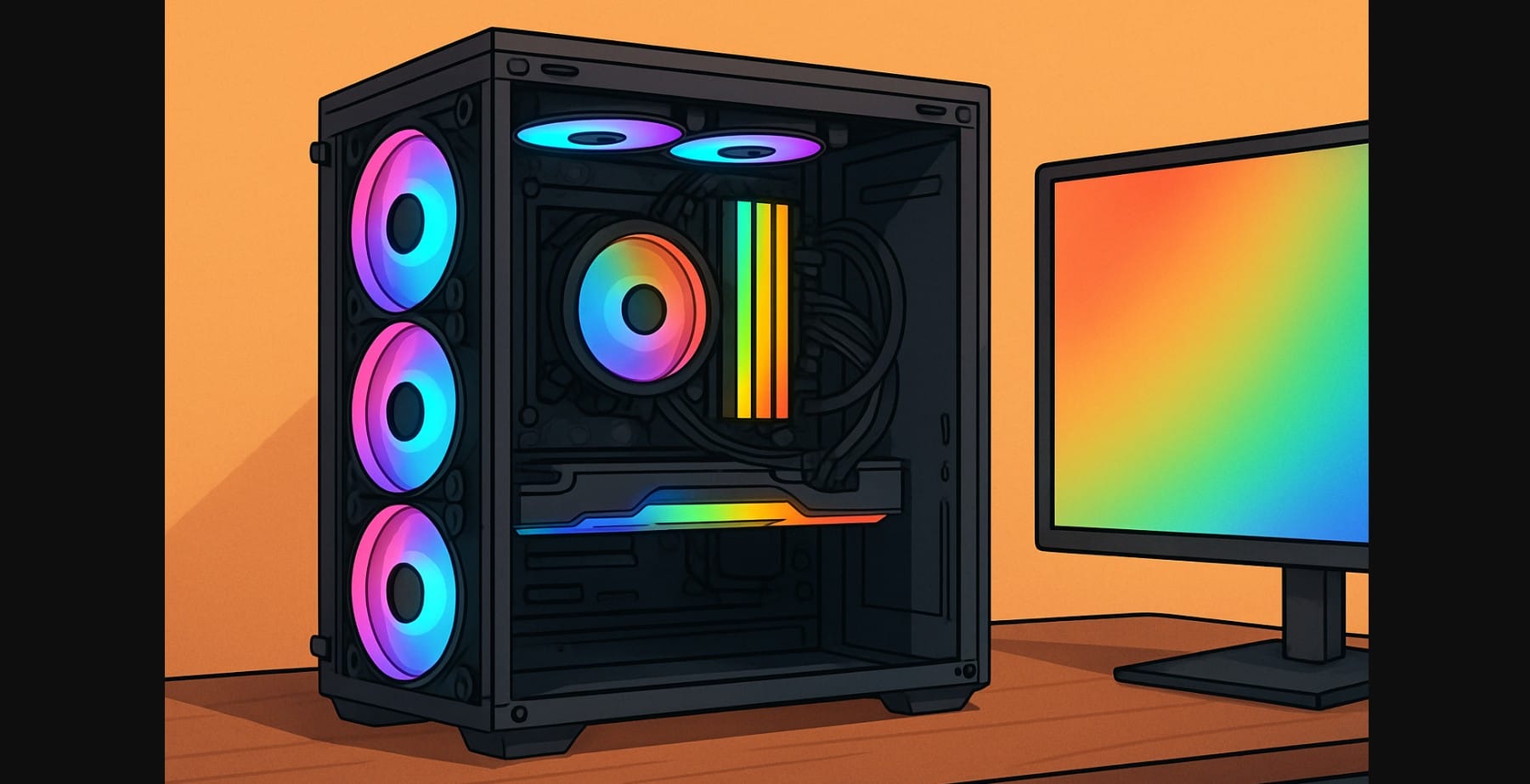
Walk into any gaming cafe or scroll through PC build forums, and you’ll see it bright RGB lights flashing from cabinets, fans, keyboards, even RAM sticks. RGB has become almost expected in gaming setups today. It looks cool, sure. But does RGB actually improve performance or airflow? Or is it just extra cost for pure aesthetics?
This guide clears up the common myths around RGB lighting in gaming PC especially where people confuse looks with function. We’ll cover what RGB does (and doesn’t) affect, how it fits into airflow planning, and whether investing in RGB fans or strips makes sense when building or upgrading your rig in India.
Let’s Be Honest: RGB Is for Style, Not Speed or Performance
Once hyped as the hallmark of a high-end gaming rig, RGB is now mostly about personalization. You can build a completely silent, air-cooled, high-FPS PC without a single light. And that’s exactly what many computer builders are doing especially those focused on thermals, budget, or work+play setups.
So before you buy a rainbow-filled fan pack or glowing RAM kit, here’s what RGB actually offers (and what it doesn’t).
1. When RGB Lighting Makes Sense (Yes, There Are Valid Reasons)
It Lets You Match Your Setup to Your Style
RGB is visual freedom. Whether you want an all-white build, warm orange tones, or eSports blue-and-red, RGB gives you that flexibility especially useful for:
- YouTube creators or Twitch streamers
- Showcase rigs behind tempered glass
- Mood-based lighting (white for focus, red for late-night gaming)
It Adds Visibility Inside the Case
- Soft lighting can highlight dust buildup or disconnected components
- If you swap GPUs, clean filters, or adjust fans frequently, this helps
- You can use single-color white or soft blue to illuminate internals without overwhelming glow
2. Why RGB is Useless for High Performance Gaming PC
RGB Fans Don’t Improve Cooling
A glowing fan doesn’t push more air. In fact, non-RGB fans often outperform budget RGB ones. What matters is:
- CFM (cubic feet per minute) for airflow
- Static pressure for radiators or restricted areas
- Fan bearing type (sleeve, rifle, fluid dynamic) for longevity
Spend on better airflow, not better glow.
RGB RAM Doesn’t Run Faster
RGB RAM sticks have the same clock speed as non-RGB ones. You’re paying for:
- A lighting controller chip
- Compatibility with RGB software (which often bloats boot time)
- Aesthetic match with your motherboard’s lighting
Unless you’re streaming, recording, or showing off your build, that money is better spent on faster RAM or more capacity.
Software Sync Can Be a Headache
If your motherboard is from Gigabyte but your fans are from Cooler Master and your RAM from Corsair good luck getting perfect RGB sync.
Common issues:
- Software bloat (Armoury Crate, iCUE, Mystic Light, etc.)
- Random desync or flicker
- Crashes during BIOS updates or Windows sleep mode
3. Why PC Builders Still Love RGB in India
Streamers, Creators & Visual Aesthetic Fans
RGB lighting gives personality to your setup. If your content is on-camera, or you love customizing your workspace, RGB gives you that glow.
First-Time Builders Who Want a Premium Feel
Adding ARGB fans or a light strip can make even a ₹60,000 build feel high-end. You don’t need an RTX 4090 to make your setup look cool.
4. Our Suggestion – Skip RGB Altogether
- Thermal performance > visual performance
- Cleaner cable management without LED strips and hubs
- Lower power draw and no annoying sleep-mode bugs
- Focus builds (coding, editing, dual-purpose systems) feel more professional without lights
And in India, where dust and heat are real concerns, fewer lights usually mean less cleaning and better airflow.
5. Want a Clean RGB Setup Without Going Overboard? Try This
- Use just one or two RGB zones (CPU cooler + strip, or fans only)
- Choose a single-color theme instead of full-spectrum rainbow
- Stick to one brand’s ecosystem (e.g., all Corsair, all DeepCool) for sync stability
- Use remote-controlled strips if your motherboard lacks RGB headers
- Place lights behind shrouds or edges, not directly in sight, for ambient glow
6. Is RGB Worth the Extra Money in India? No
| Component | RGB Price (₹) | Non-RGB Price (₹) | Verdict |
|---|---|---|---|
| 120mm Case Fan | ₹900-₹1200 | ₹400-₹600 | Only if airflow rating is equal |
| 16GB DDR4 RAM | ₹4,500-₹5,500 | ₹3,200-₹4,000 | Not worth unless you stream/record |
| 650W PSU | ₹6,000-₹7,000 | ₹4,500-₹5,500 | Better to focus on efficiency |
| GPU | ₹28K (RGB) | ₹28K (non-RGB) | No difference in performance |
The lighting is just decoration. If you’re on a tight budget, skip it. If your build is already solid and you’re adding personality go ahead.
7. Choose RGB If You Want the Look
RGB doesn’t make your PC faster. It won’t help airflow, performance, or efficiency. What it does is make your setup feel uniquely yours.
So ask yourself:
- Do I love the look?
- Is this going to distract me or inspire me?
- Is my budget already tight?
If the answers match, go ahead. If not, remember: stealth builds can still outperform benchmarks without any flash.

