
Smart Home Routine Templates for Homes – Copy, Customize, and Simplify
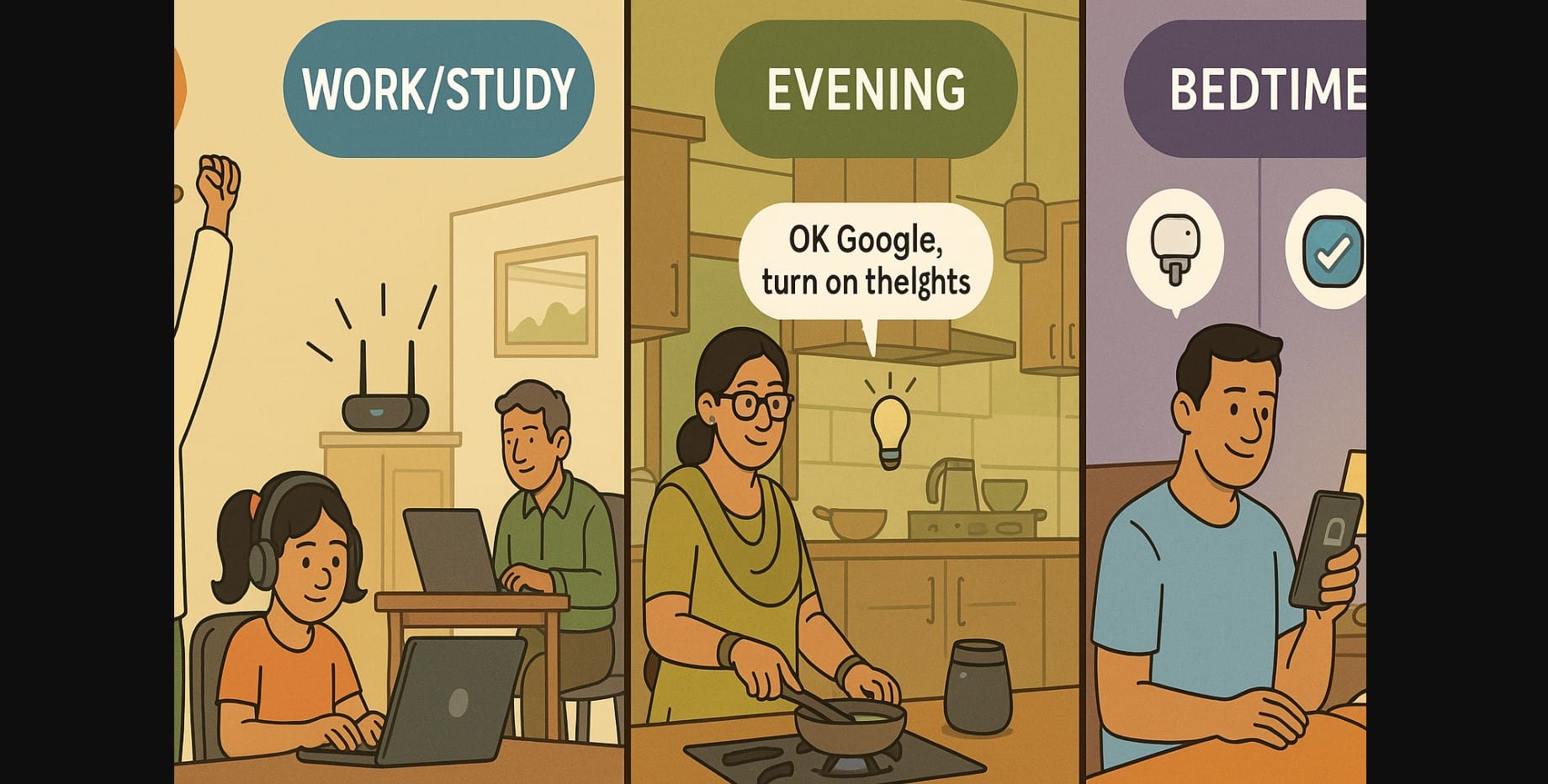
A smart home isn’t truly “smart” until it works on its own without needing your constant input. That’s where routines come in.
Whether it’s turning on the geyser before you wake up or switching off lights at night, routines make your life easier, save power, and reduce mental load. The best part? You don’t need to build everything from scratch.
This guide gives you ready-made, India-specific smart home routines you can copy and tweak for your family whether you’re managing kids, working from home, or just trying to stay organized.
1. Why Routines Are the Heart of Smart Homes
Smart devices are helpful on their own but when they work together in sequence, you stop managing the tech and start enjoying it.
In India, where families juggle early mornings, school timings, prayer time, guests, festivals, and work-from-home setups, automation can truly ease your day.
And no, you don’t need to be an engineer. Just copy one of these templates and set it up in your app.
2. Smart Morning Routine – Wake Up Without the Chaos
| Trigger | Actions |
|---|---|
| 6:30 AM (scheduled) | Bedroom lights brighten slowly |
| Smart plug turns on geyser | |
| 6:45 AM (motion in kitchen) | Kettle turns on, news starts on smart speaker |
| Voice: “Good Morning” | Fan reduces speed, weather and calendar are read out loud |
Custom ideas:
- Add prayer music or bhajan
- Switch to warm light if you wake before sunrise
- Send a phone notification that geyser is ready
3. Smart Study Time or Work Mode – Minimize Distractions
| Trigger | Actions |
|---|---|
| 4:00 PM (scheduled) | Study lamp turns on, music plays softly in background |
| Voice: “Start Study” | TV or loud music plug turns off, focus timer starts |
| No motion for 15 mins | Reminder plays: “Take a water break” |
Optional tools:
- Use different voice profiles for kids and adults
- Add a break timer for younger children
- Use color lighting to signal “focus” mode
4. Leaving Home – Peace of Mind in One Command
| Trigger | Actions |
|---|---|
| Voice: “I’m leaving” | All lights off, geyser and plugs turned off |
| Motion ends + phone leaves Wi-Fi | Door camera armed, living fan off |
Extras to add:
- Delay on balcony light (for safety while locking the door)
- Alert to phone if door remains open
5. Coming Home – Arrive to Comfort
| Trigger | Actions |
|---|---|
| Phone connects to home Wi-Fi | Living room light and fan turn on, calming music starts |
| Voice: “I’m home” | Curtain motor opens, TV set to HDMI 1 |
Tips:
- Customize for different family members using device ID
- Adjust for evening vs daytime arrivals
6. Evening Routine – Reset the Mood
| Trigger | Actions |
|---|---|
| 7:30 PM (scheduled) | Switch to warm lights, devotional music plays |
| Motion in kitchen | Counter lights turn on, kettle/microwave smart plug activates |
| Voice: “Relax Mode” | AC turns on, bedroom light dims, TV volume reduces |
Variations:
- Set up for dinner time, meditation, or catching up on OTT shows
- Use scenes like “TV Time,” “Guest Evening,” or “Wind Down”
7. Bedtime Routine – Quiet Shutdown, Better Sleep
| Trigger | Actions |
|---|---|
| Voice: “Goodnight” | Bedroom light dims, AC sets to sleep mode, hallway light stays on 5 mins |
| 10:30 PM (scheduled) | Geyser plug turns off, all room lights go off |
| No motion past 11 PM | Living fan, balcony light auto turn off |
Optional ideas:
- Use gentle white noise playback
- Add reminders like “Put phone on charge” or “Lock balcony door”
8. Templates – For Other Scenarios
Monsoon Mode
- Balcony plug off, fan off, exhaust on
- Dry area light brightens for laundry access
Puja Mode
- Bell sound plays, light turns to warm orange, devotional playlist starts
- Diya plug turns on, speaker volume fixed
Guest Welcome Mode
- Hall light and fan turn on, geyser preheats guest washroom
- Speaker plays low-volume music, ambient color light in guest bedroom
9. How to Set These Routines (No Coding Needed)
Use routines or automation options in:
- Google Home app (Android/iOS)
- Alexa app (iOS/Android)
- Mi Home, Realme Link, Wipro Next and other brand apps
- Customize triggers: schedule, motion, voice, or geolocation
10. Set and Forget: Pre-Built Smart Home Routines
You bought smart devices to save time. Routines are how you unlock that value. Whether you’re a busy parent, a solo professional, or someone managing elders or helpers these routines make your home:
- More peaceful
- Less manual
- Better organized
Try one. Adjust it. Watch your home respond, without reminders.

