
What Makes a Good Smart TV? A Practical Guide for Indian Homes
Why Understanding Smart TVs Matters?
Today, almost every TV sold in India is a smart TV—but not all smart TVs are equal. A smart TV connects to the internet and lets you stream directly from apps like YouTube, Netflix, Hotstar, JioCinema, and more—no need for a DTH box or external device.
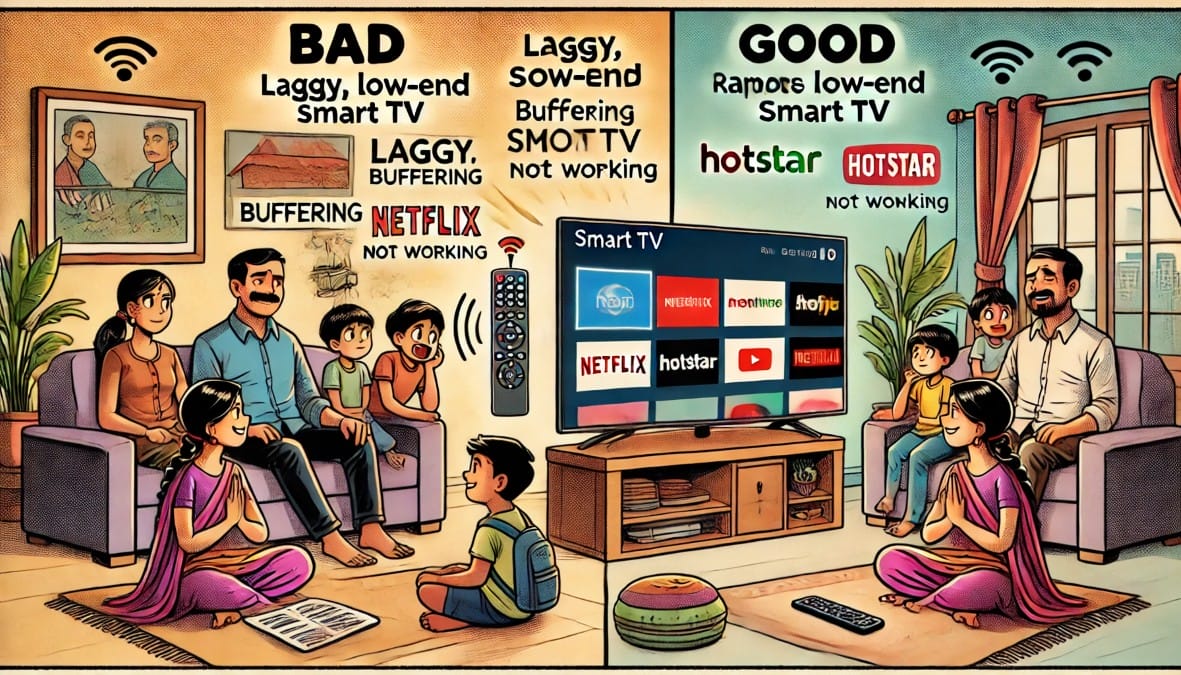
But here’s the catch: smart TVs vary widely in performance, app support, and features. Some are smooth and powerful. Others lag, crash, or don’t even support basic apps. If you’re buying a TV in 2025, knowing what’s inside the smart interface is just as important as screen size or resolution.
This guide explains everything you need to know—operating systems, features, app compatibility, and what’s worth your money in the Indian market.
1. What Exactly Is a Smart TV?
A smart TV connects to your Wi-Fi and lets you:
- Stream apps like Netflix, Prime Video, Disney+ Hotstar, SonyLIV, and YouTube
- Mirror your phone screen
- Use voice search (Google Assistant, Alexa, Bixby)
- Access regional Indian apps like Zee5, Aha, SunNXT, Eros Now, and JioCinema
Most smart TVs also come with built-in storage, Bluetooth, and a remote that supports quick app access and sometimes voice control.
2. Smart TV Operating Systems: Know the Differences
Not all smart TVs use the same software. Here are the major platforms you’ll find in India and how they compare:
A. Android TV / Google TV
- Used by: Sony, Xiaomi, TCL, OnePlus, Realme, Blaupunkt, Acer, Motorola
- App Store: Full Google Play Store
- Casting: Built-in Chromecast
- Voice: Google Assistant
- Pros: Huge app selection, easy to use, regional language support
- Cons: Some low-end models lag due to low RAM/storage
B. WebOS (LG)
- Smooth, clean interface developed by LG
- App Store: LG Content Store
- Casting: Miracast (no Chromecast)
- Voice: LG ThinQ / Google Assistant
- Pros: Fast, reliable, family-friendly layout
- Cons: Limited apps compared to Android, some Indian apps may be missing
C. Tizen OS (Samsung)
- Used only in Samsung TVs
- App Store: Samsung Smart Hub
- Casting: Screen mirroring + SmartThings app
- Voice: Bixby or Alexa
- Pros: Fast, well-optimized UI, good for daily streaming
- Cons: No Play Store, fewer Indian OTT apps
D. Fire TV OS
- Found in: Onida, AmazonBasics, Xiaomi Fire TV, and Fire TV Stick
- App Store: Amazon Appstore
- Voice: Alexa
- Pros: Great for Prime Video users, fast UI, clean design
- Cons: Less flexible, strong Amazon branding, fewer updates over time
E. Custom OS (in cheap or off-brand TVs)
- Basic platforms with limited apps and updates
- Often missing key Indian apps
- Laggy performance
- Best avoided unless using a streaming stick instead
3. Important Features to Check Before Buying a Smart TV
| Feature | Why It Matters |
|---|---|
| RAM (Minimum 2GB) | Less than 2GB RAM leads to app crashes and lag |
| Storage (8GB or more) | Needed for app downloads and updates |
| App Support | Check for Netflix, Prime Video, Hotstar, Zee5, JioCinema |
| Voice Control | Helpful for search and controls (Google Assistant / Alexa) |
| Casting Support | Chromecast (Android) or AirPlay (iOS) for mobile sharing |
| Bluetooth & Wi-Fi | Useful for wireless audio and dual-band internet support |
| OTA Updates | Ensure the brand pushes software updates for at least 2 years |
| Remote Design | Voice input, OTT hotkeys, and ergonomic layout matter for daily use |
4. Smart TV Problems You Should Avoid
Especially in entry-level smart TVs under ₹20,000, you may face:
- Lag while opening or switching apps
- Apps not loading due to poor RAM or processor
- No support for casting or voice control
- Missing important Indian apps
- No Play Store or app installation option
- Software updates stopping within a year
Tip: Always check YouTube reviews for the specific model. Look for “real-use demo” or “interface speed test.”
5. Do You Really Need a Smart TV?
If you already use:
- A Fire TV Stick
- A Google Chromecast
- An Android TV Box
…then you don’t need a smart TV. In fact, many budget TVs with weak software can’t match the performance of a good external streaming device.
In such cases, you can:
- Buy a basic LED TV (non-smart or semi-smart)
- Plug in your device and get a faster, more customizable smart experience
6. Internet and Streaming Quality in India
Streaming apps need strong and stable internet, especially for 4K.
- Data usage: 4K streaming can use 5–7 GB per hour
- Internet speed: Aim for 25 Mbps+ for 4K, 10 Mbps for Full HD
- Wi-Fi: Dual-band routers and 5GHz support improve stability
7. What to Look for in a Smart TV – Summary
| Feature | Minimum Spec | Ideal For |
|---|---|---|
| OS | Android TV, WebOS, Tizen, Fire OS | Everyday streaming users |
| RAM | 2GB or more | Smooth performance |
| Storage | 8GB or more | App downloads, updates |
| Casting Support | Chromecast / Miracast / AirPlay | Phone users |
| App Store Access | Wide OTT + regional apps | Indian OTT users |
| Remote | Voice-enabled + hotkeys | Daily ease-of-use |
| Software Support | At least 2 years of OTA updates | Long-term value |
Final Thoughts – Which Smart TV is Right for You
Smart TVs are everywhere, but the smart experience isn’t the same on every TV. Choosing a good smart TV means looking beyond display and brand. Focus on the OS, RAM, app support, casting options, and long-term software support.
If you’re buying on a tight budget and don’t trust the software on a low-cost TV, skip the built-in smart features and use a Fire Stick or Chromecast instead. It’s faster, more flexible, and often a better experience.
In 2025, the best smart TV is one that doesn’t just turn on—but keeps up with how you watch, stream, and live.

