
Top Xbox Accessories for Indian Gamers – Controllers, Storage, Audio & More
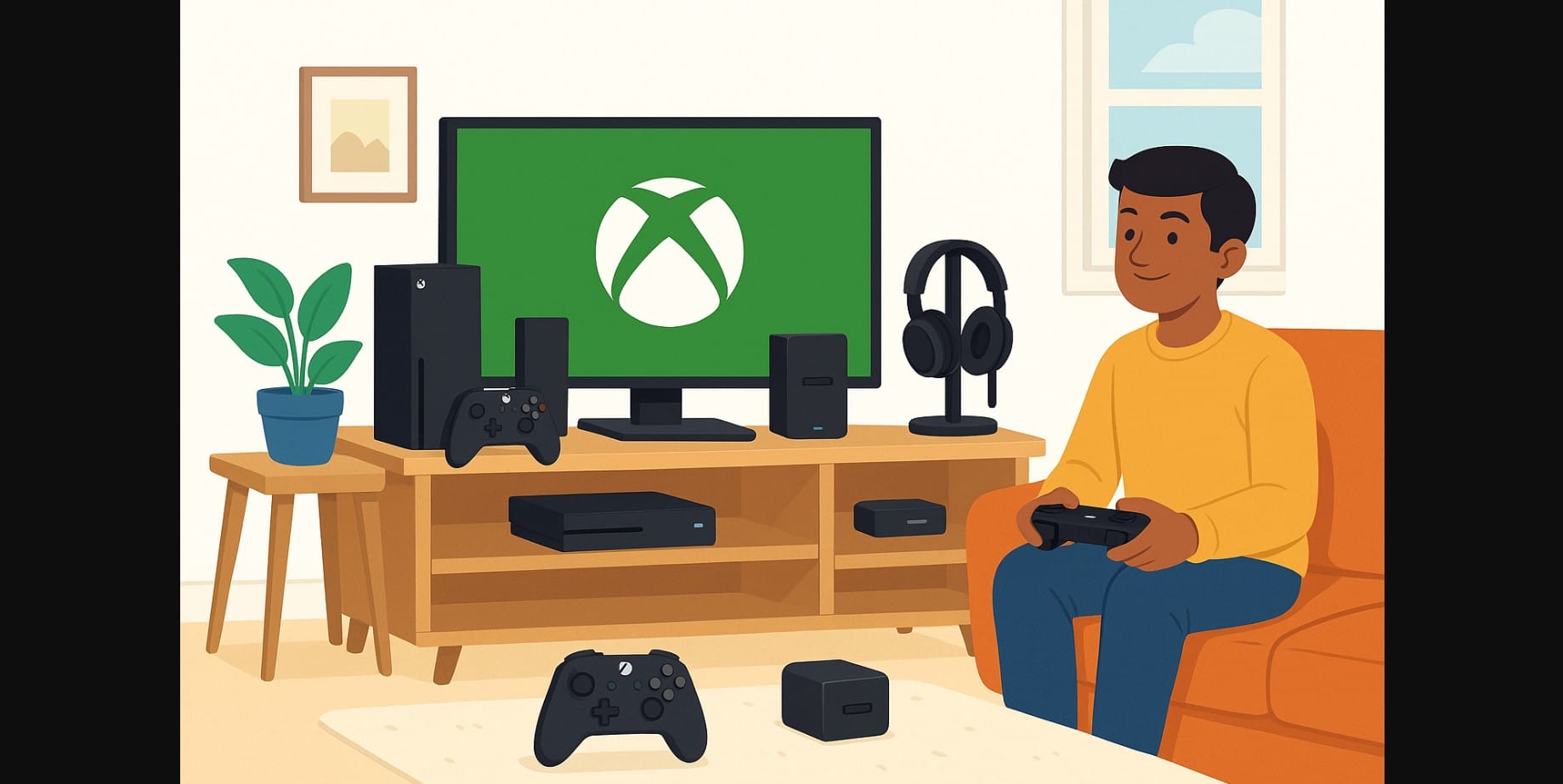
If you bought an Xbox in India, chances are your box included just the basics: a console, one controller, and some paperwork. But to really enjoy your Xbox whether you’re gaming solo, with friends, or online a few smart accessories can make a big difference.
This guide walks you through the most useful add-ons for Xbox users in India, what they do, and which ones are worth your money.
1. Start with the Xbox Essentials – You’ll Use Every Day
Add a Second Xbox Controller for Multiplayer
You’ll need this if you play with siblings, friends, or guests. Xbox controllers are easy to pair, come in several colors, and are compatible across both Xbox Series X|S and Xbox One.
- Official wireless controllers work best, with low-latency Bluetooth and 3.5mm jack.
- Avoid third-party controllers unless you’re sure they’re Xbox-certified.
Stop Buying AA Batteries – Get a Rechargeable Kit
Xbox controllers still run on AA batteries, and in India, cheap local brands die quickly.
- A Play & Charge Kit or a rechargeable battery pack saves money long-term.
- Popular third-party options from PowerA or Nyko are available on Amazon India.
Upgrade Your HDMI Cable If You’re on a 4K TV
Most Indian Xbox bundles don’t come with HDMI 2.1 cables, which are required for 4K at 120Hz (Series X only).
- Use certified Ultra High-Speed HDMI 2.1 cables.
- Brands to consider: Belkin, BlueRigger, AmazonBasics.
2. Take Your Xbox Gaming Audio to the Next Level with These Add-Ons
Get a Gaming Headset with Built-in Mic
Online play without a headset means you miss audio cues and can’t coordinate with your team.
- Look for wired headsets with 3.5mm jacks for easy plug-and-play.
- Good options available in India: HyperX Cloud Stinger, Turtle Beach Recon, SteelSeries Arctis.
Prefer Typing or Messaging? Try a Chatpad
For users who type frequently or use the Xbox for streaming and messaging, an Xbox Chatpad gives you a mini keyboard right on the controller.
3. Need More Game Space? Expand Your Xbox Storage Smartly
External Storage for Game Downloads
With games crossing 100 GB each, internal storage fills up quickly especially on the Xbox Series S.
- Use an external SSD for faster load times or a USB 3.1 hard drive for mass storage.
- For Series X|S, Seagate Expansion Cards are the only storage options that run next-gen games directly.
Stands and Hubs That Keep Things Tidy
Multi-controller stands, cooling bases, and USB hubs help organize cluttered desks.
- Some stands also include charging docks and fans just avoid overly flashy ones with poor reviews.
4. Protect Your Xbox – Power Backup, Dust & Heat
Use a Surge Protector or Small UPS
Indian homes often deal with voltage drops, surges, or power cuts especially in monsoon season.
- A surge protector guards against damage.
- A mini UPS (600-800 VA) gives you 10-15 minutes to save and power down safely.
Shield It from Dust and Heat
Indian homes collect dust quickly especially near balconies and windows.
- Use a dust cover or even a soft cloth when not in use.
- Keep the console in an open space with airflow avoid locking it in TV cabinets.
5. For Game Streamers and Creators: Tools to Share Your Gameplay
Use a Capture Card for High-Quality Recording
If you stream to YouTube or Twitch from a PC, you’ll need a capture card (like Elgato HD60S).
- It records gameplay via HDMI while passing the signal to your TV.
Plug in a Webcam for Facecam Streams
Some USB webcams work directly with Xbox useful if you’re broadcasting through Twitch.
6. What to Avoid Even If It Looks Tempting
Not all Xbox accessories are worth it some may even harm your console.
- Cheap third-party chargers can overheat or damage the controller.
- Unverified LED skins or decals can block vents and cause overheating.
- Noisy USB fans or knockoff docks often add more hassle than value.
Stick with certified or well-reviewed accessories whenever possible.
7. Where to Buy Xbox Accessories in India
Best Online Options:
- Amazon India – widest selection, buyer reviews, replacement support.
- Flipkart – good deals, but verify seller ratings and warranty.
- Microsoft Store India (online) – for original accessories.
In-Store Options:
- Croma, Reliance Digital, Vijay Sales – basic accessories often in stock.
- Ask store staff if items are Xbox Series X|S compatible, especially for headsets and batteries.
Actually Matter
Summary: Make the Most of Your Xbox with the Right Add-Ons
| Accessory | Why It’s Worth It |
|---|---|
| Extra controller | Multiplayer and couch co-op |
| Rechargeable battery kit | Saves cost over time |
| HDMI 2.1 cable | Unlocks 4K 120Hz performance |
| Headset with mic | Crucial for online communication |
| External SSD/HDD | Store more games easily |
| Surge protector/UPS | Protects from power cuts |
| Dust cover | Keeps console clean in dusty homes |
| Capture card | Ideal for streaming and content creation |

