
Make Your OLD Computer Game Like New – Without a Full Rebuild
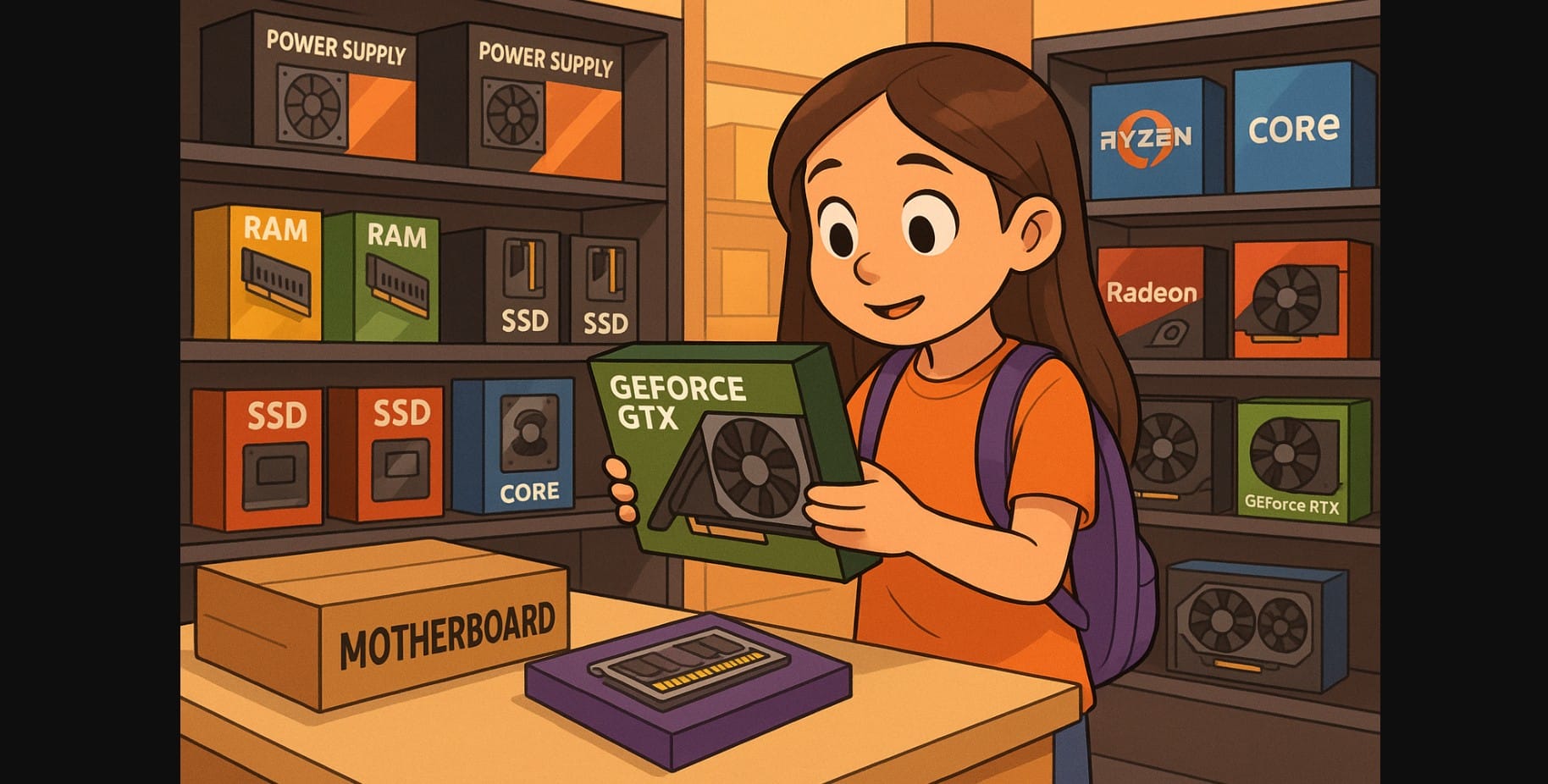
If your PC is 5 to 6 years old, you don’t need to toss it out just because new games feel sluggish. Most older desktops PC whether they run a 9th gen Intel i5 or a third-gen Ryzen can still handle modern games in 2025 with the right upgrades. The key is knowing which parts to replace and which ones are still usable.
This guide shows you how to identify what’s holding you back and upgrade only what matters without spending on a full rebuild.
Step 1: Know What You’re Working With Before You Buy Anything
Before opening your wallet, check your current hardware. Use these tools:
- CPU-Z – Shows processor model, RAM type/speed, and motherboard chipset
- HWiNFO – Full system info, including PSU wattage and GPU slot type
- Task Manager > Performance – Live RAM and disk usage under load
Write down your:
- CPU model and socket type
- Available RAM (and whether it’s one or two sticks)
- Storage type (HDD or SSD)
- Power supply brand and wattage (from PSU label)
This tells you what you can upgrade and what might need replacing.
Step 2: The GPU Upgrade That Makes the Biggest Difference
Entry-Level (₹10K-₹15K)
- Intel Arc A580 (8GB) – Great value now that drivers are mature
- GTX 1650 / RX 6500 XT – Still widely supported, work well for esports and older AAA titles
- Ideal for: i5-3470, i3-6100, Ryzen 3 1200 systems
- PSU Needed: At least 400W with 6-pin connector
Mid-Range (₹18K-₹25K)
- RTX 3050 (2024 6GB version)
- RX 6600 or RX 7600 – Excellent with first-gen Ryzen or 6th/7th gen Intel
- PSU Needed: At least 500W with 8-pin PCIe support
Watch for CPU Bottlenecks
If your GPU usage stays low in games while CPU is maxed out, the processor is limiting performance. For example:
- i5-3470 + RX 7600 = bottleneck
- Ryzen 5 1600AF + RX 7600 = balanced
Step 3: Add More RAM to Avoid Stuttering and Background Freezes
- Minimum for 2025 gaming: 16GB (8GB x 2, dual channel)
- Use dual-channel setup for better bandwidth
- RAM is one of the cheapest and easiest upgrades for old systems
What to Buy
- DDR3 systems: Add 8GB 1600MHz if supported (used modules available online)
- DDR4 systems: Go for 16GB 3200MHz (Corsair, Adata, Crucial)
Before buying:
- Check how many RAM slots are free
- Clean the slots before installation
- Don’t mix different speeds unless your motherboard supports it
Step 4: Upgrade to an SSD This Alone Can Make Your PC Feel New
If your system still runs on an HDD, this is the first upgrade you should make.
What You’ll Notice
- Windows boots 5-10x faster
- Games load in seconds
- Texture stutters and disk bottlenecks disappear in open-world titles
Options
SATA SSDs (2.5-inch): Budget-friendly, work in all systems
- Kingston, Crucial, WD Green – 240GB to 500GB
NVMe SSDs (if your board supports M.2 PCIe): Much faster
- WD SN770, Crucial P3 – Gen4, great for game installs
Install Windows and your main games on the SSD, and use your old HDD for storage.
Step 5: Clean Up the Case and Fix Thermals
- Remove side panel, clean dust from CPU cooler, fans, and PSU
- Reapply thermal paste if it’s older than 2 years
- Add at least one rear exhaust fan if none exists
- Make sure air can escape don’t keep the case under a sealed desk
Boosts
- Add a budget air cooler like Deepcool GAMMAXX 400 if using a noisy or underperforming stock fan
- Elevate the cabinet slightly off the ground to reduce dust and improve bottom airflow
Step 6: Replace the PSU Only If You’re Upgrading the GPU
Your old 350W PSU won’t handle modern cards and might damage them if overloaded.
Replace If:
- PSU is over 5 years old or unknown brand
- No 6-pin or 8-pin GPU connectors
- You’re adding anything beyond a GTX 1650
Recommended Budget PSUs
- Deepcool PK550D
- Corsair CV550
- Cooler Master MWE V2 550W
All support mid-tier GPUs and come with 80+ Bronze efficiency
Quick Combo Suggestions Based on Popular Old CPUs
| Existing CPU | Suggested GPU | Other Upgrades |
|---|---|---|
| i5-3470 | Arc A580 or GTX 1650 | SSD + 8GB RAM |
| i5-6500 | RX 6600 or RTX 3050 | SSD + 16GB RAM |
| Ryzen 5 1600AF | RX 7600 | PSU + 32GB RAM |
| Ryzen 3 2200G | GTX 1650 | SSD |
| i3-9100F | RTX 3050 | PSU upgrade |
When It’s Time to Stop Upgrading PC and Build New
Sometimes, no amount of upgrading will give you the performance you need.
Upgrade only if:
- Your motherboard supports DDR4 or NVMe
- You can install at least 16GB RAM
- Your CPU won’t bottleneck a mid-tier GPU
- Your PSU is stable and has PCIe connectors
Consider a rebuild if:
- You’re stuck on DDR3
- Your BIOS doesn’t support newer GPUs
- Your power supply is unreliable
- You’ve already upgraded and still struggle with modern titles
In that case, build fresh using a Ryzen 5 8600G or Intel i5-14400F combo both are budget-friendly and game-ready.
Summary: A Few Right Parts Can Save You ₹50,000 or More
You don’t need a new gaming PC to play modern games. In India, smart upgrades a used GPU, 16GB RAM, a decent SSD can breathe new life into older systems. This approach is ideal for students, casual gamers, or anyone who wants decent performance without rebuilding from scratch.
Just check compatibility, don’t cheap out on the PSU, and clean your system while you’re at it. Your old PC has more life than you think.

