
Checklist to Choose the Best Broadband Connection for Your Home
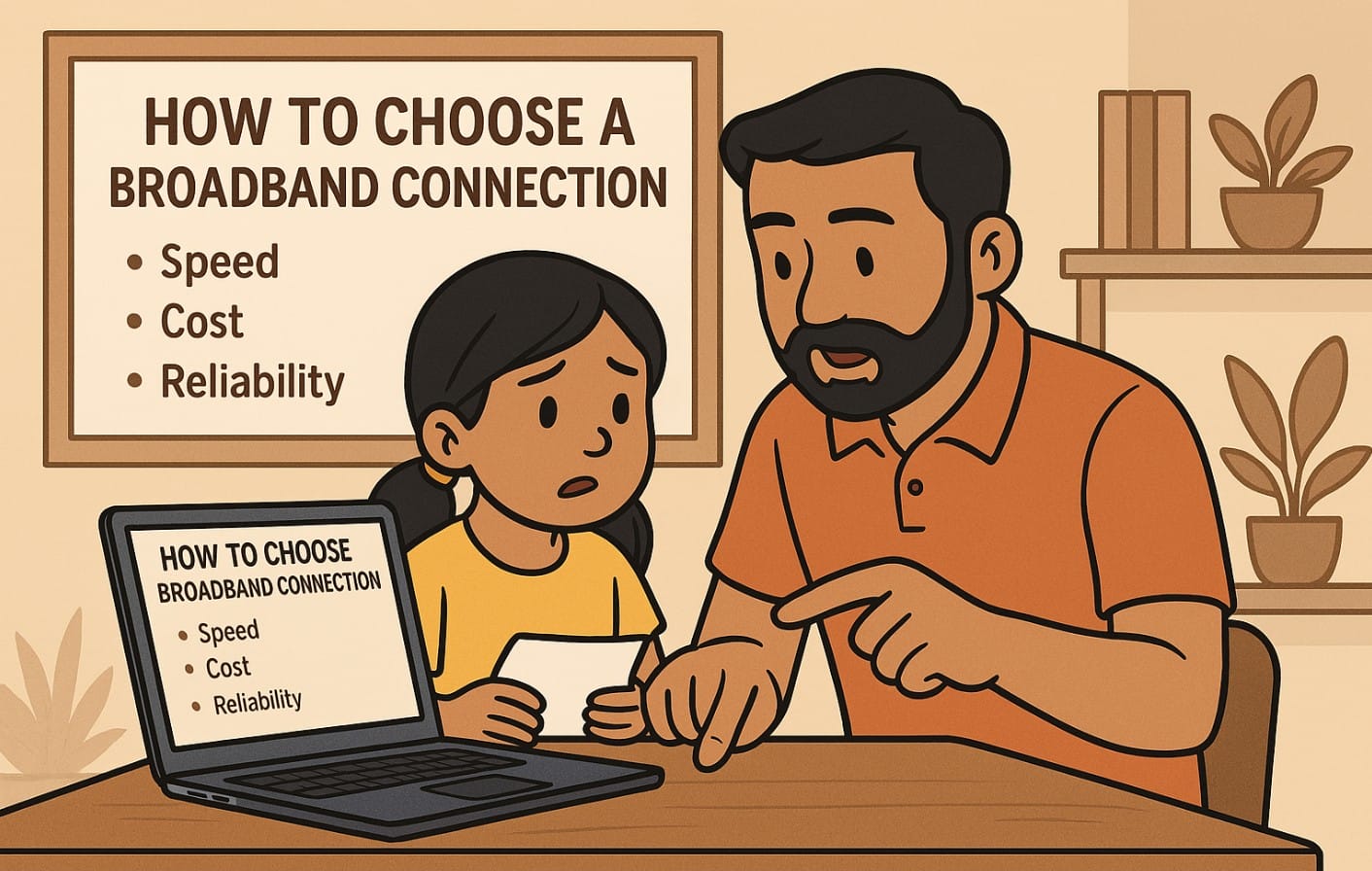
Choosing broadband in India isn’t as simple as picking the fastest plan. With fiber, AirFiber, mobile hotspots, bundled OTT offers, and hidden installation fees, it’s easy to get overwhelmed or overcharged.
This guide helps you pick the right broadband connection not just by speed, but by what works best for your home, devices, and usage in India today.
Step 1 – Know What’s Available at Your Address
Check Availability First, Not Ads
Before you look at plans, first confirm what’s actually offered in your building or locality. Ads might promise fiber or AirFiber, but service availability still varies lane by lane, tower by tower.
How to Check Availability
- Visit the official websites of JioFiber, Airtel Xstream Fiber, or ACT Fibernet, and enter your PIN code or address.
- Ask your building security, neighbors, or local shopkeepers who already use broadband.
- Contact the company’s sales agent in your area they often know coverage status better than websites.
If you can’t get fiber, check whether AirFiber (wireless 5G broadband) is available. It requires line-of-sight to a nearby tower, not just signal coverage.
Step 2 – Decide How You’ll Use the Internet
Identify Your Usage Type
- Light Use: Basic browsing, WhatsApp, YouTube in SD
- Medium Use: Video calls, OTT apps, YouTube in HD, multiple phones
- Heavy Use: WFH, online classes, 4K streaming, gaming, smart TVs
Match the Plan to Your Use
- Light use: 30-50 Mbps plans via AirFiber or basic fiber
- Medium use: 100 Mbps Fiber or AirFiber preferred
- Heavy use: 200 Mbps or above with reliable fiber and a good Wi-Fi router
Don’t pay for 300 Mbps just because it’s advertised match it to your real needs.
Step 3 – Count the Devices in Your Home
Why This Matters
Your internet speed is shared across all connected devices phones, TVs, laptops, Alexa, security cameras, and more. Too many devices on a weak router causes slowdowns, not the broadband plan itself.
Router Capacity Checklist
- 1-3 devices: A basic single-band router will work
- 4-8 devices: Use a dual-band (2.4 GHz + 5 GHz) router
- 9+ devices or large homes: Upgrade to a mesh router or a high-end dual-band router
If you’re using the free router provided by your broadband company, check if it’s strong enough some are just entry-level.
Step 4 – Understand the Type of Connection
Choose Between Fiber, AirFiber, or Mobile Hotspots
- Fiber Broadband: Most stable, best for heavy usage, requires wiring
- AirFiber (5G wireless): Fast, no wiring needed, easier to install in flats or rented homes
- Mobile Broadband (SIM/dongle): Backup only, not suitable as primary home internet
What Works Where?
- Apartments in metro cities: Usually have fiber or AirFiber options
- New buildings or rented flats: AirFiber is plug-and-play and avoids landlord permissions
- Towns or outskirts: Try for AirFiber if fiber isn’t present
- Remote areas: Mobile broadband may still be your only option until satellite internet arrives
Step 5 – Check the Actual Monthly Cost
Watch Out for Hidden Charges
The ₹999/month plan isn’t always ₹999:
- Check for any Router fees
- Installation charges (₹500-₹1500 if waived only conditionally)
- Check for Security deposits
- OTT access might be free only for 6 months
Compare Total Cost Over Time
Ask for a cost breakdown for 6 months or 1 year:
- Upfront + monthly charges
- Is installation free or refundable?
- What happens to your plan after 3 or 6 months? Any price hike?
Step 6 – Consider Customer Support and Service Quality
Speed Is Useless Without Service
Your 150 Mbps plan means nothing if your Wi-Fi drops every evening and no one shows up to fix it. Look for providers with local support teams who respond quickly.
How to Check Provider Reliability
- Ask neighbors or your housing WhatsApp group
- Check Google Reviews and complaints on Twitter (X) for your city
- Look for known issues like billing errors, connection downtime, or poor complaint resolution
A provider with 100 Mbps and good support often beats one that promises 300 Mbps but disappears when there’s a problem.
Step 7 – Final Checklist Summary
- Is Fiber or AirFiber actually available at your building?
- How many devices and users will be online at the same time?
- Are you using it for browsing, streaming, WFH, or heavy multitasking?
- Did you check for hidden router fees, deposits, or installation charges?
- Do your neighbors or local users recommend this provider?
- Is the router strong enough for your room size and number of devices?
What Most People Miss Before Signing Up
Choosing the right broadband in India in isn’t about the highest Speed or the biggest offer it’s about fit. You need something that works reliably, handles your daily load, fits your Apartment/Home, and gives support when you need it.
Use this checklist to avoid mistakes most people make and get a connection that just works for your actual needs.

