
Safely Transporting Your Gaming PC: Home Moves, Trains & Packers
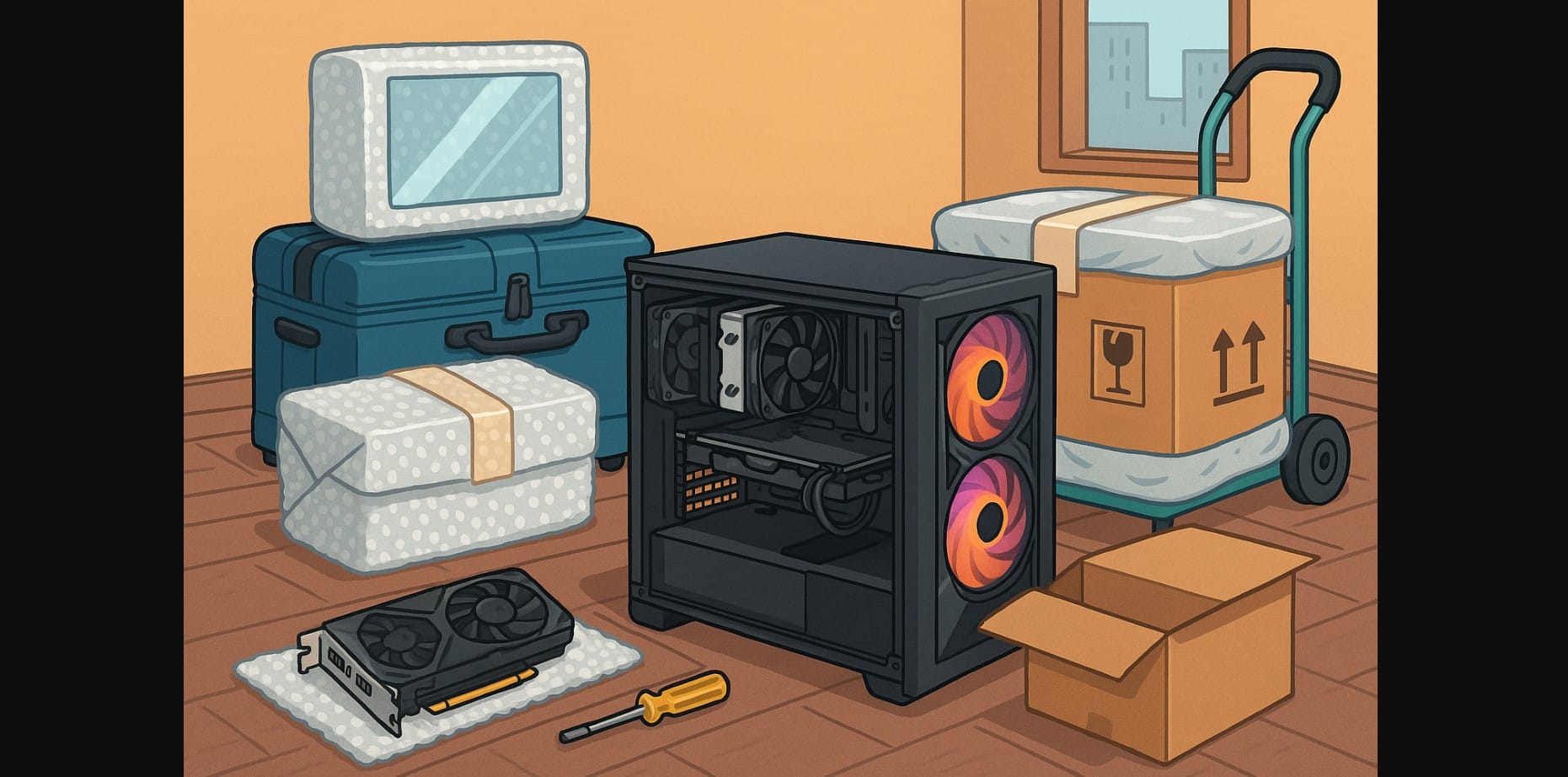
Moving a gaming PC across town or across states can be risky if you don’t plan it right. In India, where relocation often involves bumpy roads, crowded trains, or careless packers, one wrong jolt can damage your expensive GPU, bend your motherboard, or crack your cabinet glass.
Whether you’re shifting houses, sending your PC ahead during a job move, or carrying it yourself by train or taxi, this guide walks you through real ways to protect your rig. From internal padding and box choices to transport mode and what to detach before moving, here’s how to keep your gaming setup safe from shocks, dust, and disaster.
1. Why Your Gaming PC Needs Special Handling?
Gaming PCs aren’t like toasters or water purifiers. They contain:
- Heavy GPU cards that can snap out of place
- Tall CPU coolers that bend or twist mounts
- Glass side panels that crack from even minor impact
- Custom cables, fans, and SSDs that shift under vibration
One hard bump, and your ₹1.2 lakh setup might not boot again.
2. What Can Go Wrong While Moving?
| Part at Risk | What Often Happens During Transport | How to Protect It |
|---|---|---|
| Graphics Card | Snaps PCIe slot or warps from shock | Remove and pack separately |
| CPU Cooler | Dislodges or twists motherboard | Tighten or remove before packing |
| Glass Side Panels | Crack or shatter from flexing | Remove and wrap in bubble or towels |
| Internal Cables | Pop out or cause boot errors | Reseat and secure before sealing |
| Fans and Filters | Dislodge or get filled with dust | Cover vents or seal with masking tape |
3. Step-by-Step: How to Pack Your Gaming PC for a Safe Ride
Here’s how to do it right:
- Shut down, unplug, and ground yourself
- Remove the GPU and store in anti-static bag or a padded box
- If your cooler is large, remove it or at least double-check its mount
- Take off the glass panels and wrap in cloth or bubble wrap
- Insert padding inside old T-shirts, newspapers, or foam to prevent shifting
- Wrap the case in bubble wrap + a thick blanket or jacket
- Place it in a tight-fitting box (double-wall preferred)
- Label clearly: “FRAGILE – THIS SIDE UP – DO NOT STACK”
Don’t pack your PC with clothes it will trap dust and shift more.
4. Taking Your Computer on a Train?
Train travel can be fine as long as you don’t treat your PC like a backpack.
For short or medium-distance train rides:
- Choose AC coaches with less dust and more overhead space
- Place the cabinet upright in the luggage rack, cushioned with towels
- Avoid keeping it under seats it gets kicked or shifts constantly
- Carry GPU and monitor separately in padded bags
Consider a hard-sided suitcase if your cabinet is small enough.
5. Moving It in a Car or Cab? Don’t Just Toss It in the Boot
For personal or app-based car rides:
- Place the cabinet on the back seat floor, upright, surrounded by pillows or bags
- Never place it sideways it stresses mounts and cards
- Avoid the trunk if it’s full of tools, suitcases, or anything heavy
If you’re moving across cities by cab, also carry basic tools and cables in case you need to reassemble parts.
6. Using Packers and Movers? Assume They Don’t Know What a GPU Is
Most Indian movers have never handled a gaming PC. That means:
- They may lay it flat, stack boxes on it, or load it under furniture
- They might not recognize fragile glass or high-value electronics
What to do:
- Pack it yourself using the earlier method
- Insist on thermocol, shrink wrap, and “fragile” tape
- Tape a clear instruction sheet on the cabinet box: “DO NOT LAY FLAT DO NOT STACK – HANDLE UPRIGHT”
If possible, move the PC yourself and leave accessories to the packers.
7. Don’t Forget Your Monitor, Keyboard, and Accessories
| Item | Best Way to Pack |
|---|---|
| Monitor | Use original box or wrap between cardboard sheets + towels |
| Keyboard | Wrap in bubble wrap; keep keycaps secure |
| Mouse / Headset | Pack in a small box with soft wrap |
| Cables / Adapters | Use labeled zip-lock bags; avoid tangling |
| Speakers | Wrap separately; avoid placing near heavy items |
Also pack your backup drive, SSDs, or OS USB stick in your personal bag.
8. Once You Arrive – What to Check Before Hitting the Power Button
Don’t just plug it in and hope. First, check:
- Any visible panel cracks, dents, or loose screws
- Re-seat GPU, RAM, SATA cables, and PSU wires
- Remove internal padding if you added any
- Ensure fans spin freely and aren’t jammed
- Plug into a UPS or surge protector if available
Boot into BIOS and watch for temperature spikes, odd noises, or error codes.
9. Quick Recap – Gamers on the Move
- Carry critical components like GPU and SSD yourself
- Don’t trust movers with anything they don’t understand
- Always label, photograph, and organize before disassembling
- Move the PC upright never flat
- Keep a basic toolkit + extra SATA and HDMI cables handy in case of quick fixes

