
VR Gaming in India: What Your Computer Really Needs to Run It Smoothly
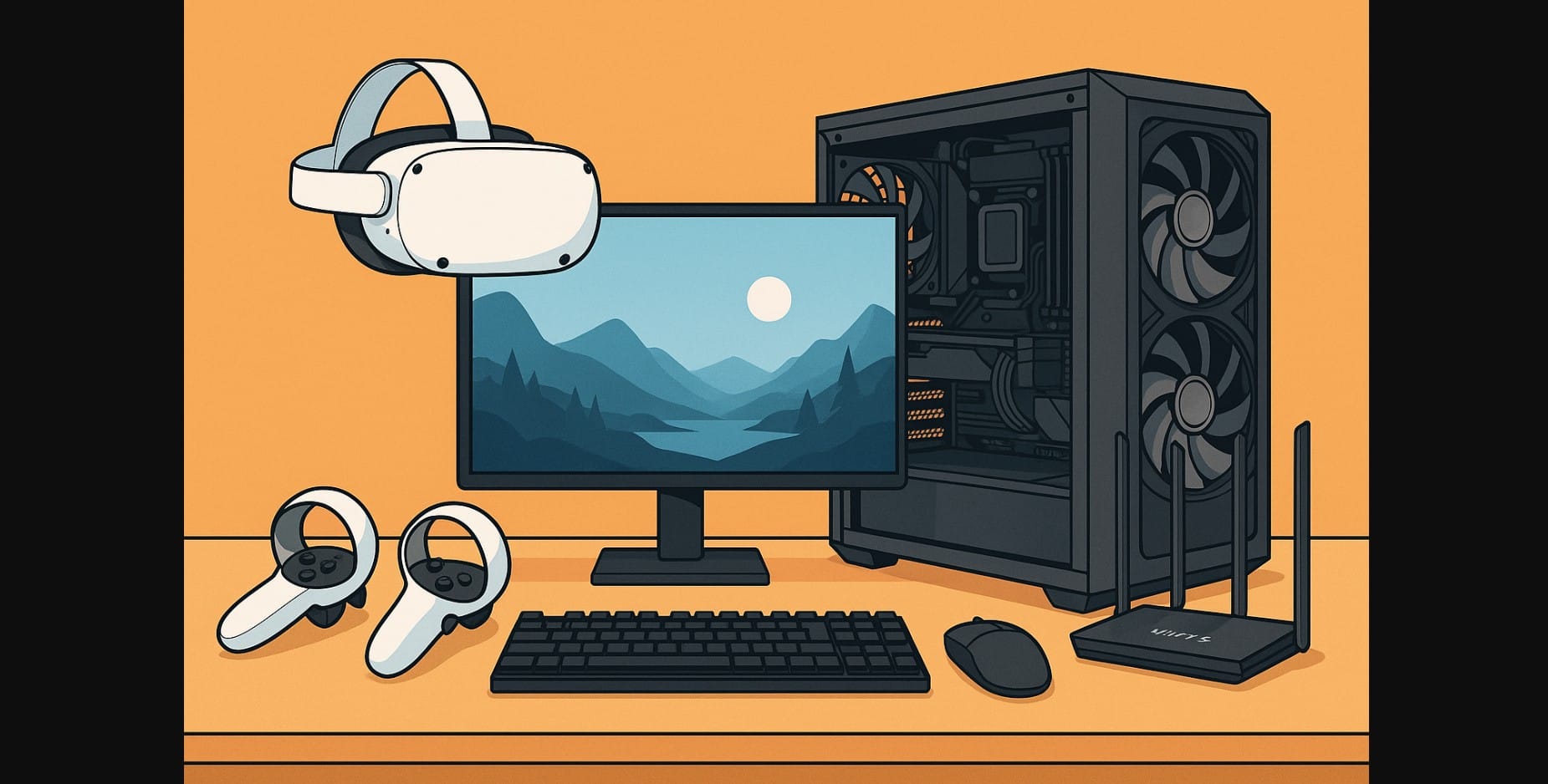
VR gaming in India is no longer just a tech demo it’s getting real. But building a Gaming PC for virtual reality isn’t the same as building one for regular gaming. It needs more power, tighter optimization, and the right ports and specs to avoid motion sickness or choppy frame rates.
In India, with newer GPUs and headsets hitting shelves, it’s possible to build a smooth VR gaming setup without going overboard.
This guide cuts through the confusion explaining exactly what you need in your CPU, GPU, RAM, USB ports, and motherboard to enjoy VR comfortably on platforms like Oculus (Meta), SteamVR, and PS VR2 for PC.
1. Why VR Isn’t Like Normal Gaming?
Running a VR game isn’t like running a standard game at 1080p.
In VR, your PC has to render two high-resolution displays at 90+ FPS, keep latency low to avoid nausea, and maintain steady frame pacing. That’s more than twice the workload and your hardware needs to keep up.
For gamers, this also means:
- Choosing hardware that’s actually available here
- Avoiding headsets that require U.S. warranties or imports
- Making sure your Wi-Fi, USB ports, and power supply don’t create hidden problems
2. Don’t Guess: These Are the Specs You Really Need for Smooth VR in 2025
You’ll find “VR Ready” stickers everywhere but here’s what it actually takes to run modern VR games without stutter or sickness:
| Component | Minimum for Smooth Play | Ideal for VR Games in 2025 |
|---|---|---|
| GPU | RTX 3060 / RX 6700 XT | RTX 4070 / RX 7800 XT |
| CPU | Ryzen 5 5600 / i5-12400 | Ryzen 7 5800X3D / i5-13600K |
| RAM | 16 GB DDR4 | 32 GB DDR5 6000 MHz |
| SSD | 512 GB NVMe | 1 TB NVMe Gen 4 |
| PSU | 550W Bronze | 650W+ Gold-rated |
Note: For wired VR, you must have a GPU with DisplayPort and a free USB 3.0 port
3. What Virtual Reality Headsets Are Actually Buyable in India?
Don’t get misled by international-only headsets or discontinued models. Here’s what’s worth buying and available to Indian consumers right now:
| VR Headset | Buy It From | Price (₹) | PCVR Support | Best Use Case |
|---|---|---|---|---|
| Meta Quest 3 | Amazon India, Croma | ₹55K-₹65K | Air Link + USB Link | Best all-round wireless headset |
| Meta Quest 3s | Limited sellers | ₹30K-₹35K | Air Link + USB Link |
The Meta Quest 3 is the smartest buy for most Indian gamers it supports standalone games, has PCVR over Wi-Fi or cable, and doesn’t require external trackers.
4. Hidden Compatibility Traps: Ports, Cables, and Wi-Fi
VR doesn’t just need performance it needs smooth data delivery. Here’s what often breaks Indian VR setups:
If You’re Using a Link Cable:
- Use a USB 3.0 Type-A port, not an extension or front panel
- Buy a high-quality USB-C to USB-A cable, preferably 5 Gbps or more
- Ensure your GPU supports DisplayPort 1.4, especially for Valve Index
If You’re Going Wireless (Air Link or Virtual Desktop):
- Use a Wi-Fi 6 dual-band router
- Connect your PC via Ethernet, not Wi-Fi
- Avoid congested 2.4 GHz networks (many Indian homes suffer from this)
5. VR Games That Actually Run Well
Don’t worry your build doesn’t need to be top-of-the-line to enjoy some of the best VR games. Here’s what works in India today:
| Game Title | GPU Needed | Why It Works |
|---|---|---|
| Half-Life: Alyx | RTX 3060 or better | Excellent optimization |
| Beat Saber | GTX 1650-3060 | Low load, high replay value |
| Boneworks / Bonelab | RTX 3070+ | Physics-heavy, needs CPU+GPU combo |
| iRacing / Assetto Corsa | RTX 4070 | Demands high frame pacing |
| Flight Simulator VR | RTX 4070 Ti+ | Heaviest game, needs tuning |
Emulators like Dolphin and PCSX2 also support VR mods for retro fans.
6. Planning a VR Build on a Budget? Prioritize These First
Spend More On:
- The GPU – VR is brutally GPU-bound
- The Router (if wireless) – Wi-Fi 6 = smooth wireless streaming
- Comfortable Headset Fit – VR fatigue ruins the fun faster than specs
You Can Save On:
- The CPU, unless you’re also streaming
- RGB or tempered glass cases
- Expensive AIO coolers (air coolers are fine if airflow is good)
7. Sample Silent VR Gaming Build for India
| Component | Recommended Part (2025) |
|---|---|
| GPU | RTX 4070 / RX 7800 XT |
| CPU | Ryzen 5 7600 / i5-13500 |
| RAM | 32 GB DDR5 (6000 MHz) |
| SSD | 1 TB NVMe Gen 4 |
| Case | NZXT H6 Flow / Fractal Pop Air |
| PSU | Corsair RM650e / DeepCool PQ650M |
| VR Headset | Meta Quest 3 |
| Router | TP-Link Archer AX55 or equivalent |
Result: Near-silent operation, no stutter, and a future-proof VR experience in Indian conditions.
8. If You’re Serious About VR in India, Build Smart
VR Gaming is no longer science fiction. It’s here, it’s playable, and it’s awesome if your PC is ready.
Ignore the stickers. Forget the fluff. Focus on:
- A solid GPU
- A stable connection (USB or Wi-Fi 6)
- A headset you can actually buy, return, and support locally
Once it runs well, VR feels not just immersive but magical.

