
Monitor Specs That Actually Matter When You’re on a Budget
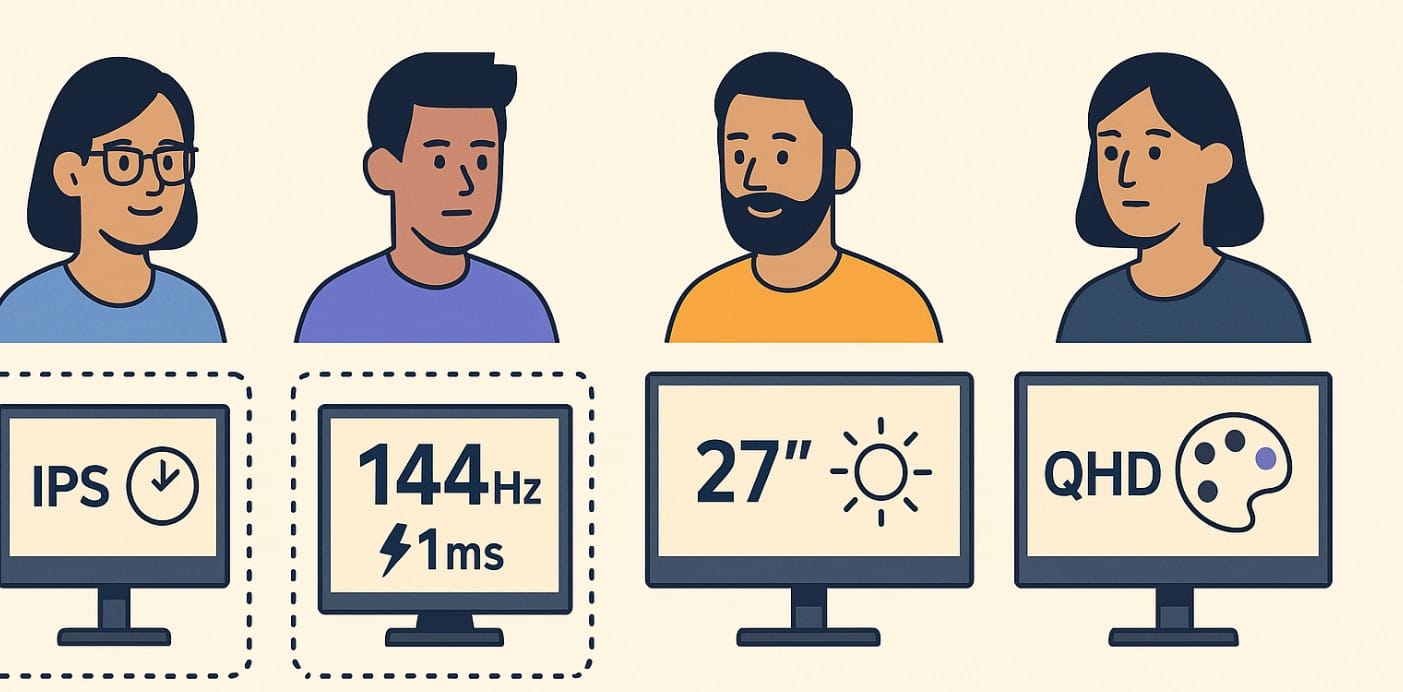
Buying a monitor today is harder than it looks. There are too many options, too many numbers, and too many videos telling you what’s “best.”
But if you’re shopping in India on a budget whether it’s ₹8,000 or ₹20,000 your goal isn’t to impress anyone. It’s to make your money go further, without buying features you’ll never use.
This post doesn’t give you another spec sheet to tick off. It gives you a way to think so you buy smart.
Step 1: Accept That Monitor Budget = Trade-Offs And That’s Okay
The Indian monitor market today offers incredible value but not everything in one screen. A sub-₹15,000 monitor won’t give you perfect colors, ultra-slim bezels, 4K resolution, and 144Hz refresh rate. That’s not a flaw it’s physics and price.
So instead of asking “Which one is best?”
Ask: “Which features matter most for how I actually use my screen?”
Step 2: Know Where to Spend a Little More and Where to Hold Back
Let’s break it down by usage style:
For Office Work, Study, or WFH
- IPS panel (for comfort and clarity)
- Eye care features (flicker-free + blue light filter)
Don’t overpay for:
- 144Hz refresh (you’ll never use it)
- 2K or 4K resolution (more strain on small desks)
Smart combo: ₹10,000-₹12,000 monitor with 24″, IPS, Full HD, 75Hz
For Budget Gaming
- High refresh rate (144Hz or more)
- Low response time (1-5ms)
- DisplayPort or HDMI 2.0
Don’t get distracted by:
- 4K resolution (you’ll likely game at 1080p anyway)
- Overhyped contrast or HDR on budget panels
Suggestion: 24″ Full HD, 144Hz IPS or VA, 1ms – around ₹12,000-₹18,000
For Movies and OTT
- VA panel (deeper blacks, better contrast)
- 27″ size for a more immersive feel
Skip if you’re on a budget:
- High refresh rate (not needed for OTT)
- Wide color gamut (unless you’re a purist)
Our Pick: ₹11,000-₹18,000, 27″ VA, Full HD, 300+ nits brightness
For Design, Content, or Visual Work
Spend a bit more on:
- sRGB 99%+ color accuracy
- IPS panel with strong calibration
- QHD resolution if budget allows
Skip for now:
- 4K unless your workflow truly demands it
- USB-C unless you need single-cable input from MacBook
Pick: ₹18,000-₹25,000+, 27″ QHD IPS, color-calibrated, sRGB 99%
Step 3: Understand the Common Budget Traps (Especially in India)
These features sound good, but often waste your money:
- HDR10 on budget models – Looks good on paper, but lacks real HDR brightness (400+ nits minimum)
- 4K resolution on a 24″ screen – Hard to notice, hard on the wallet
- Built-in speakers – Usually poor quality; better to use external ones
- Gaming design, RGB glow – No performance benefit at all
If you’re not careful, these “bonus” features quietly push your price up without improving your daily experience.
Step 4: Learn the Value Sweet Spots (Price Bands That Deliver)
| Budget Range | Best Use Cases |
|---|---|
| ₹8,000-₹10,000 | Study, basic WFH, casual users (22″-24″, Full HD, IPS) |
| ₹10,000-₹13,000 | Daily work + OTT, entry-level IPS with 75Hz |
| ₹13,000-₹18,000 | Budget gaming, smoother visuals, VA/IPS 144Hz monitors |
| ₹18,000-₹25,000 | Creative use, QHD displays, color-focused IPS |
Prices fluctuate based on season, brand, and offers but this range holds across platforms like Flipkart, Amazon, and Croma.
Step 5: Always Check These Carefully
- Real panel type – Don’t assume IPS unless it’s clearly stated
- Port version – HDMI 1.4 vs 2.0 makes a big difference for gaming
- Warranty & service – Especially important in tier 2-3 Indian cities
- User reviews – Look for ones that mention backlight bleed, dead pixels, ghosting
What If You’re Choosing Between Two Options?
Here’s how to decide quickly:
- Option A has higher refresh rate – Choose it for gaming
- Option B has better color and angle support – Choose it for work/OTT
- One is ₹1,000 more but gives IPS over TN – Take the IPS
Sometimes ₹500-₹1,000 is worth it. More than that, only upgrade if you’ll actually notice the difference every day.
In India, smart monitor buying comes down to:
- Knowing what you’ll use it for
- Spending slightly more on comfort and clarity
- Ignoring shiny extras that don’t matter
Don’t let the box or the influencer video make the decision for you.

