
Printer Repair in India – When to Call, Where to Go, What to Avoid
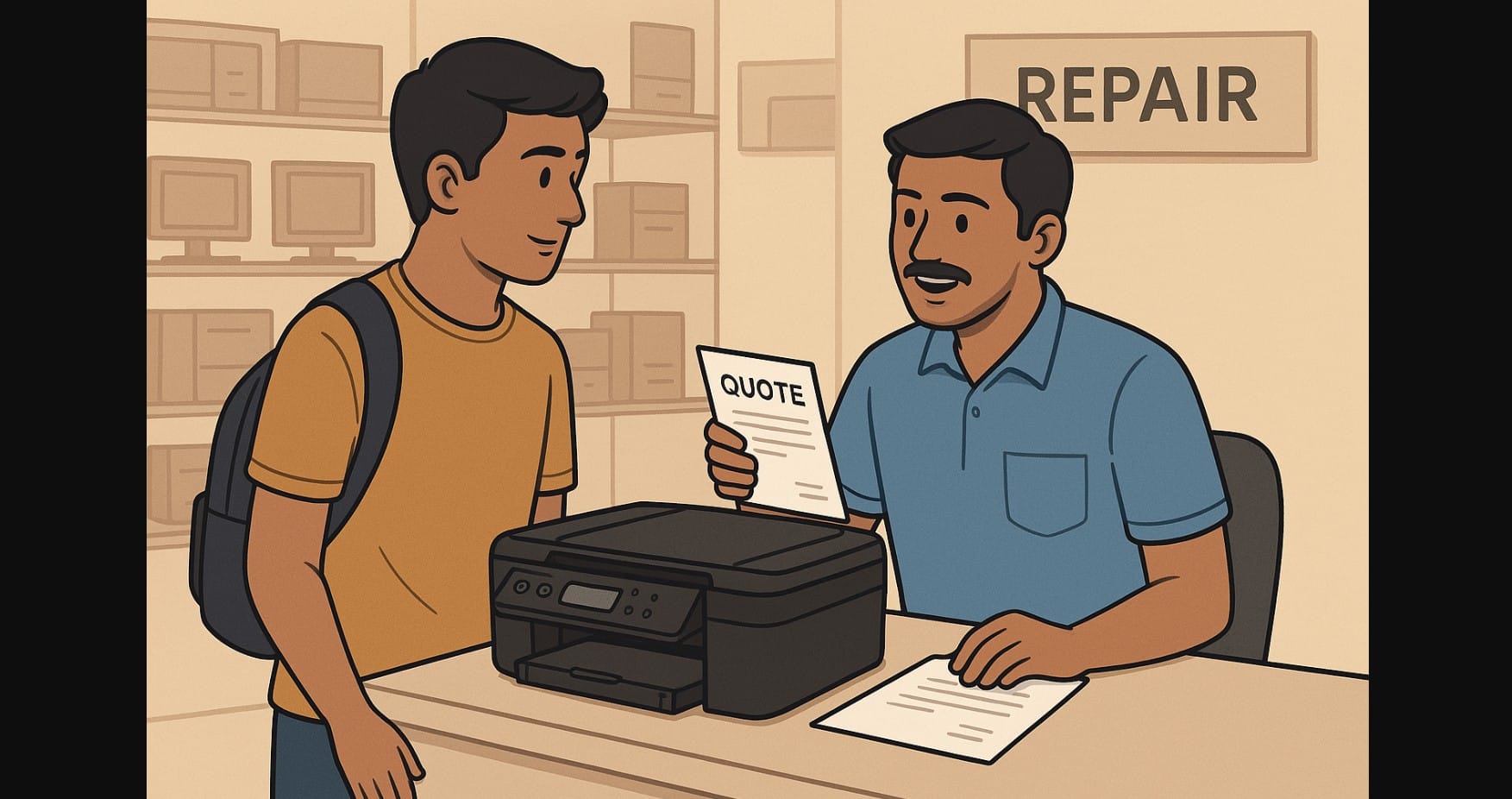
When your printer stops working due to a paper jam, blank page, or not starting at all the main issue in India isn’t always technical; it’s finding a trustworthy person to fix it.
Between unverified local shops, vague pricing, and confusing warranty claims, many Indian users get stuck. Some overpay, others replace a printer they could’ve repaired and many just give up trying.
This post is your guide to getting your printer fixed properly, whether you live in a metro city or a small town. From warranty steps to trustworthy repair tips, here’s how to handle it the smart way.
1. Understand the Printer Problem Before You Search for Help
Not every issue needs a technician. Before booking a repair, try to identify what kind of problem you’re dealing with:
| Problem Type | Common Signs |
|---|---|
| Paper Jam or Roller Issue | Paper stuck, won’t feed, or feeds unevenly |
| Ink/Cartridge Problem | Blank prints, missing color, ink overflow |
| Connectivity or Software | Not detected by PC, won’t print over Wi-Fi |
| Power Issue | Won’t turn on, shuts off randomly |
| Poor Print Quality | Lines, smudges, faded text or broken images |
If your printer is still powering on and giving some output, it’s likely a repairable issue.
2. If Your Printer Is Under Warranty (Usually 1 Year)
Step 1: Locate your invoice and warranty card (most brands accept soft copies)
Step 2: Go to the official brand website or call support
Step 3: Book service either at home (if offered) or visit the nearest authorised centre
| Brand | Service Website |
|---|---|
| HP | support.hp.com/in-en |
| Canon | in.canon/en/support |
| Epson | epson.co.in/service-centre |
| Brother | brother.in/support |
Some brands now offer:
- WhatsApp chat support
- Mobile app for booking service
- Free pickup and drop (for certain pin codes)
Repairs under warranty are usually free unless there’s physical damage or unauthorised ink used.
3. If Your Printer Is Out of Warranty
Now you have two choices:
Authorised Service Centre (Still Preferred)
- Best option for:
- Printhead errors
- Power issues
- Firmware problems
- You’ll pay a diagnostic charge (₹250-₹500), and repair cost if you proceed
- Parts will be original, and you often get 30-90 day repair warranty
Reputed Local Repair Shops
- Good for:
- Paper jams
- Cleaning issues
- Basic hardware replacement
- Ask:
- Do you provide a warranty for your repair?
- Are the parts original or compatible?
- Can I see the printer during repair or get a video/photo update?
Look for shops with 4.0+ Google ratings, 5+ years of experience, and clear service terms.
4. Should You Repair or Replace Your Printer?
Not every printer is worth fixing. Here’s a quick guide:
| Printer Age | Problem | Repair Recommended? |
|---|---|---|
| < 1 Year | Anything | Yes (under warranty) |
| 1-2 Years | Ink flow, rollers, Wi-Fi | Yes |
| 2-4 Years | Printhead damage, repeated jams | Compare repair vs new model |
| 5+ Years | Major issues or missing parts | Better to replace |
If the repair quote is over 50% of a new printer’s cost, consider upgrading instead.
5. How to Avoid Common Printer Repair Scams
Sadly, printer repair scams are real. Protect yourself with these simple steps:
- Always get a written or WhatsApp estimate
- Never leave your cartridge or ink bottle unless it’s part of the issue
- Ask for an invoice or job sheet
- If possible, watch the testing or ask for proof of what was repaired
- Clarify: Is the part being replaced genuine or compatible?
6. Finding Printer Help in Small Towns or Semi-Urban Areas
If there’s no official service centre nearby:
- Call the brand helpline they may direct you to a regional partner
- Use platforms like JustDial, Sulekha, or Google Maps but filter by:
- Verified status
- Recent reviews
- Printer-specific service (not just “electronics repair”)
- Explore courier-based pickup options offered by brands
- Some electronics retailers (who sell printers) also offer repair services in-house
7. Preventative Printer Maintenance You Can Do at Home
Avoid repairs by giving your printer basic care:
- Keep it covered when not in use (especially during dusty months)
- Use genuine ink or certified alternatives
- Don’t force paper if stuck follow the jam removal steps
- Clean the rollers gently with a dry cloth once a month
- Print something at least once every 10 days to keep ink flowing
For ink tank users, idle printers can cause drying or auto-clean cycles that waste ink.
8. Printer Issues Are Common, But Reliable Solutions Are Essential
Your printer might feel like a frustrating device until you have the right help. Start with the official route if possible, understand your issue before calling for help, and always compare costs vs value before agreeing to any repair.
Whether you’re in Delhi or Dhanbad, smart repair choices can save you money, time, and unnecessary stress.

